Drawing · 7 min read
Digital Gouache Blending: Mastering Edge Control
Master the balance between sharp shapes and soft gradients using digital gouache brushes and pigment-shifting smudge tools for professional painterly sketches.
The Sketchboard AI blog
Practical guides on sketch-style boards, flowcharts, arrows, washes and visual teaching. A fresh article lands here every day.
Discover how to use the smudge tool to displace pigment and create organic blends that bridge the gap between digital and traditional sketching.
Read the article →Master the balance between sharp shapes and soft gradients using digital gouache brushes and pigment-shifting smudge tools for professional painterly sketches.
Master the art of soft volumetric shading using digital airbrush techniques to create smooth gradients and realistic lighting on your hand-drawn sketch board.
Master the art of fluid digital inking by leveraging stroke velocity and pressure response to create professional, hand-drawn sketches with natural character.
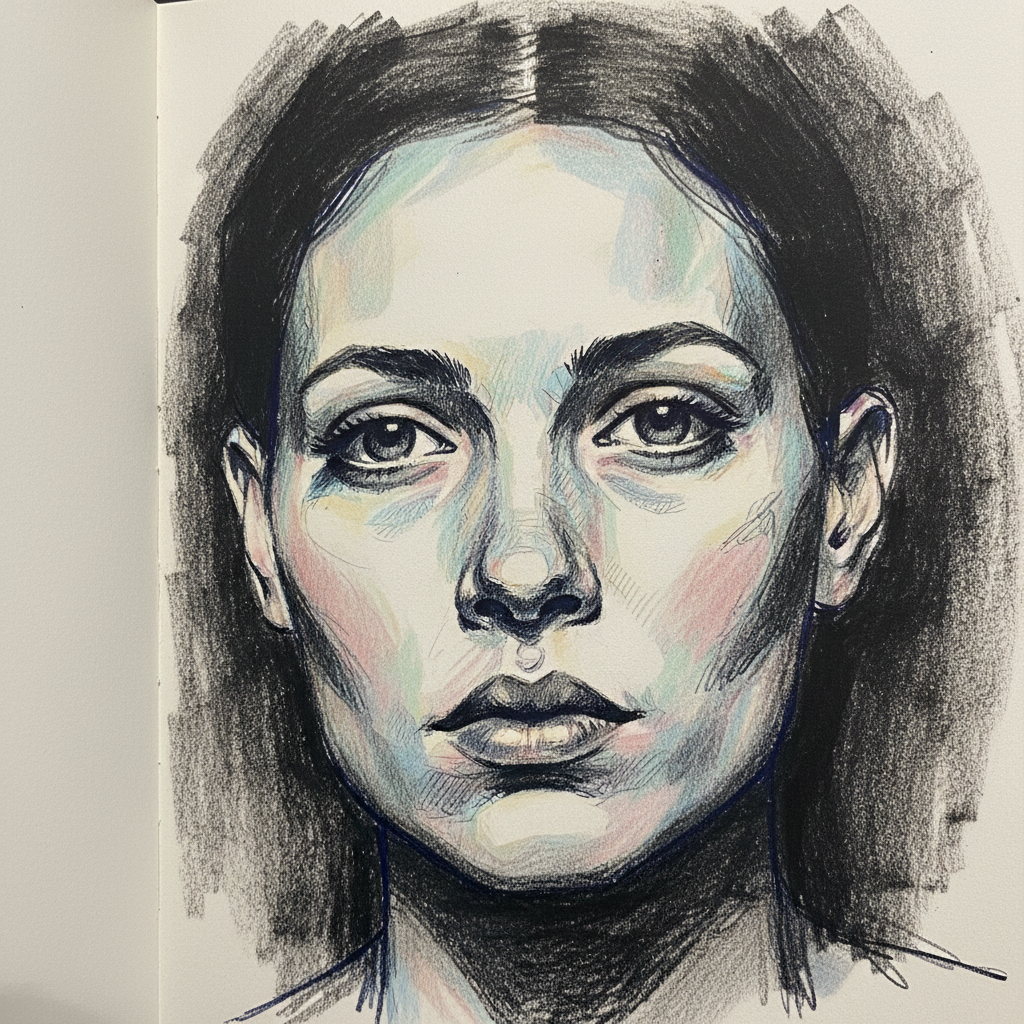
Master the art of light and shadow using digital charcoal brushes to create high-contrast portraits with rich, grainy textures and deep tonal range.
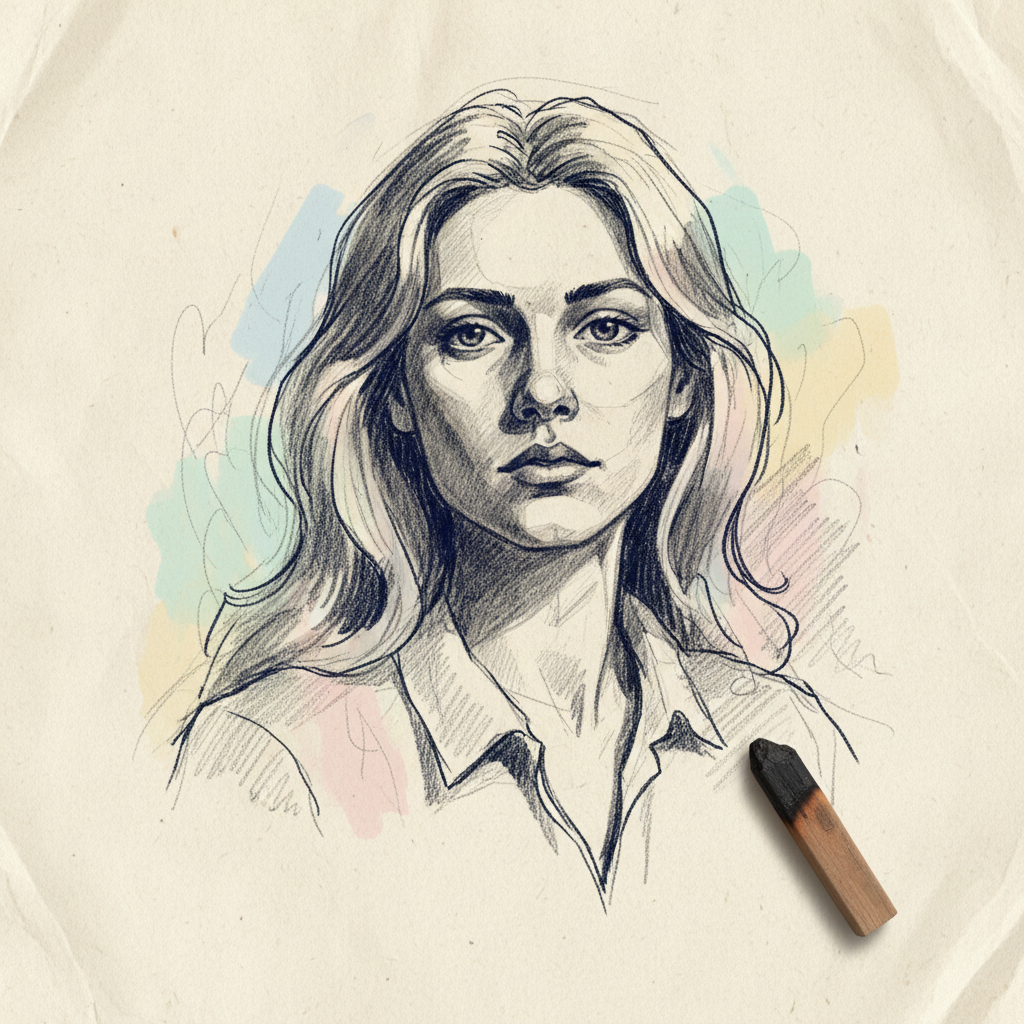
Discover how to balance light and shadow using digital charcoal brushes and smudge tools to create depth and drama in your portrait sketches.
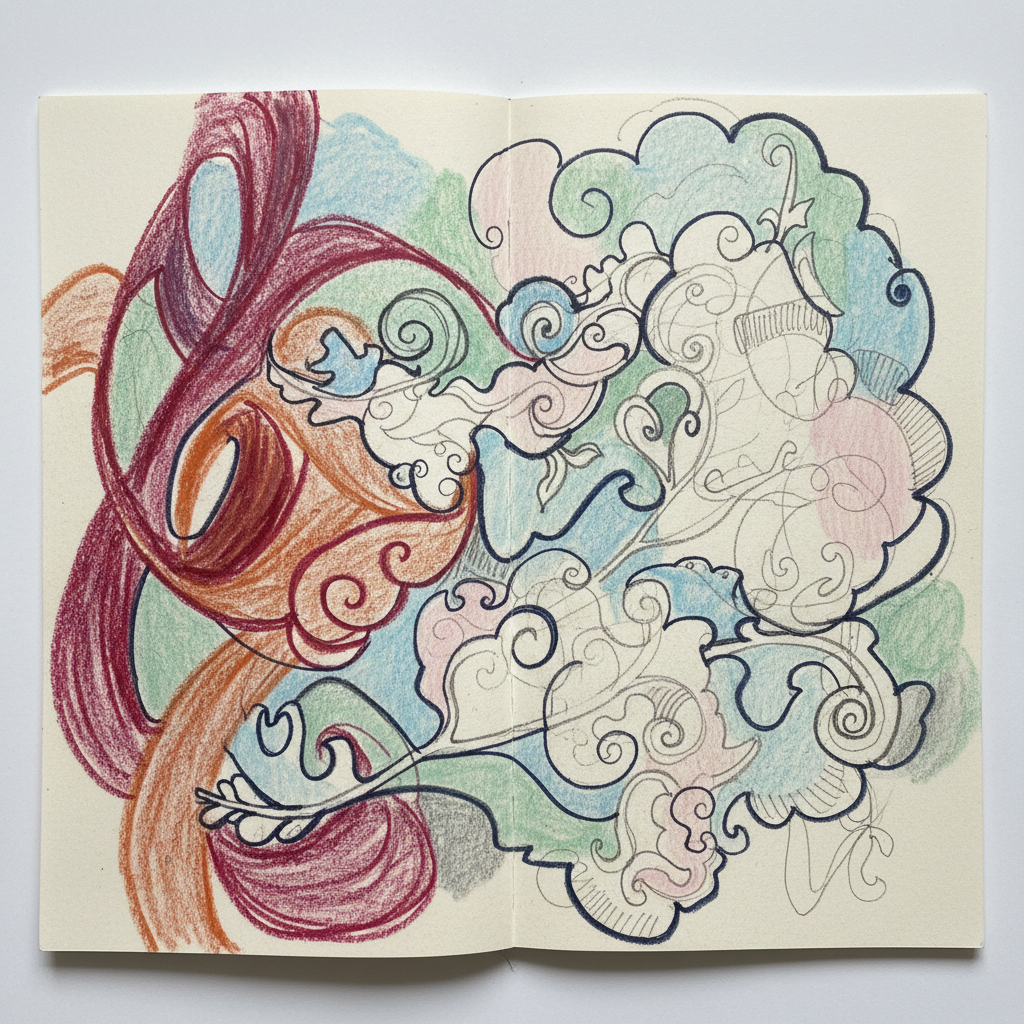
Discover how to combine digital dry media like charcoal and crayon to create rich, multi-layered textures that mirror the feel of a traditional physical sketchbook.
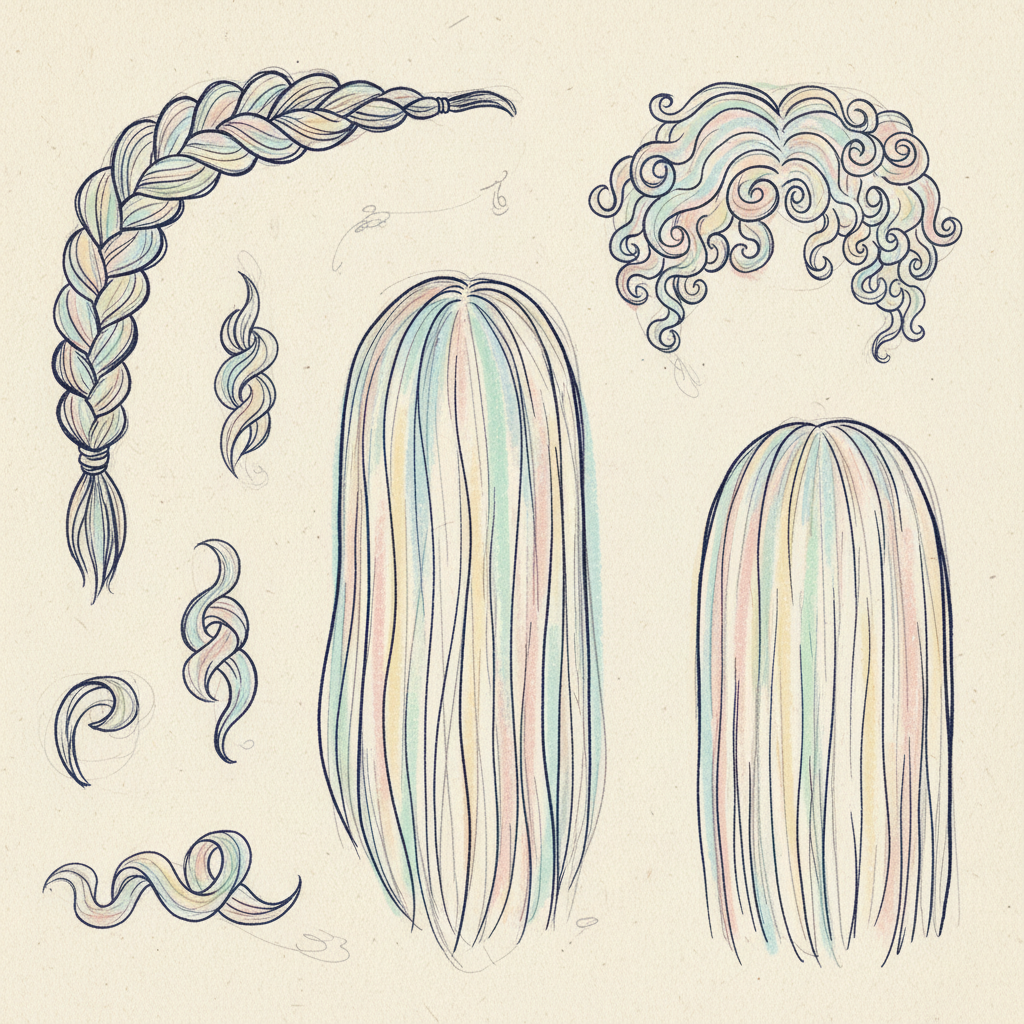
Learn how to use pressure-sensitive digital brushes and smudge tools to create realistic hair textures that follow natural flow and volume.
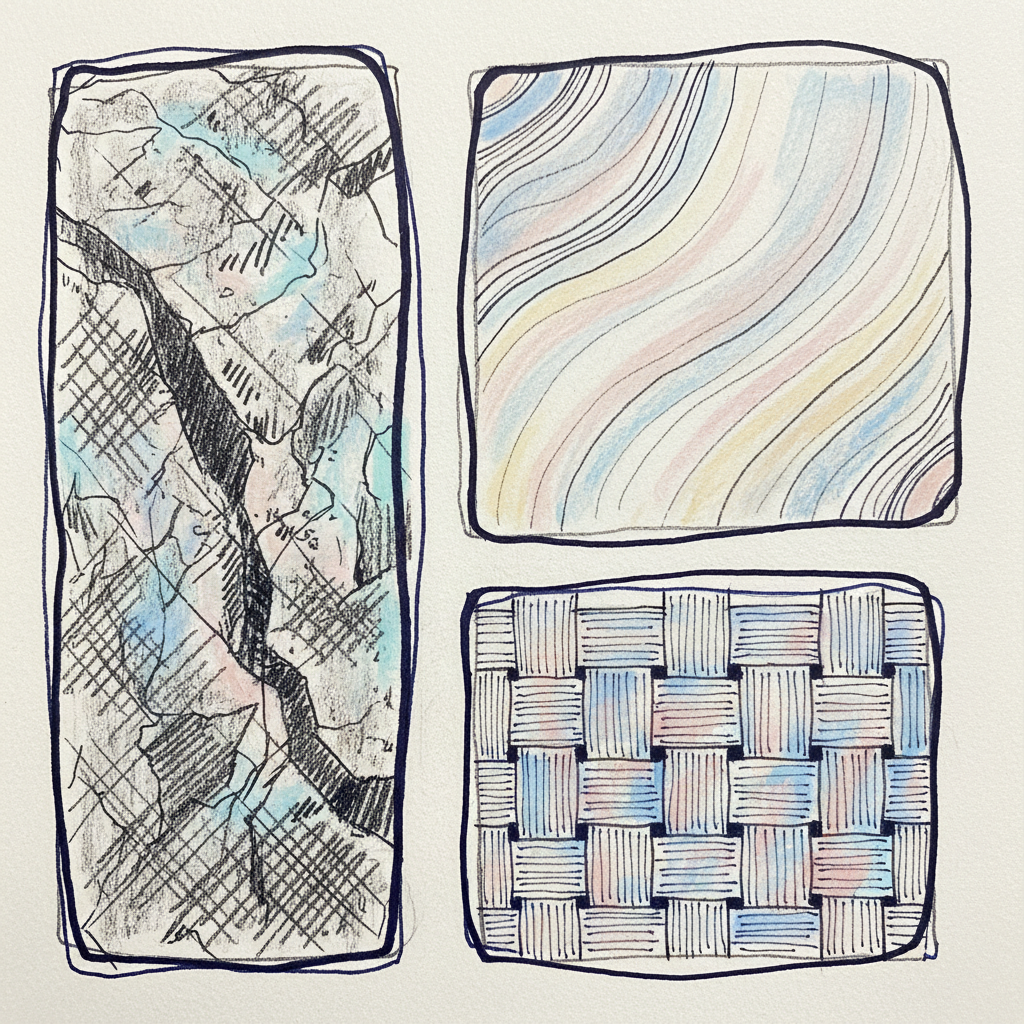
Learn how to use digital brush texture contrast to define different materials and surfaces in your hand-drawn sketches and technical renderings.
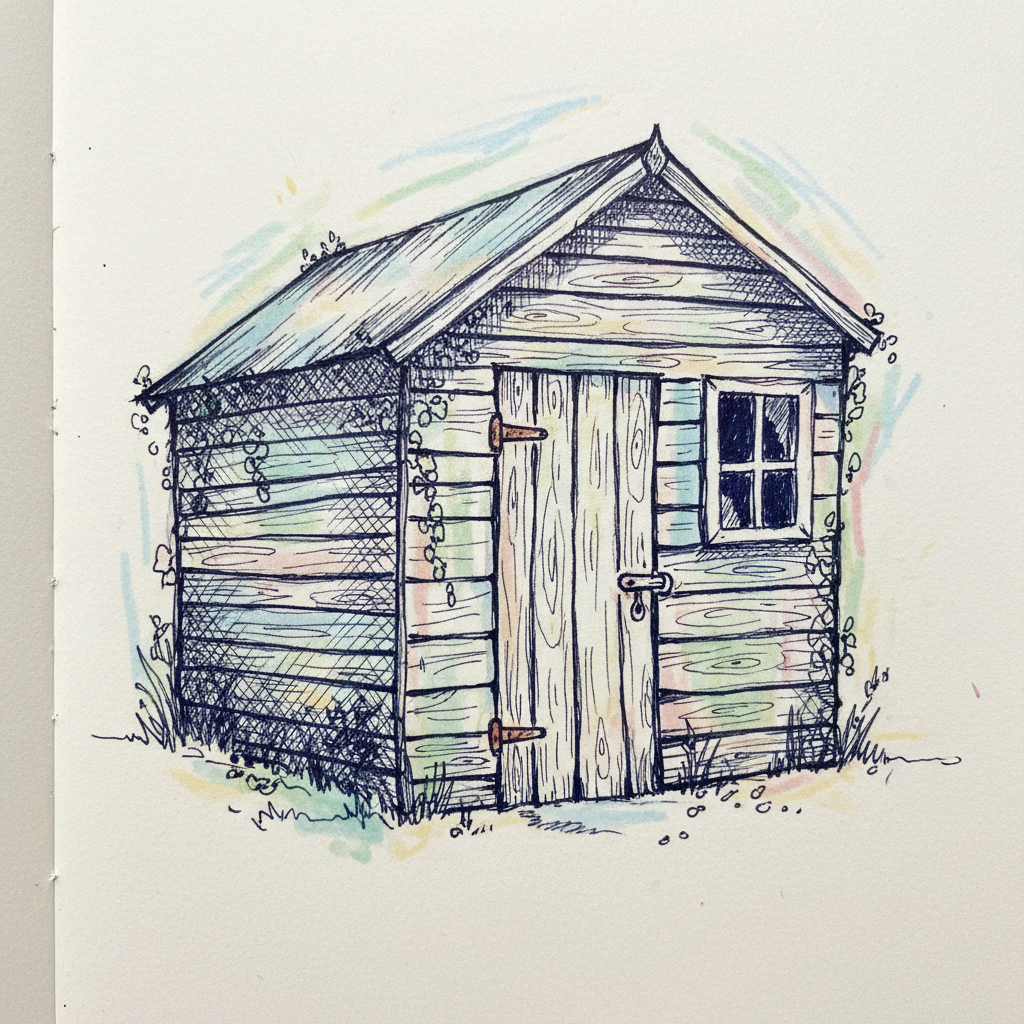
Master the art of digital ink cross-hatching to build rich textures and realistic volumes in your sketches using pressure-sensitive pen and ink brushes.
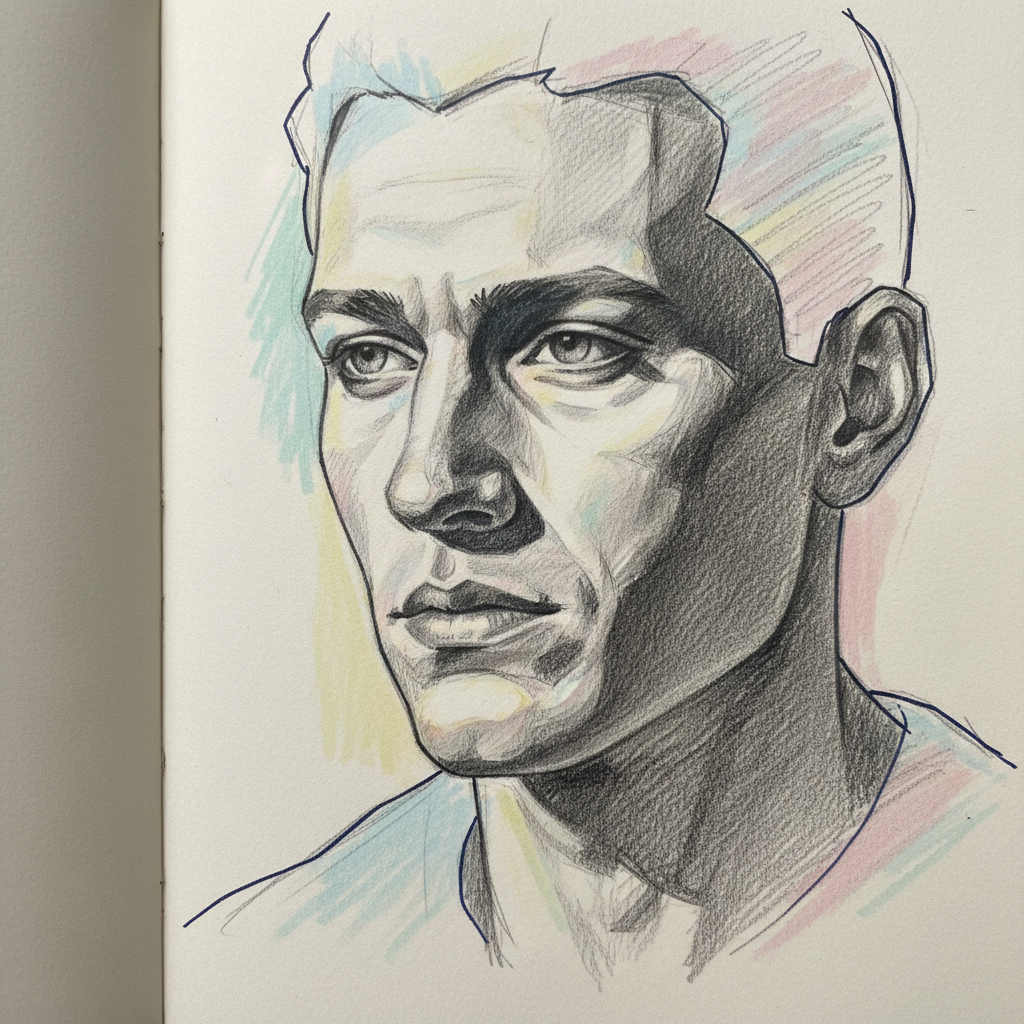
Learn how to use digital graphite brushes and non-destructive adjustments to build realistic lighting and depth in your digital portrait sketches.
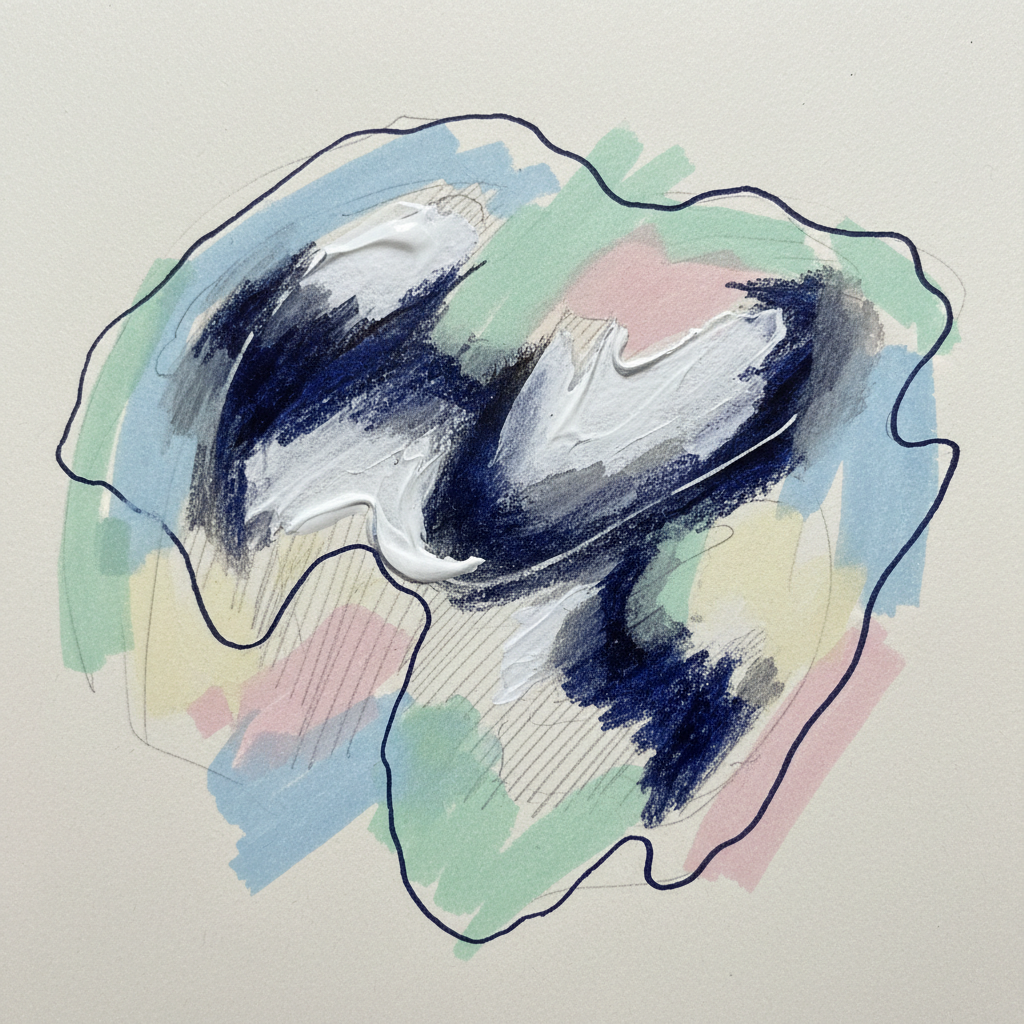
Discover how to use the smudge tool to nudge digital strokes and redistribute pigment for realistic, tactile textures in your hand-drawn sketches.
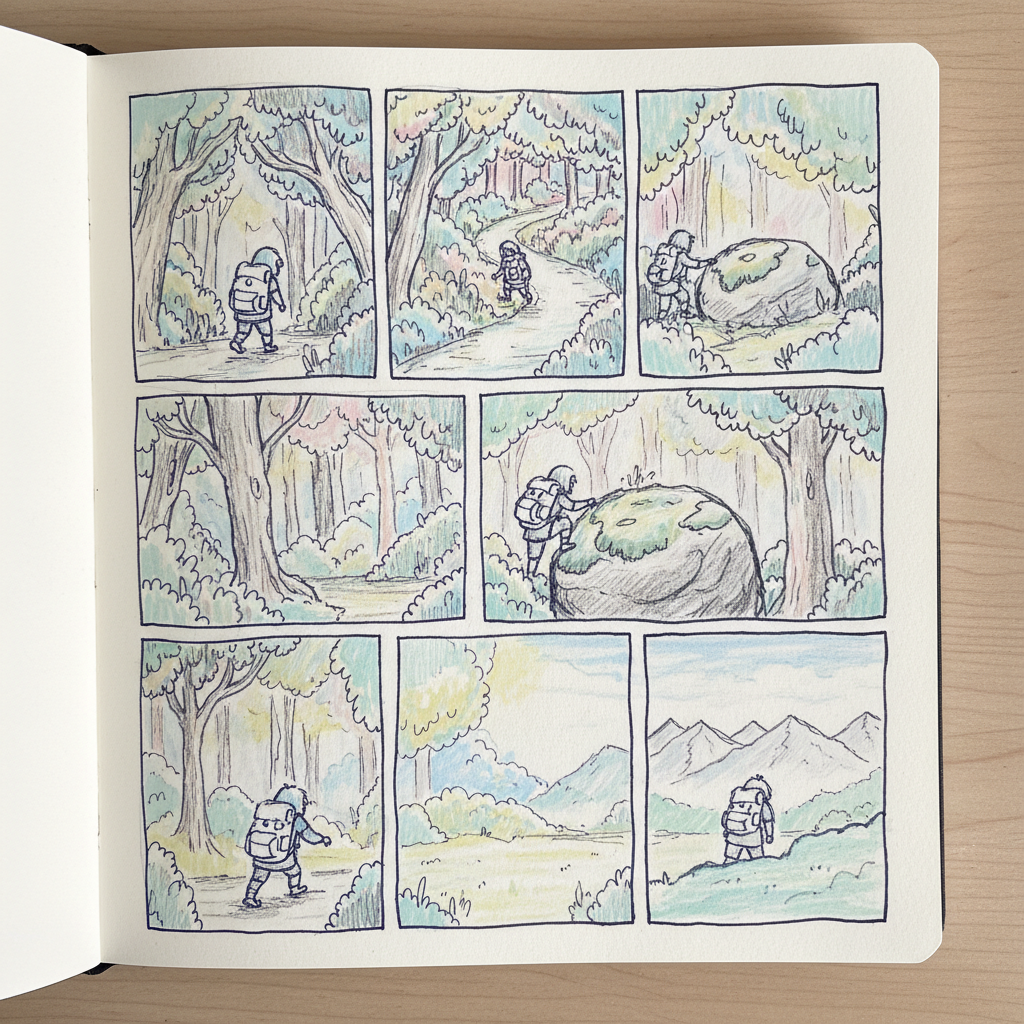
Master the art of narrative sketching by using digital brushwork, pressure-sensitive strokes, and atmospheric effects to tell compelling visual stories on a digital canvas.
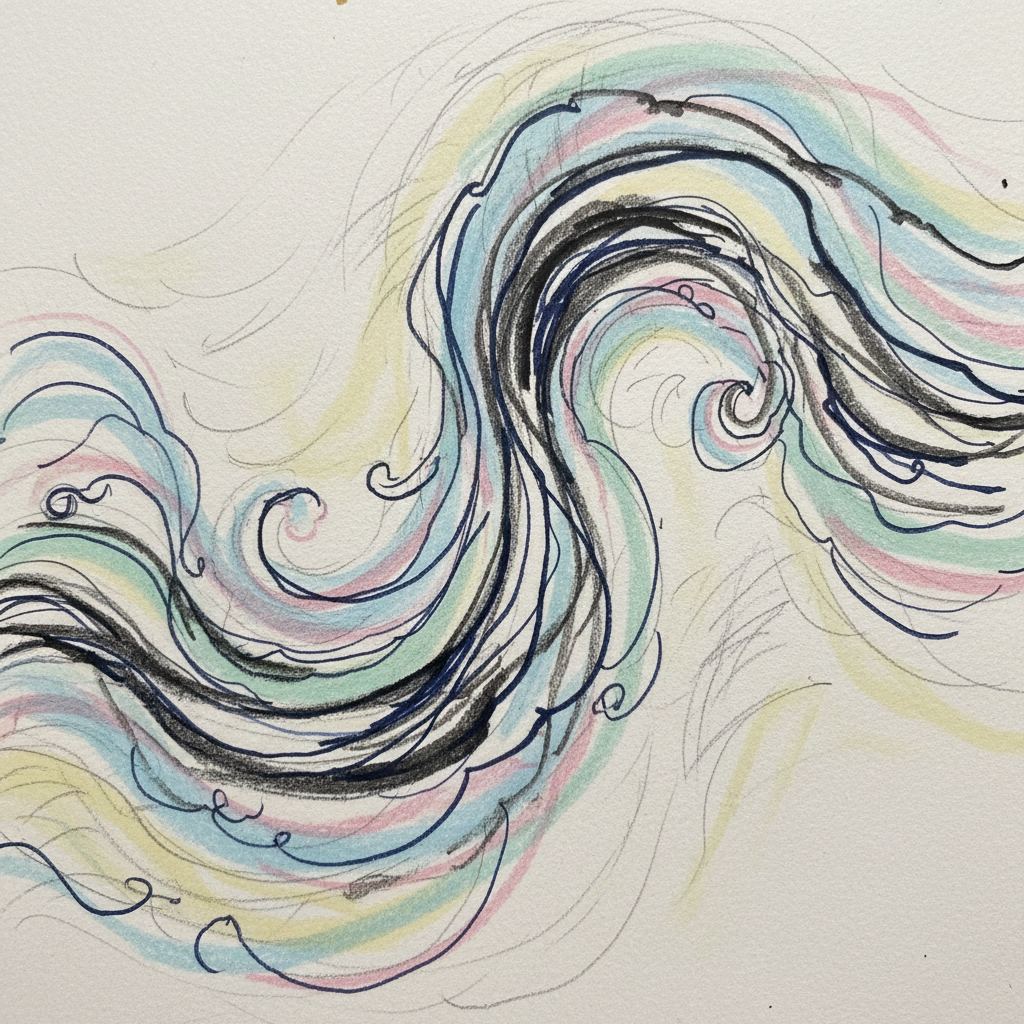
Discover how to use repeating brush strokes, varying pressure, and smart velocity response to build flow and energy in your digital sketchbook.
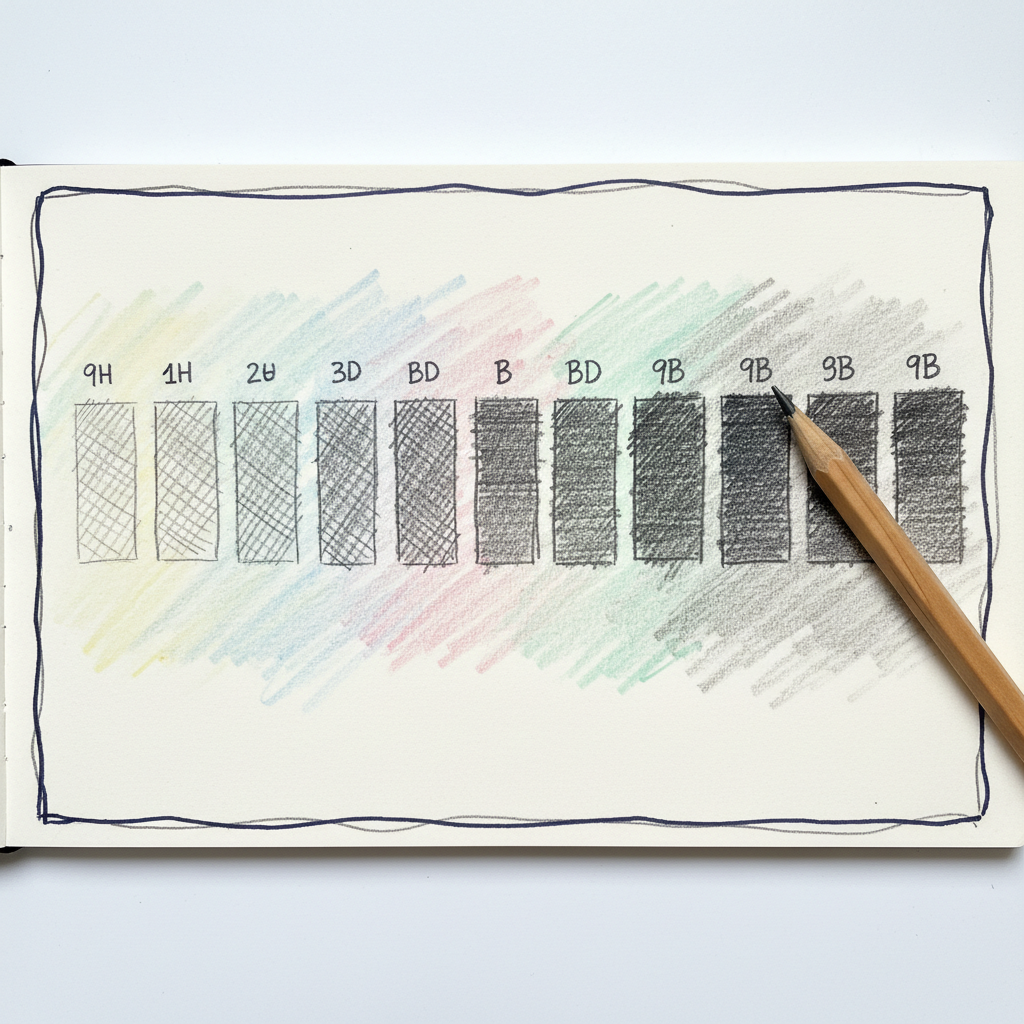
Discover how to build rich, tactile surfaces in your digital sketches by mastering the art of layering graphite pencil strokes and using pressure-sensitive tools.
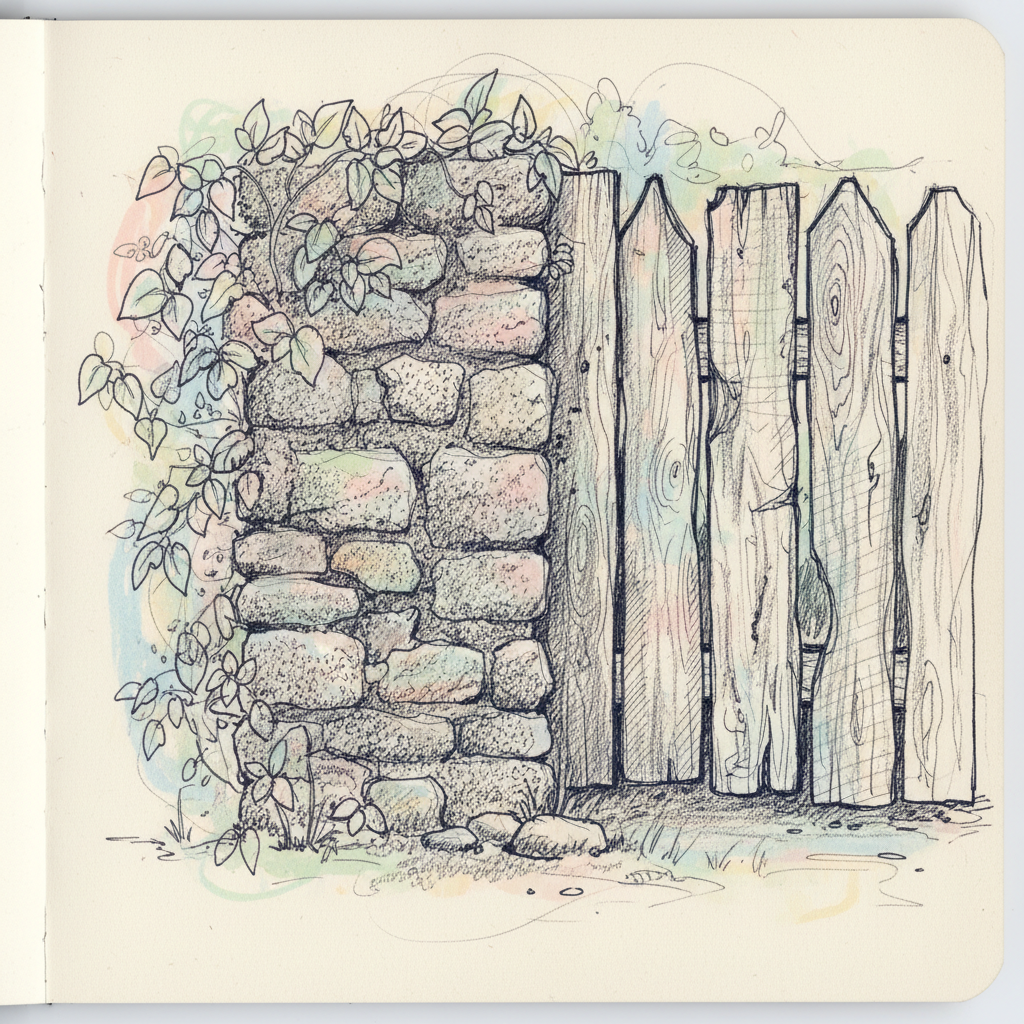
Discover how to master digital stippling and pointillism using dry brush families to add tactile, grainy depth to your professional sketches and illustrations.
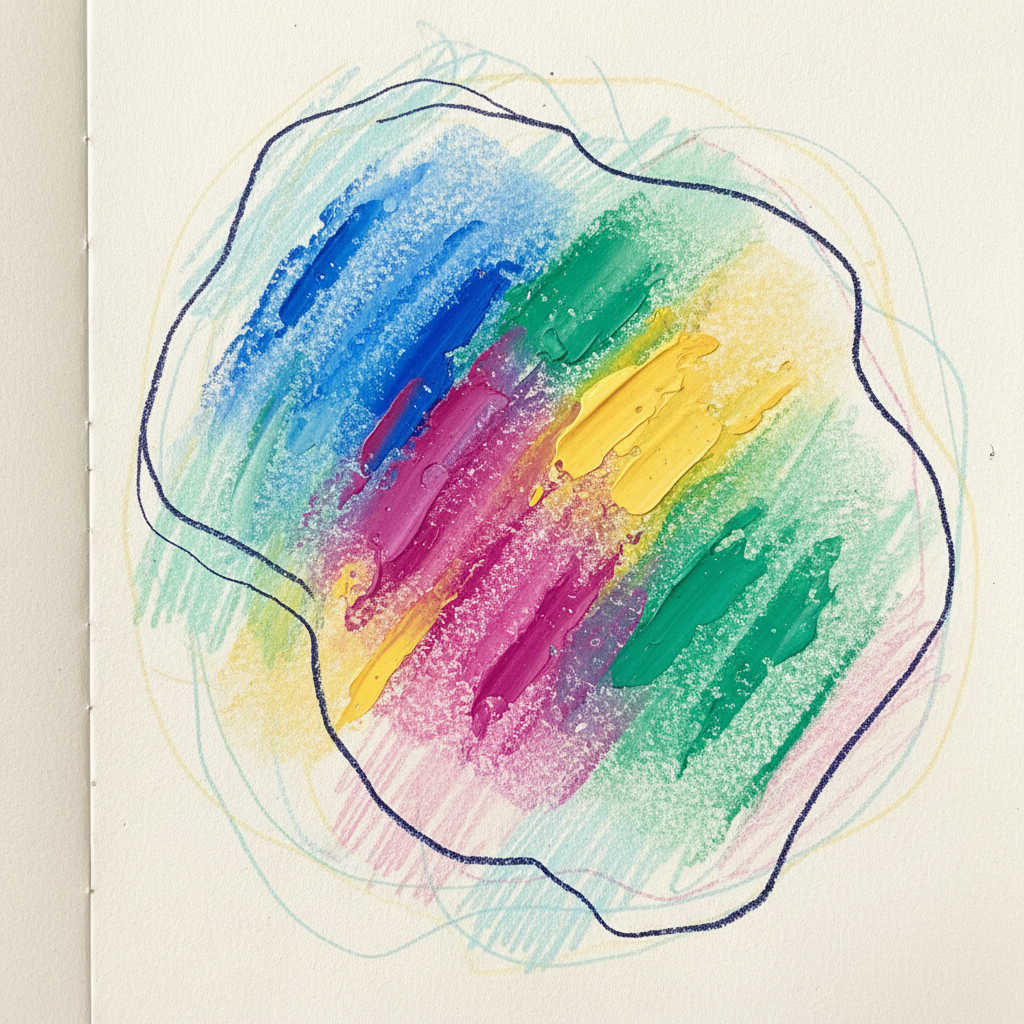
Discover how to master digital oil pastel techniques by combining pressure-sensitive brushes with a pigment-pushing smudge tool for tactile, expressive sketches.
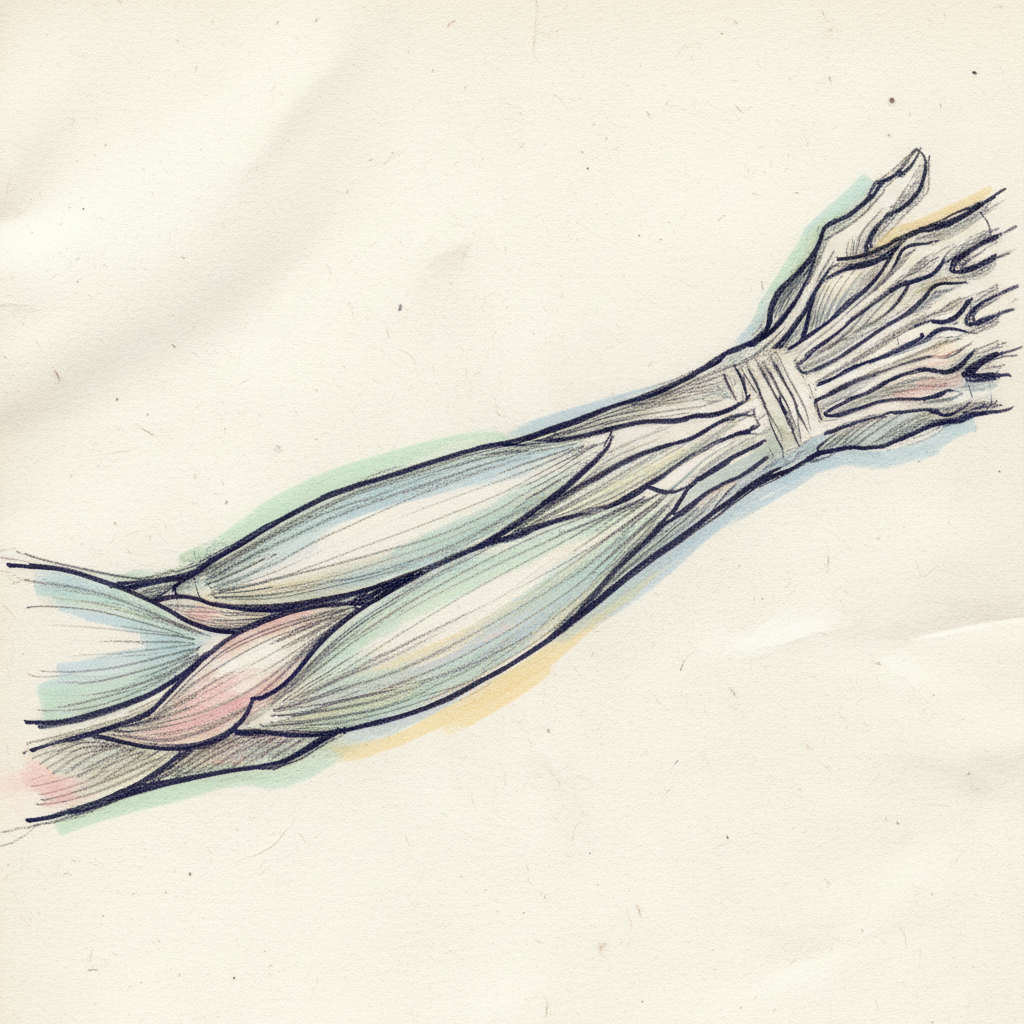
Master the complex mechanical structure of the human forearm by using digital brush techniques to layer muscle groups and capture natural movement on your sketch board.
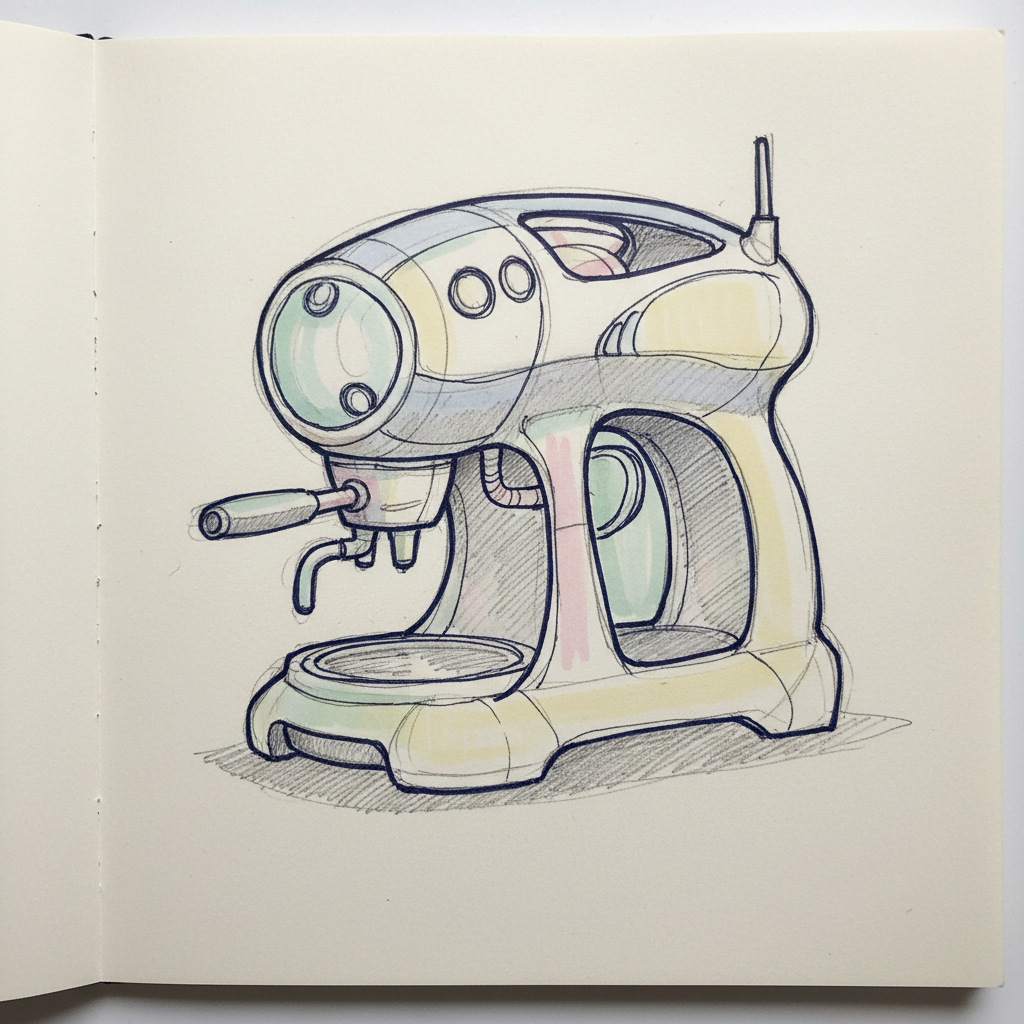
Master the art of industrial design concept sketching using digital markers, layered washes, and smart smudging tools to create professional three-dimensional forms.
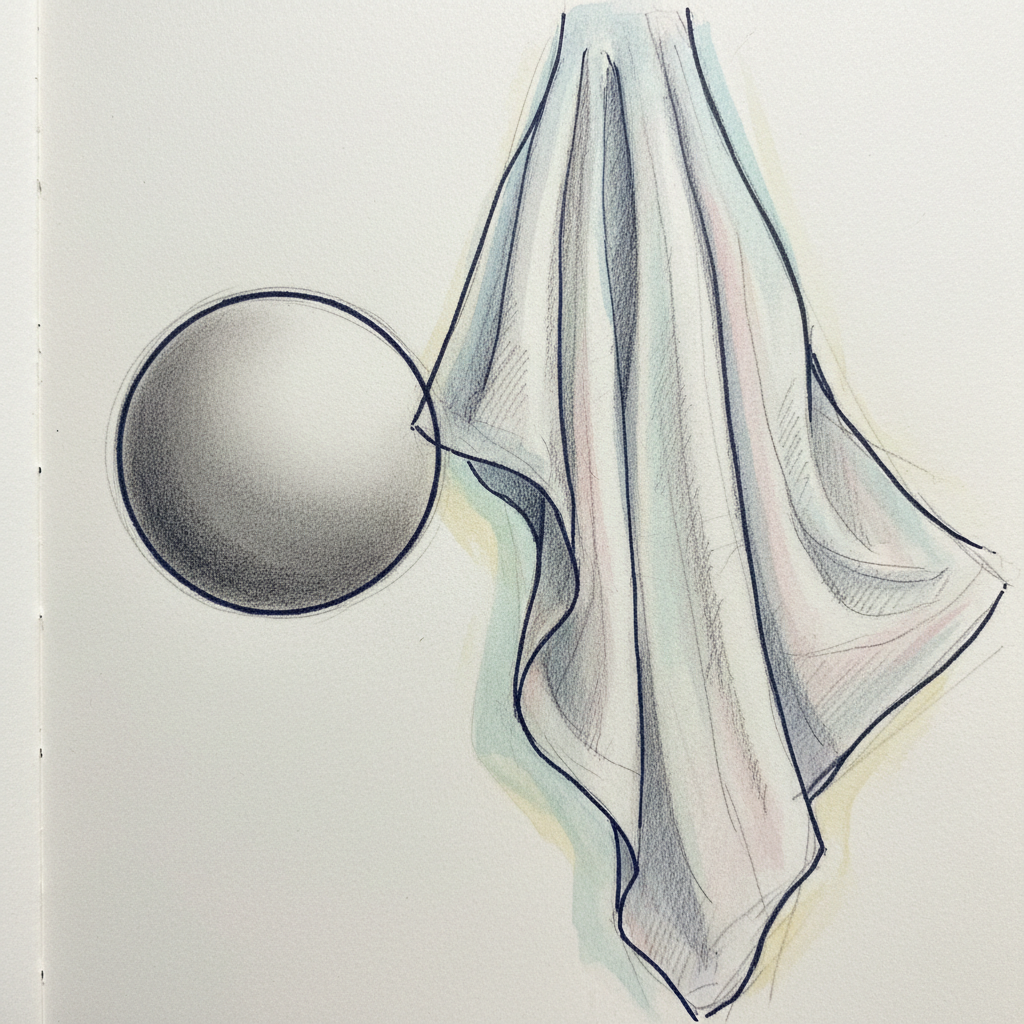
Master the art of creating depth and soft form using pressure-sensitive digital brushes and specialized smudge tools for realistic sketching.
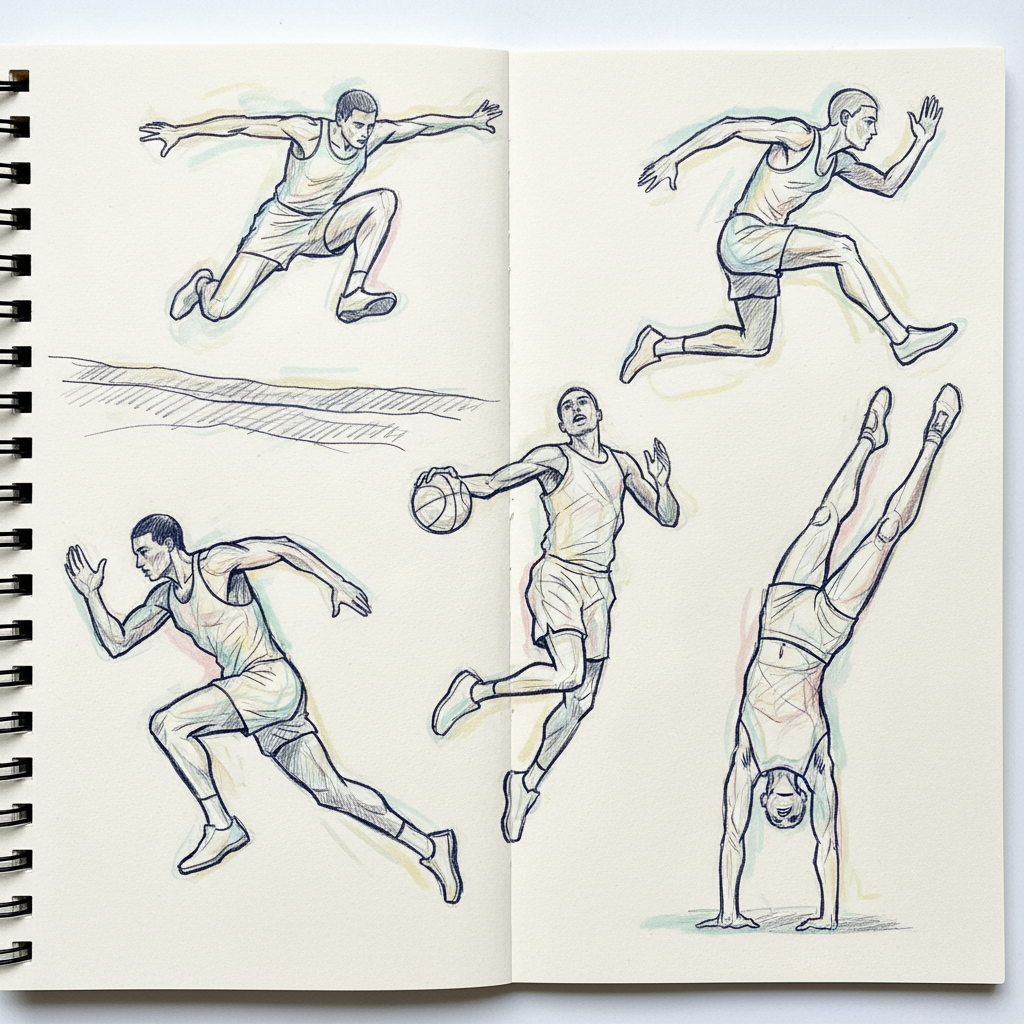
Learn the essential techniques for capturing movement and life in your anatomy sketches using pressure-sensitive tools and gesture-focused sketching methods.
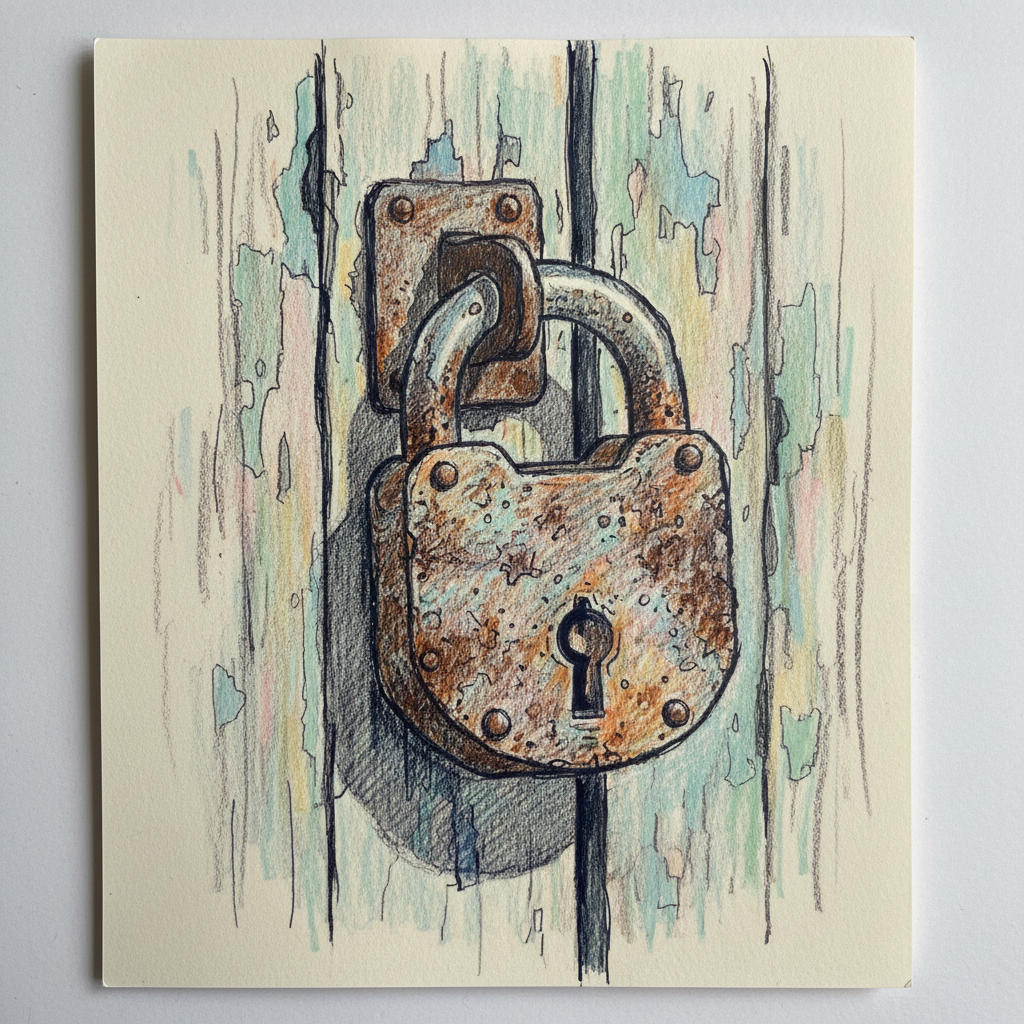
Discover how to master digital dry brush techniques to add authentic weathered textures, grit, and aged character to your hand-drawn digital sketches and illustrations.
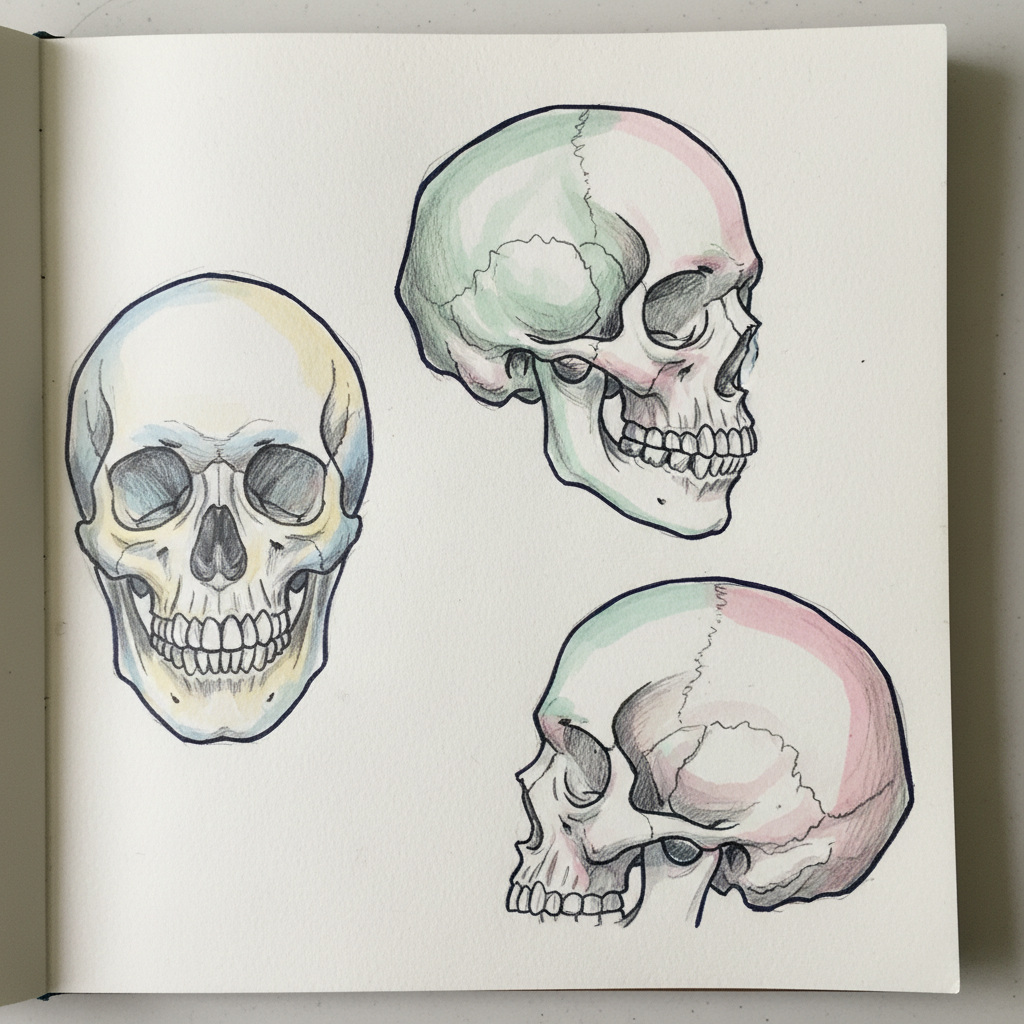
Learn how to capture the complex structure of the human skull using digital brushes, smudge tools, and pressure-sensitive linework for accurate anatomical studies.
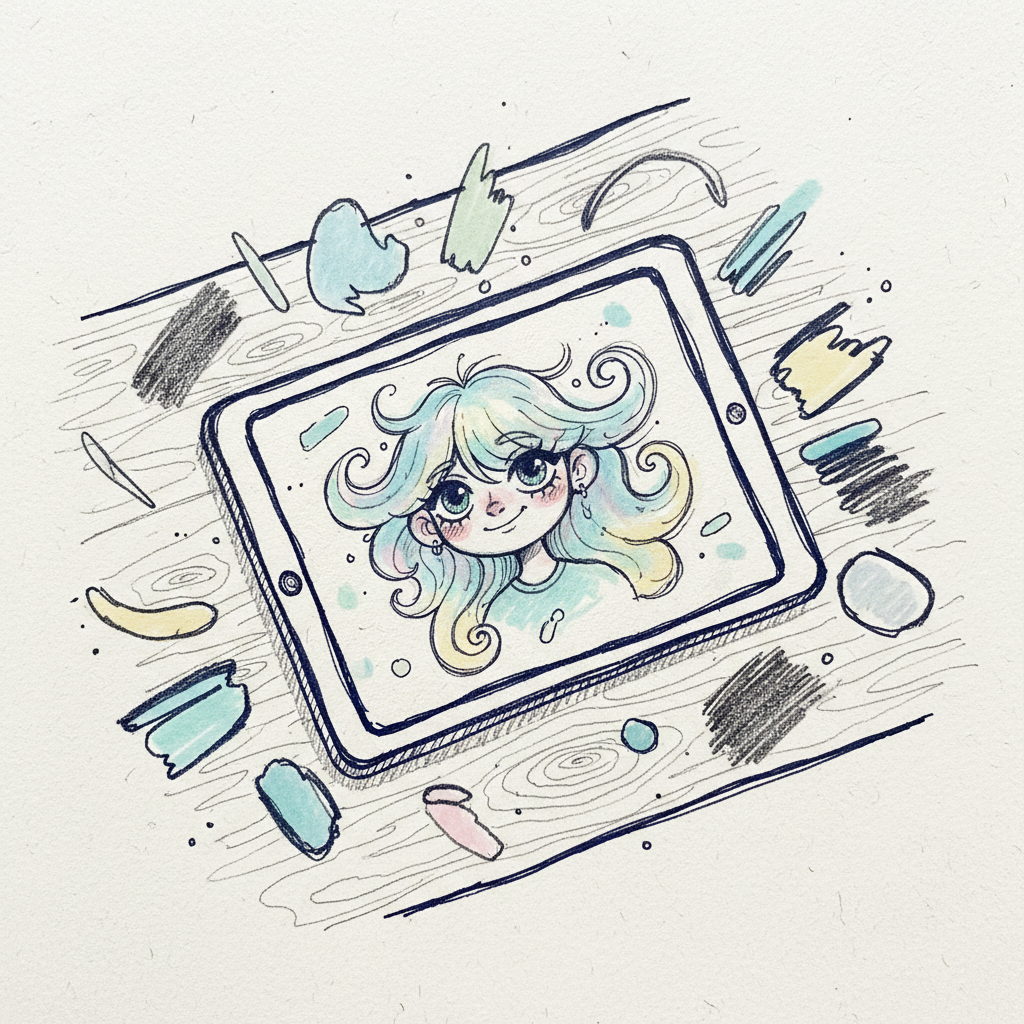
Discover how to guide your viewer's eye through a sketch using varied line weights, brush textures, and strategic pigment placement on your digital board.
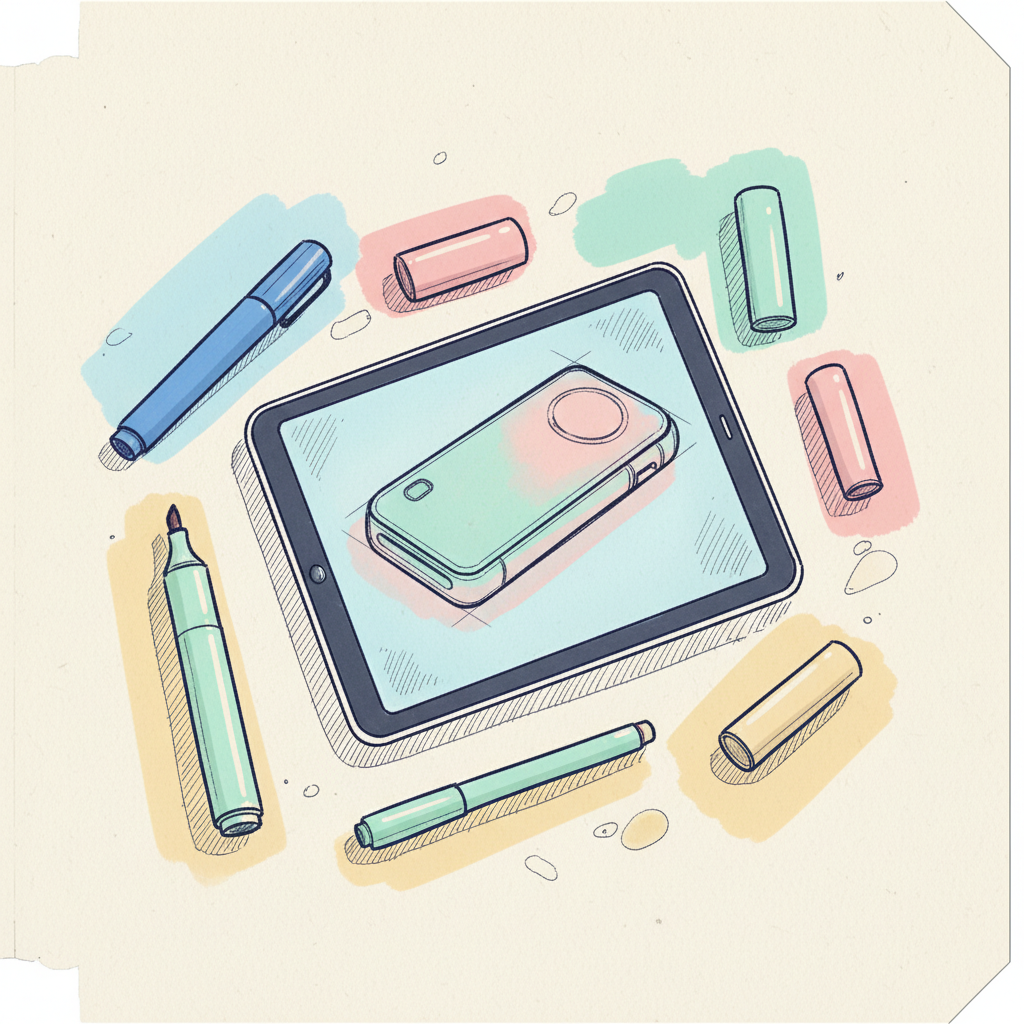
Learn how to use digital marker brushes and smart washes to create professional industrial design sketches that jump off the page.
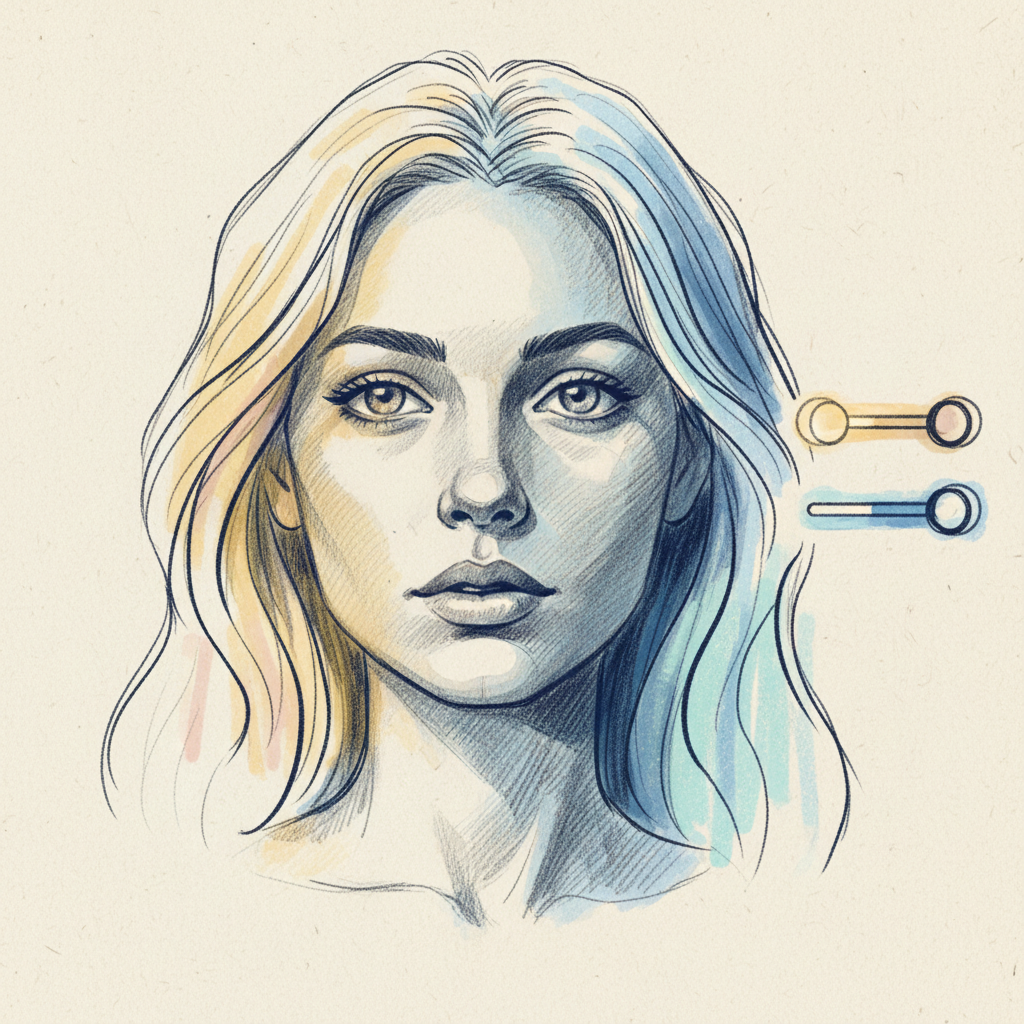
Learn how to use HSB and curves adjustments to master digital lighting and add professional depth to your hand-drawn sketches and slides.
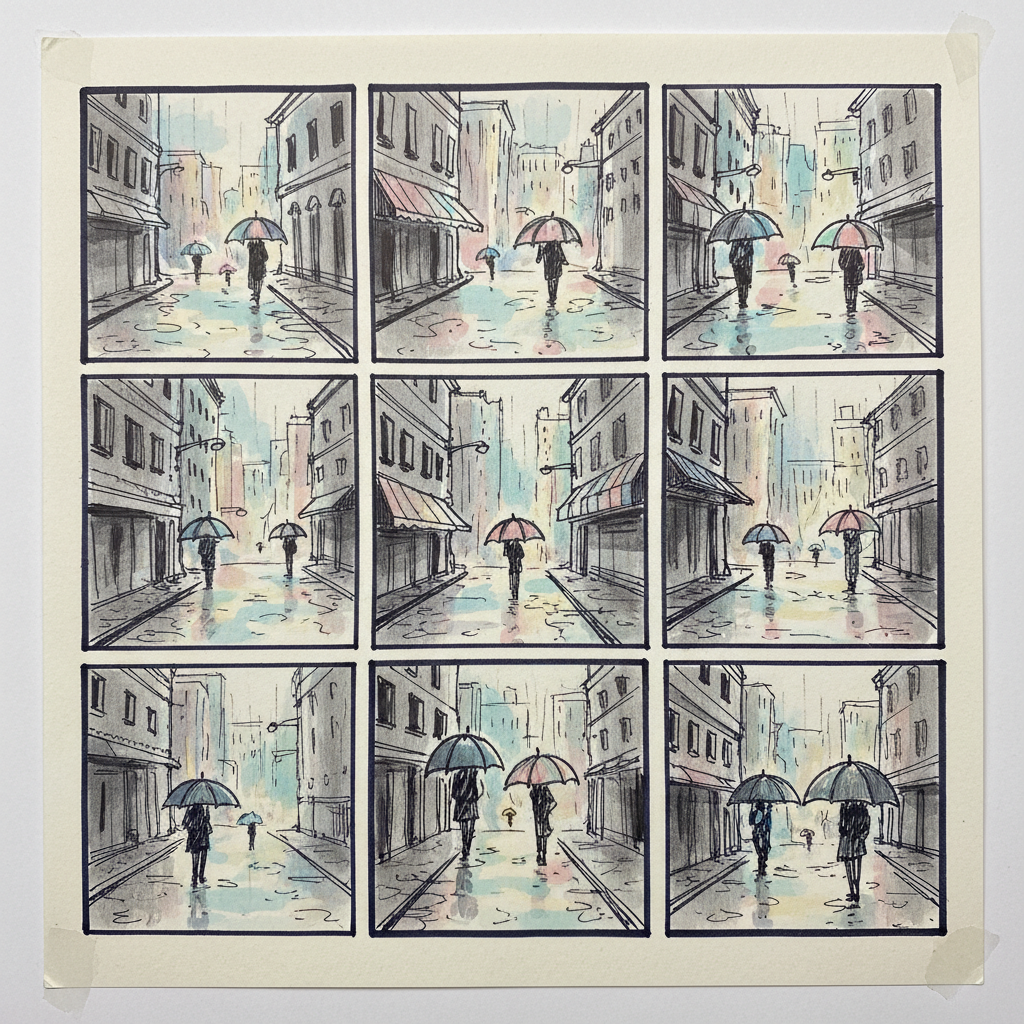
Learn how to use digital ink washes and smudge tools to create atmospheric, professional storyboards that capture mood and movement for your next creative project.
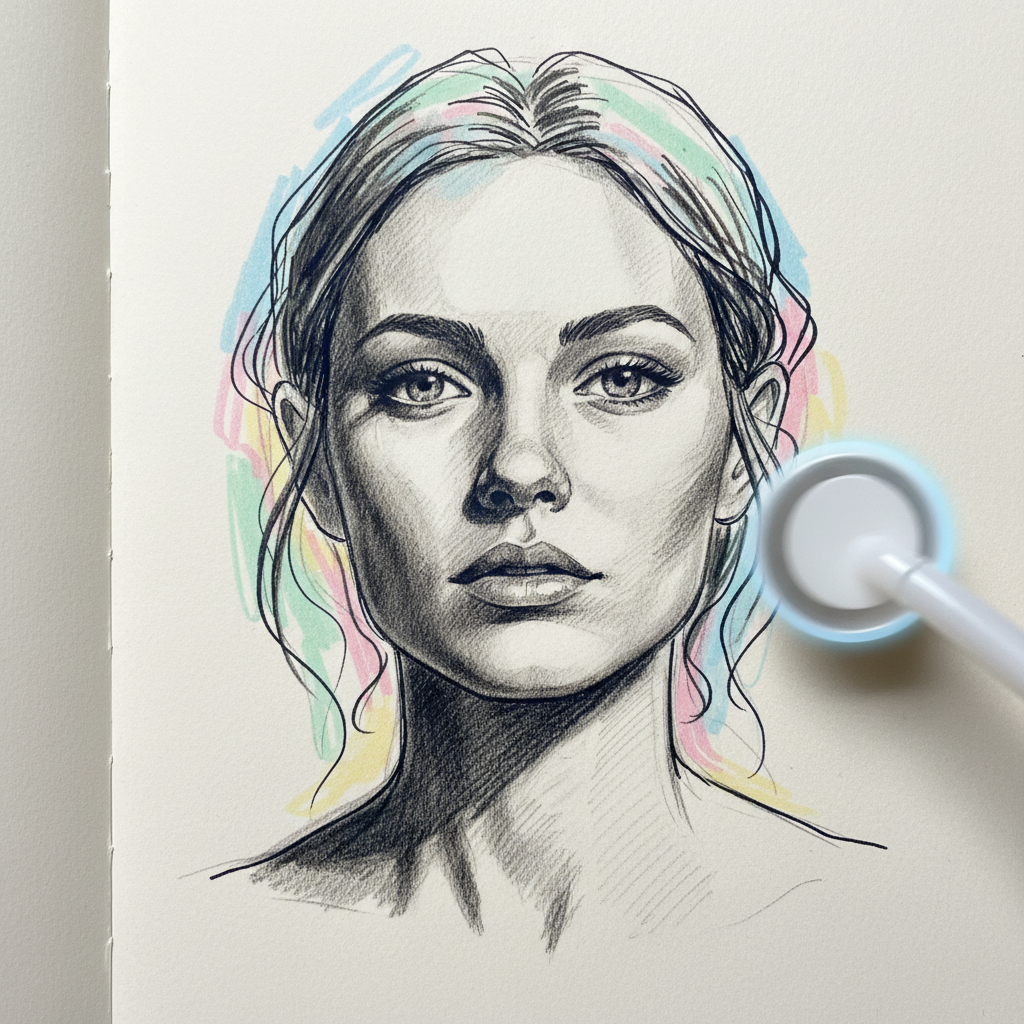
Master the art of nudging strokes and picking up digital pigment to create professional, hand-drawn textures that look like real media on a sketchbook page.
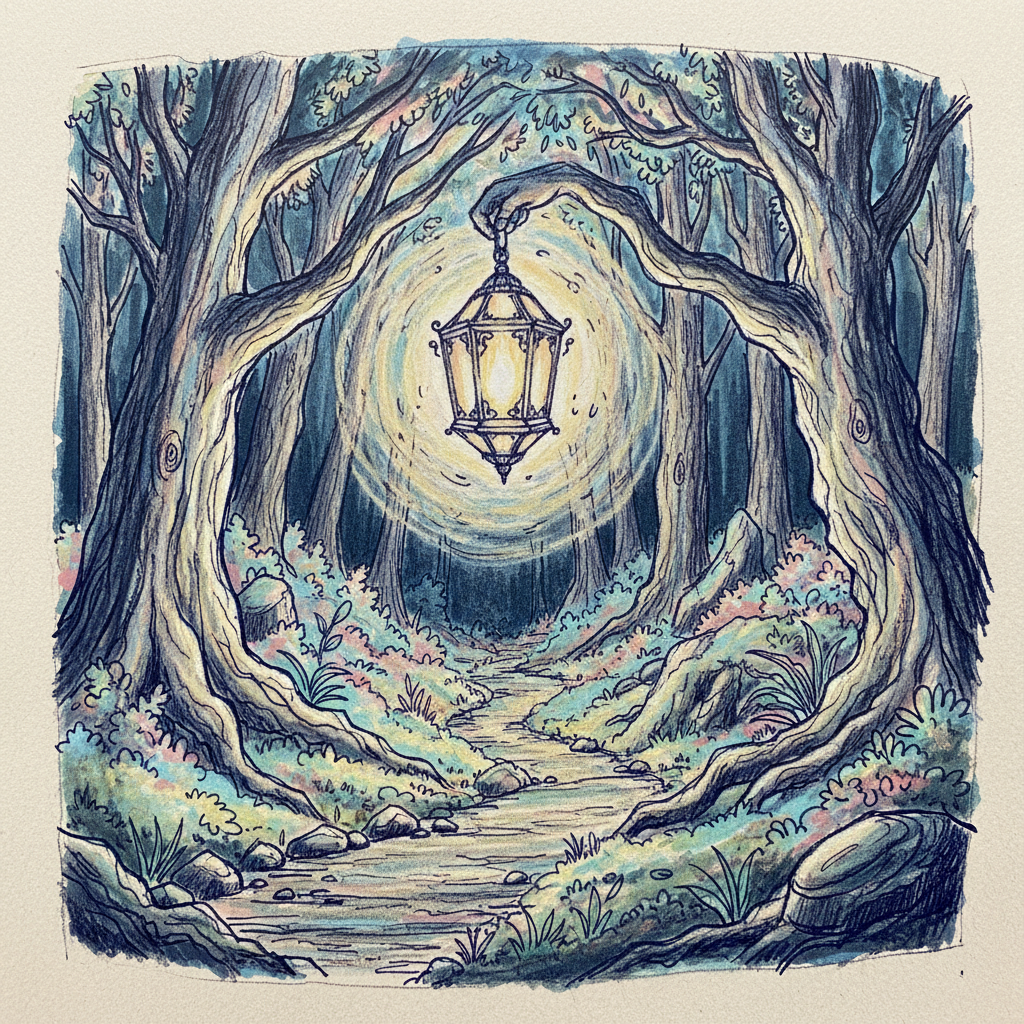
Discover how to transform flat digital drawings into high-contrast masterpieces using non-destructive adjustment tools and professional lighting techniques.
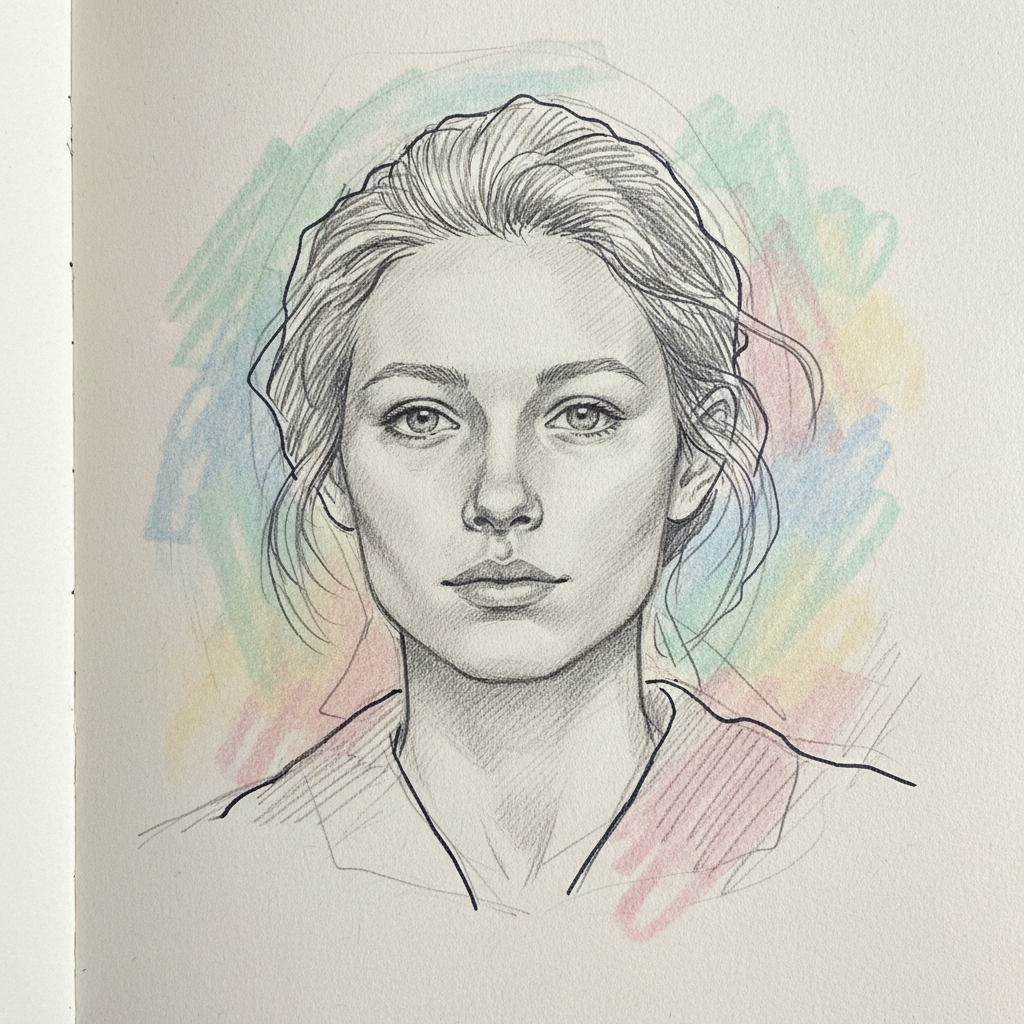
Discover how to use pressure-sensitive digital pencils and smudge tools to create realistic, hand-drawn portrait shading for your next creative project.
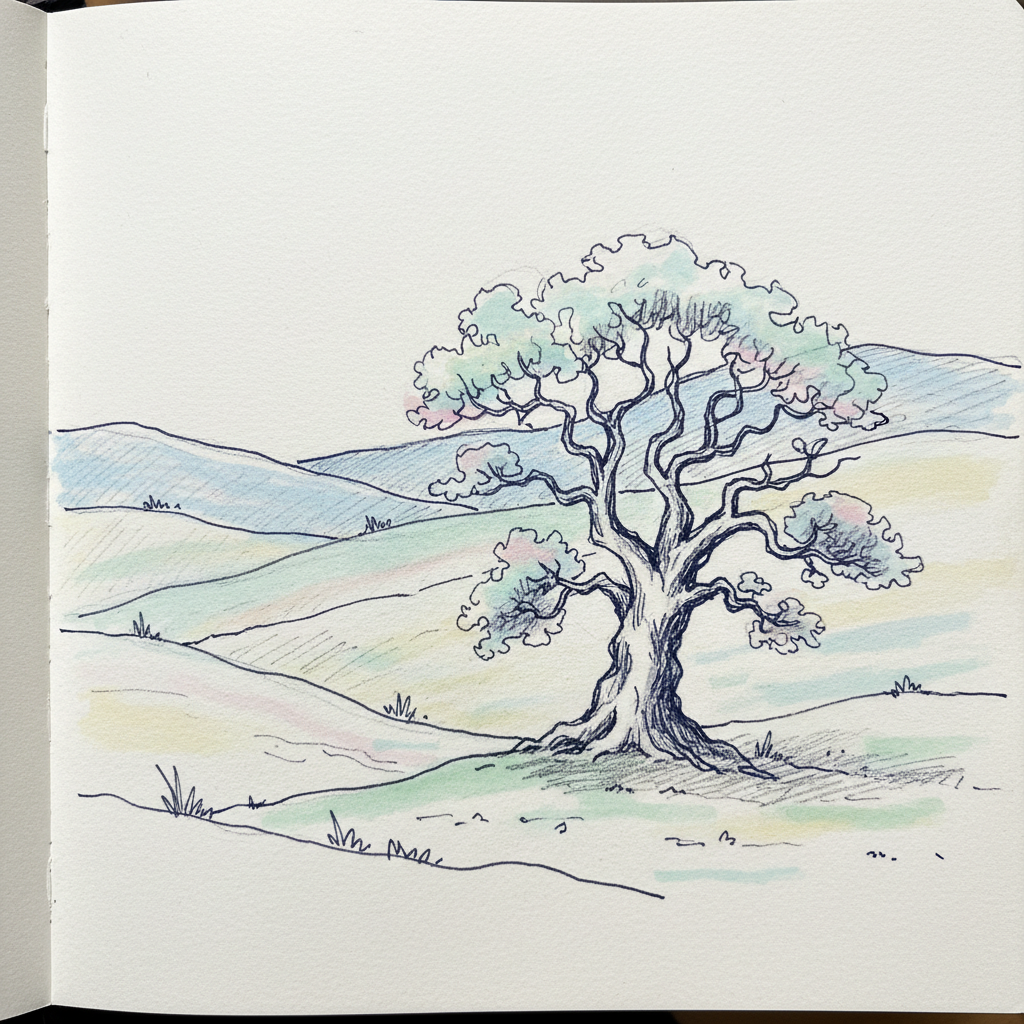
Learn how to replicate the unpredictable beauty of nature using digital brushes, pressure sensitivity, and smudge tools for organic, hand-drawn landscape sketches.
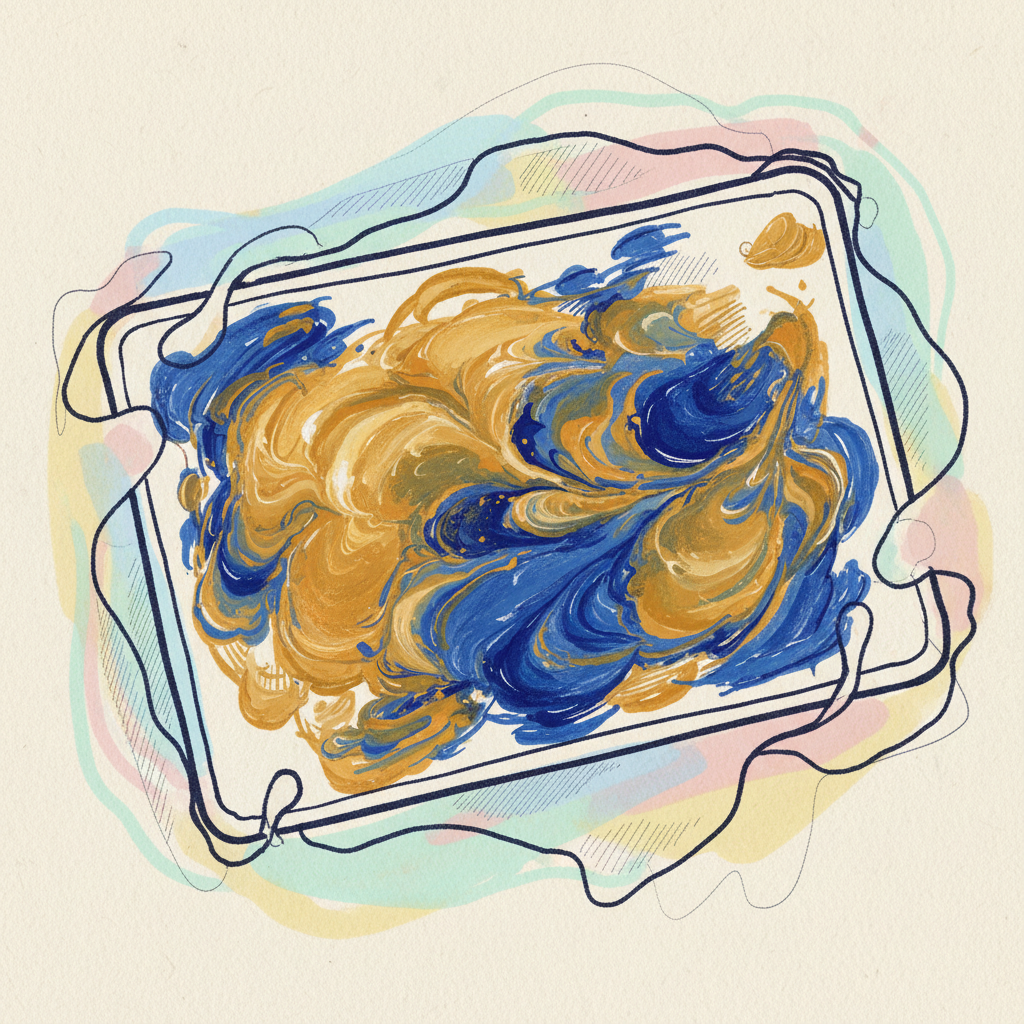
Discover how to replicate the thick, buttery textures of traditional oil painting using digital smudge tools and pressure-sensitive brushes on your online sketch board.
Learn how to use non-destructive Gaussian blur to create professional lighting effects, depth of field, and atmospheric soft focus in your digital hand-drawn sketches.
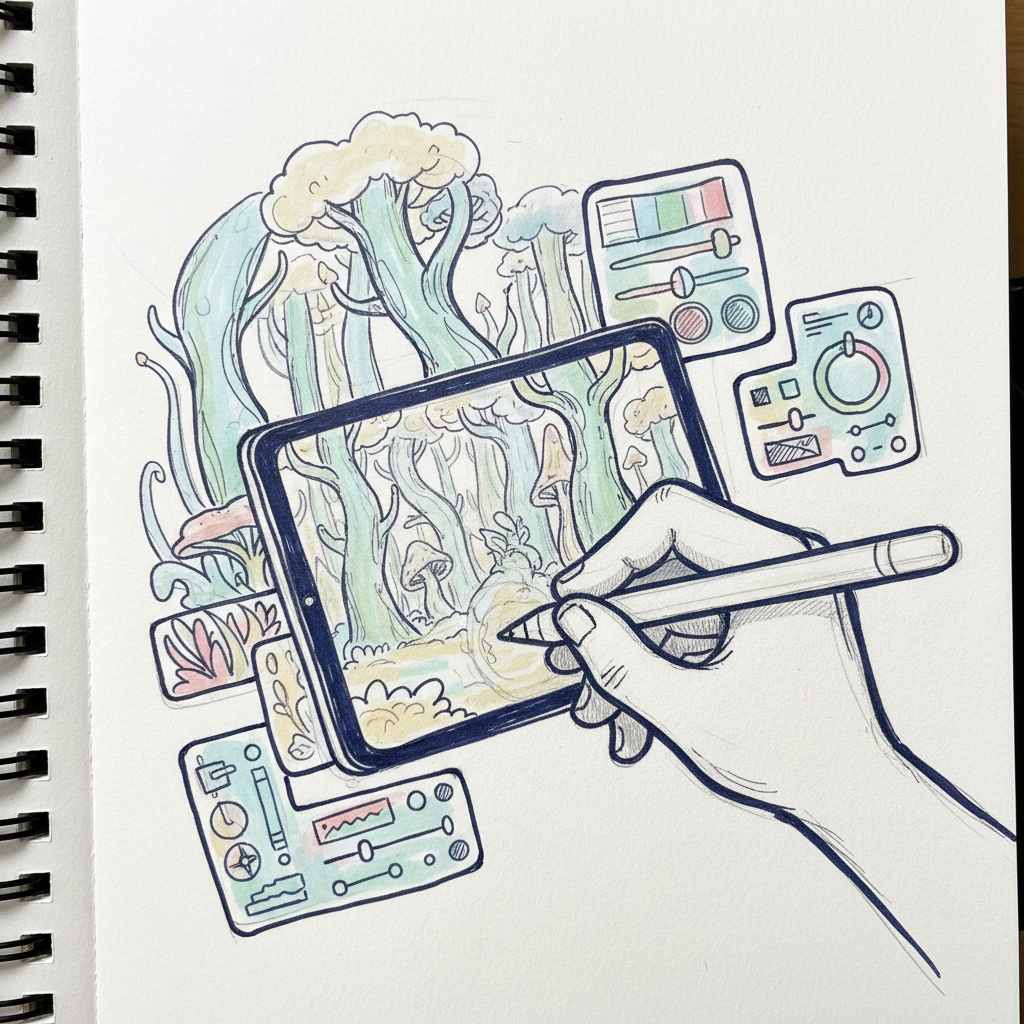
Learn how to use precise numerical values and floating panels to gain absolute control over your digital brushwork and sketching style.
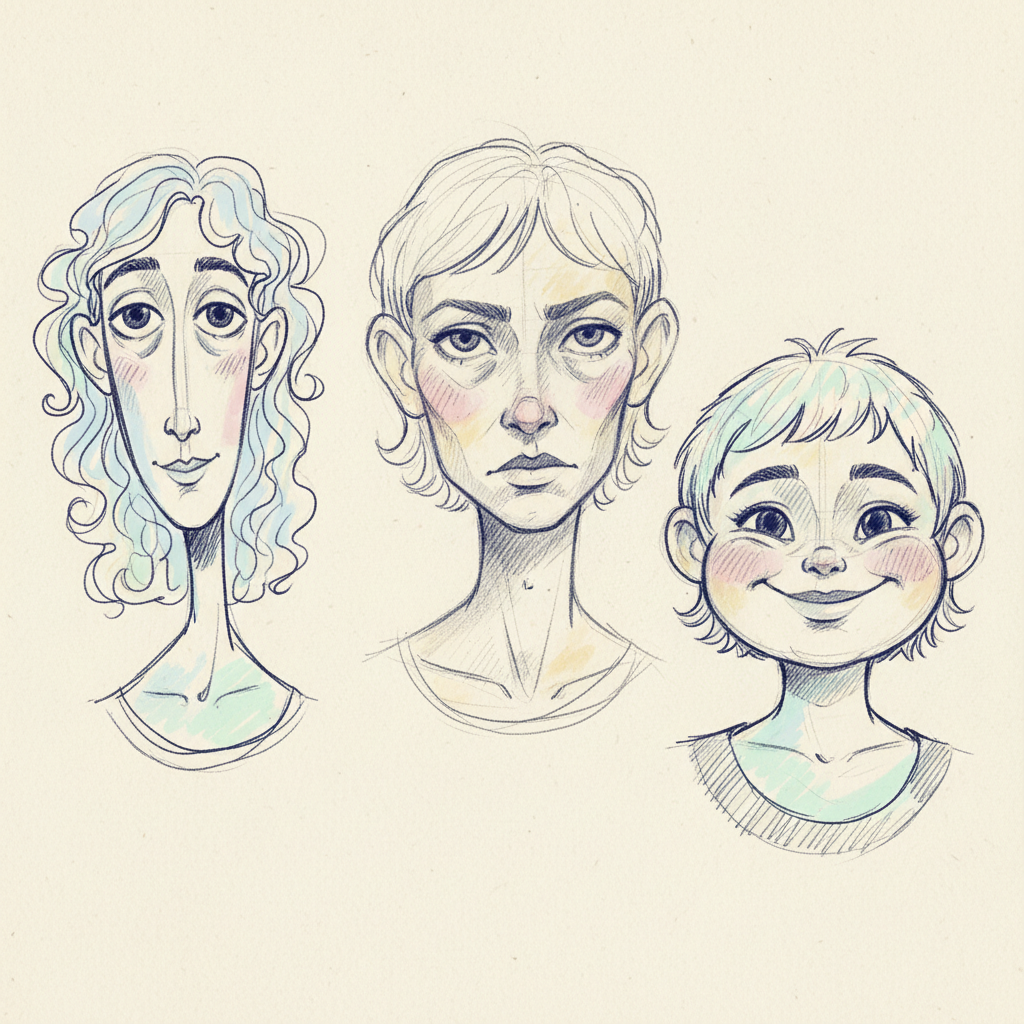
Discover how to choose and combine digital brush families like charcoal, ink, and marker to create expressive, stylized portraits on a versatile digital sketch board.
Discover how to balance the grit of dry media with the fluid nature of wet digital brushes to create visually arresting and tactile sketches.
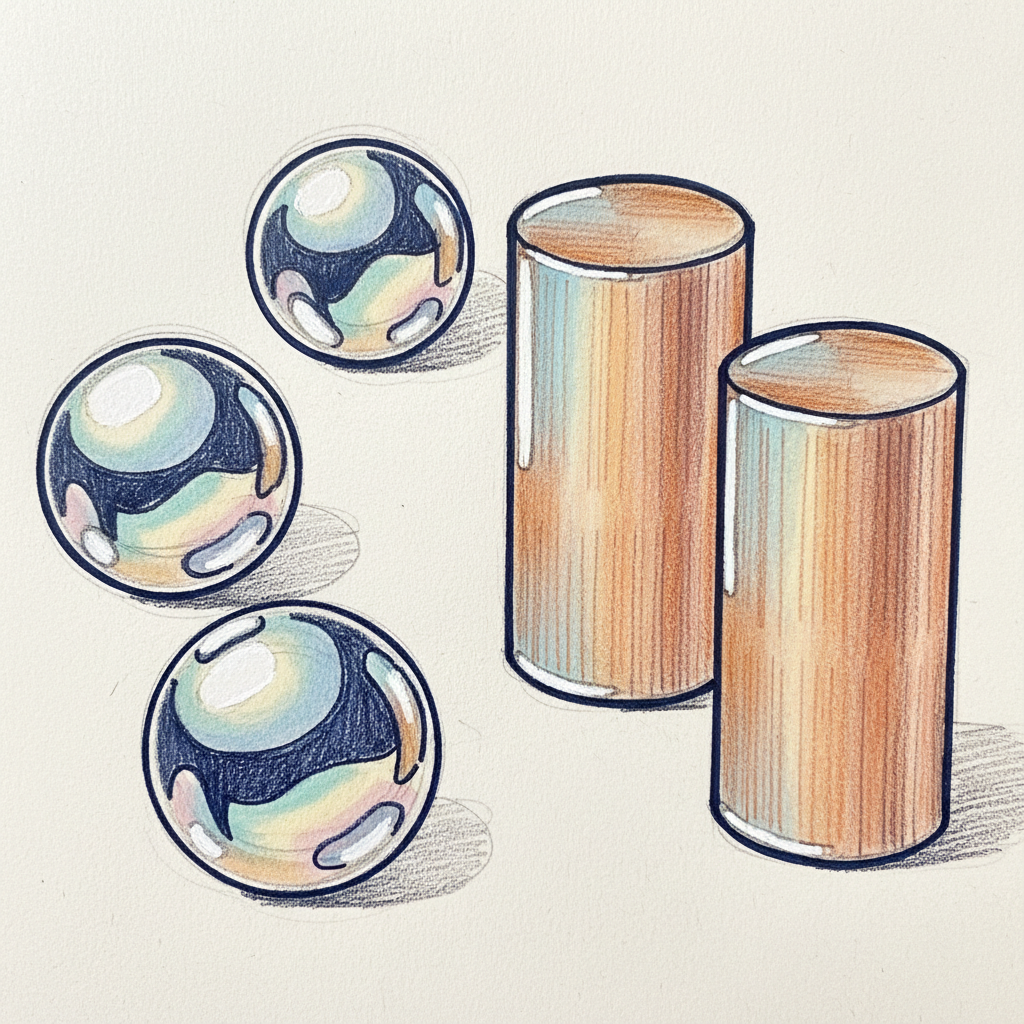
Discover how to blend soft airbrush gradients with sharp highlights to master the look of chrome and brushed metal in your digital sketches.
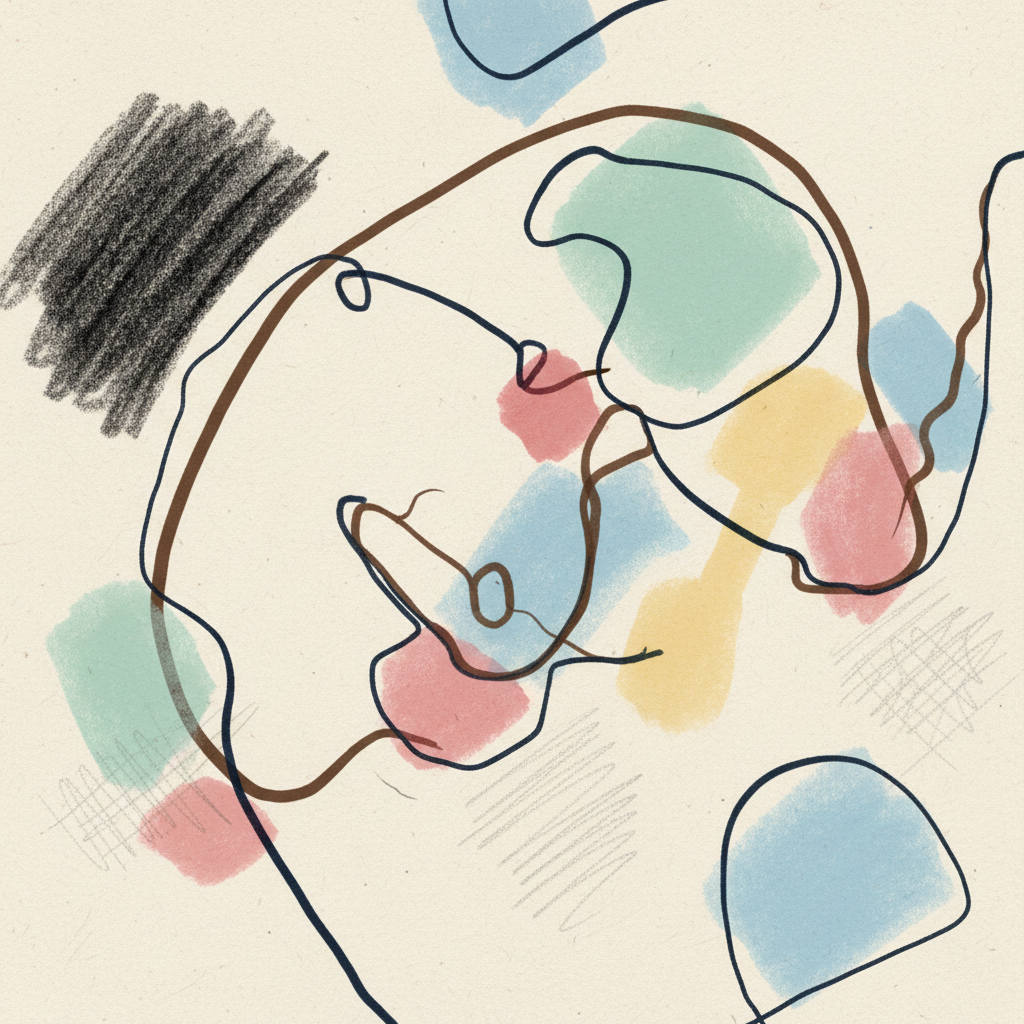
Discover how to blend contrasting digital brush families to create depth, grit, and focal points in your hand-drawn digital sketches.
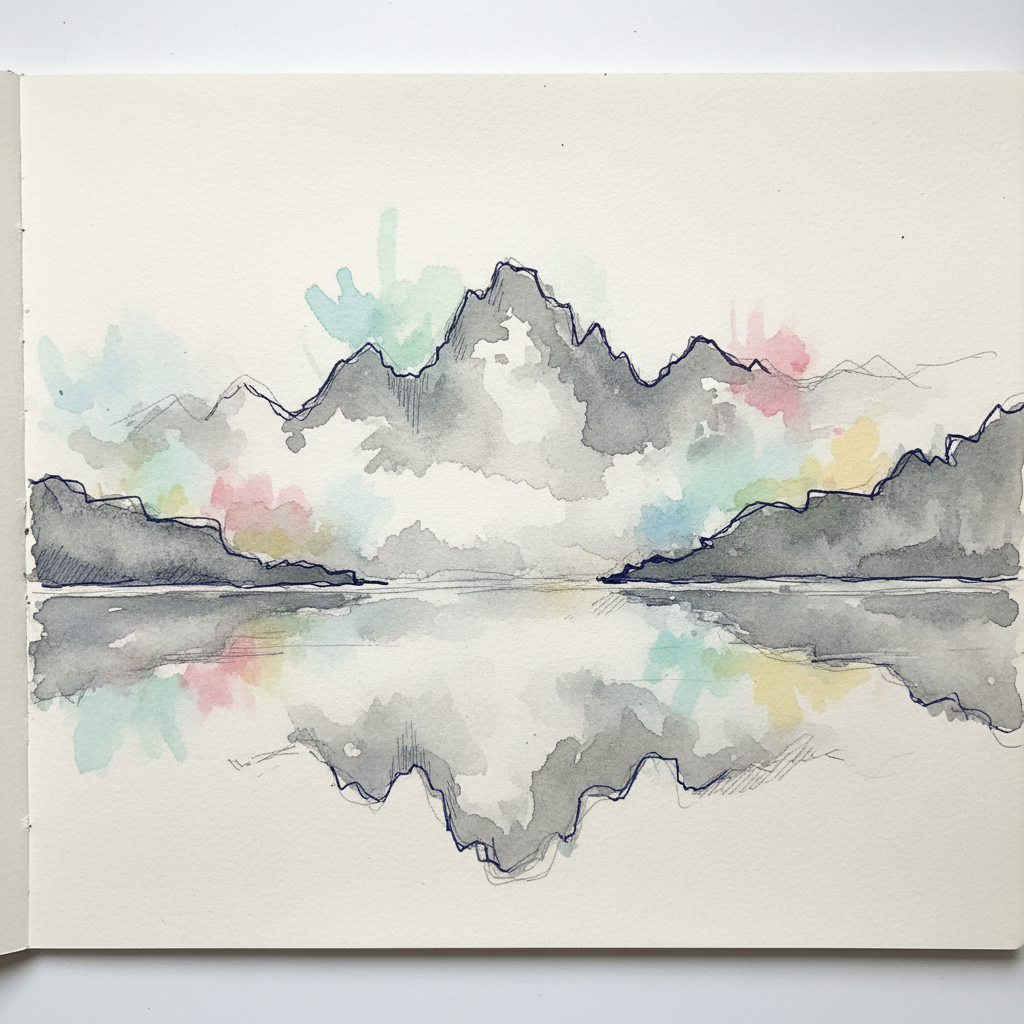
Discover how to blend the precision of digital ink with the soft fluidity of traditional washes to create atmospheric and professional landscape sketches.
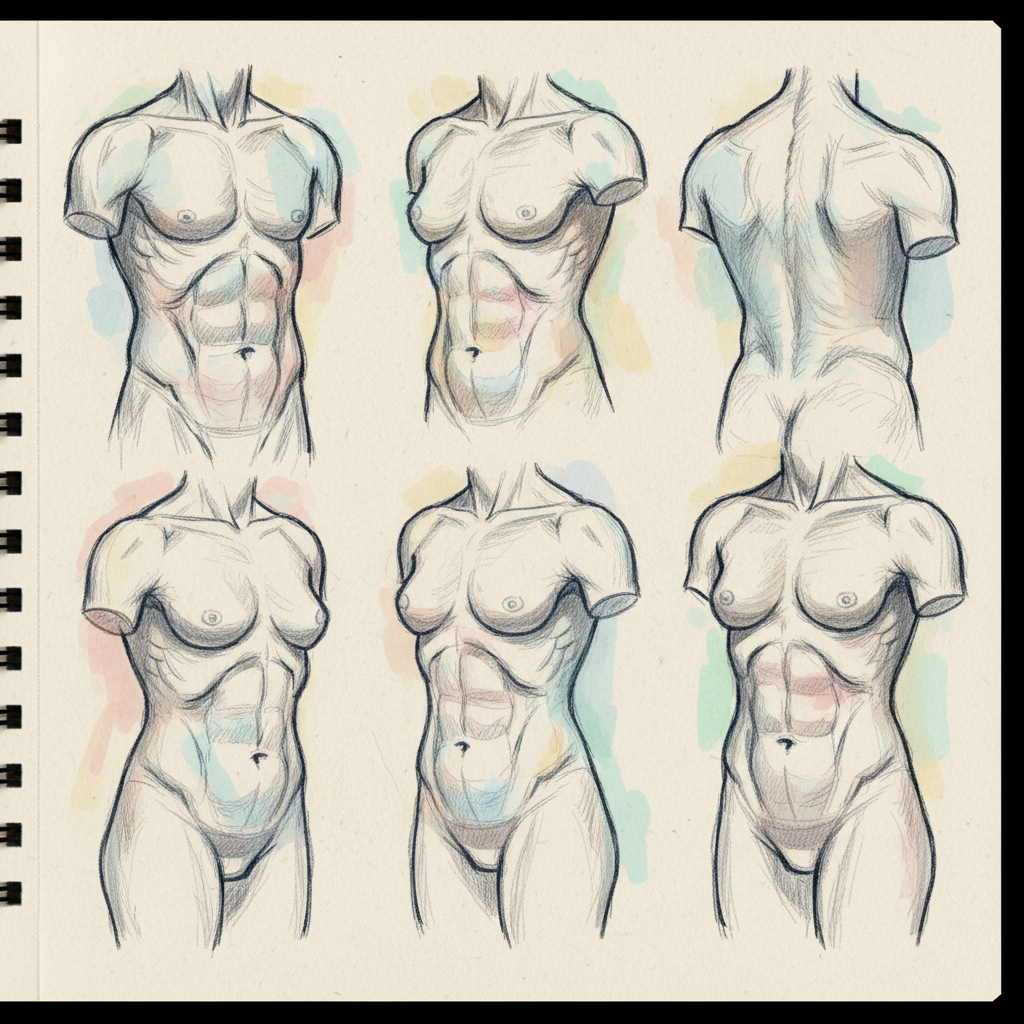
Master the complexities of the human torso with digital sketching techniques that focus on structural landmarks and fluid muscle layering.
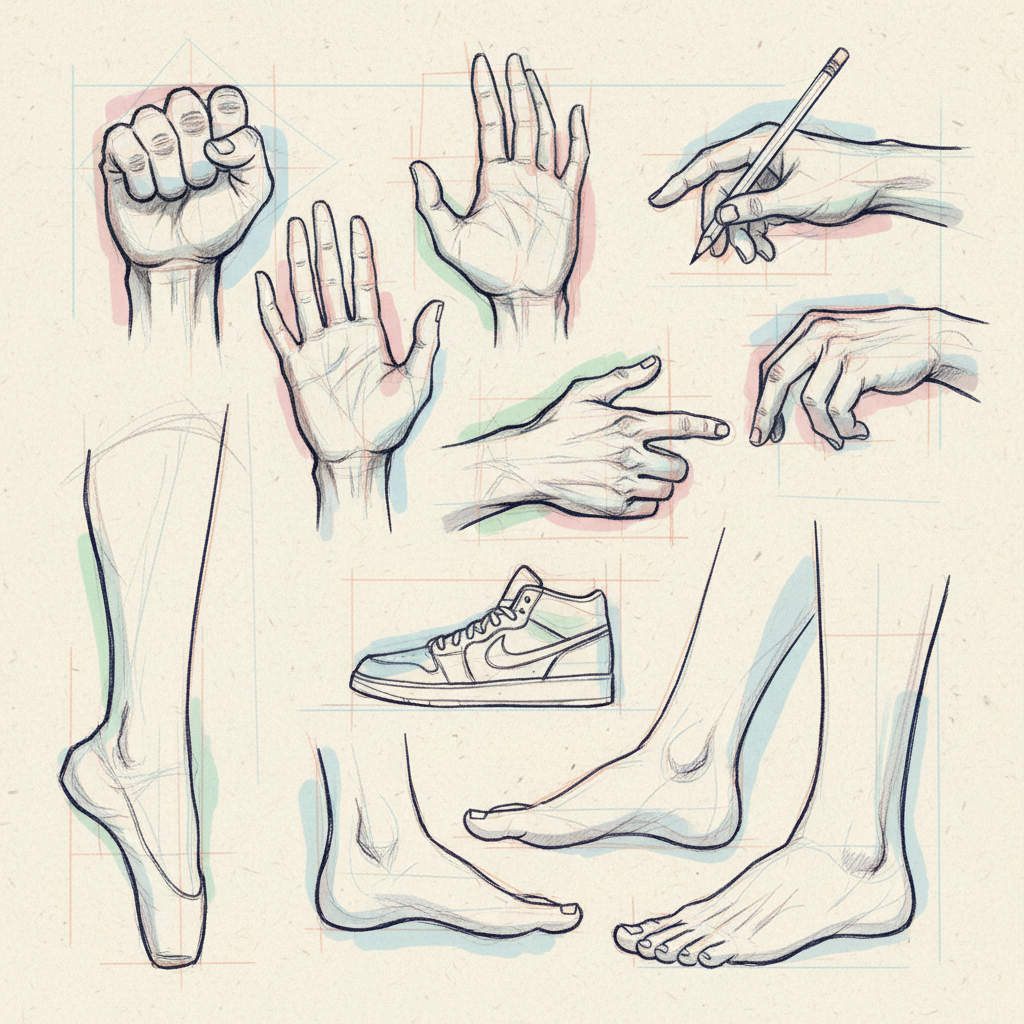
Learn how to master the complex geometry of hands and feet using pressure-sensitive digital brushes and non-destructive adjustments on a hand-drawn sketch board.
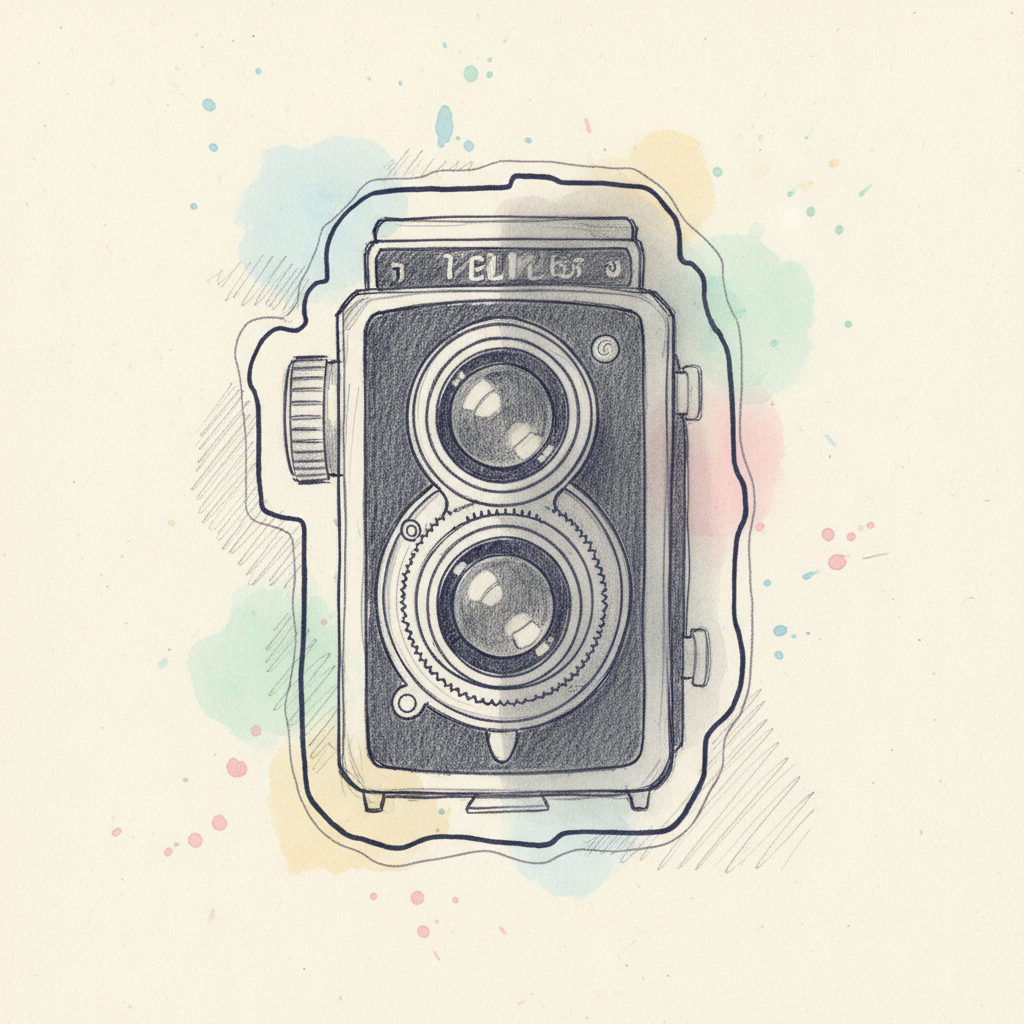
Discover how to create visual tension and depth in your digital sketches by balancing the precision of ink with the atmospheric softness of graphite textures.
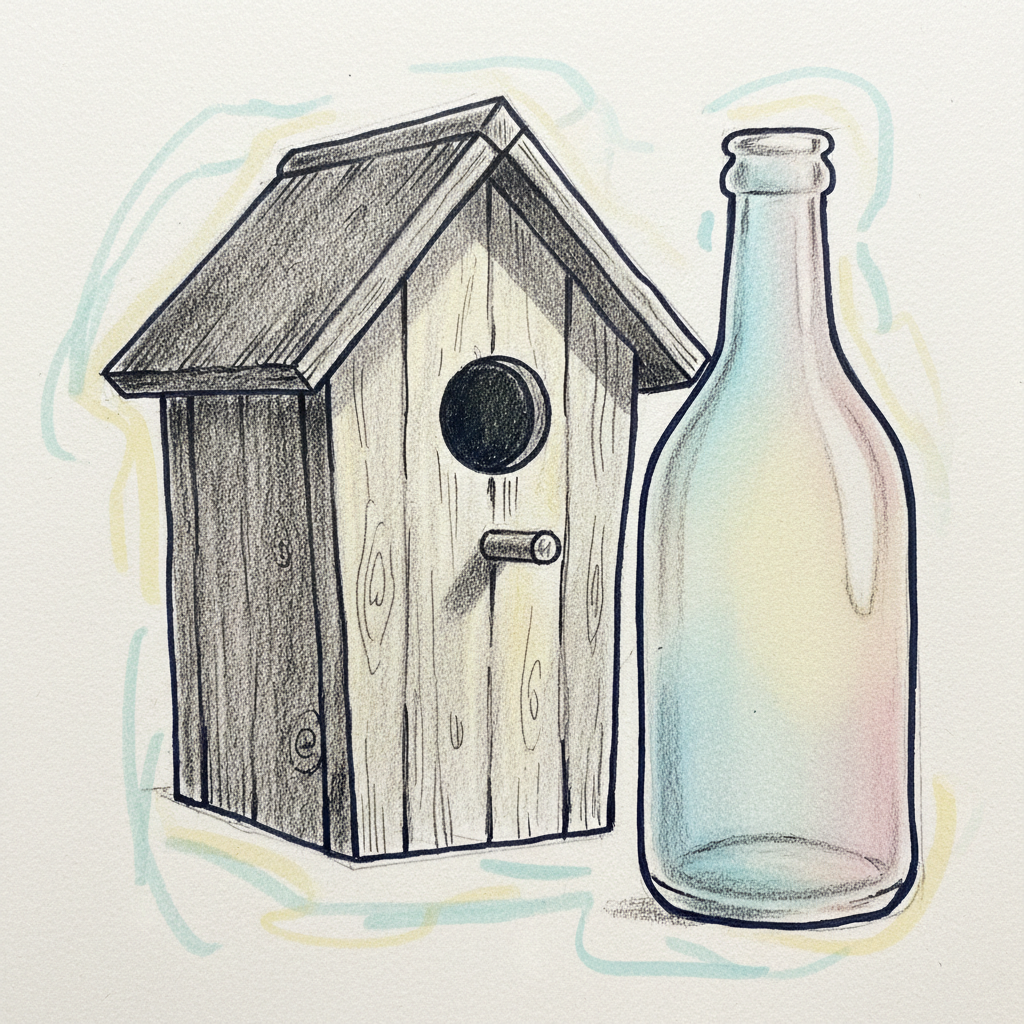
Discover how to combine high-grit charcoal with smooth airbrushing to create professional depth and focal points in your digital sketches.
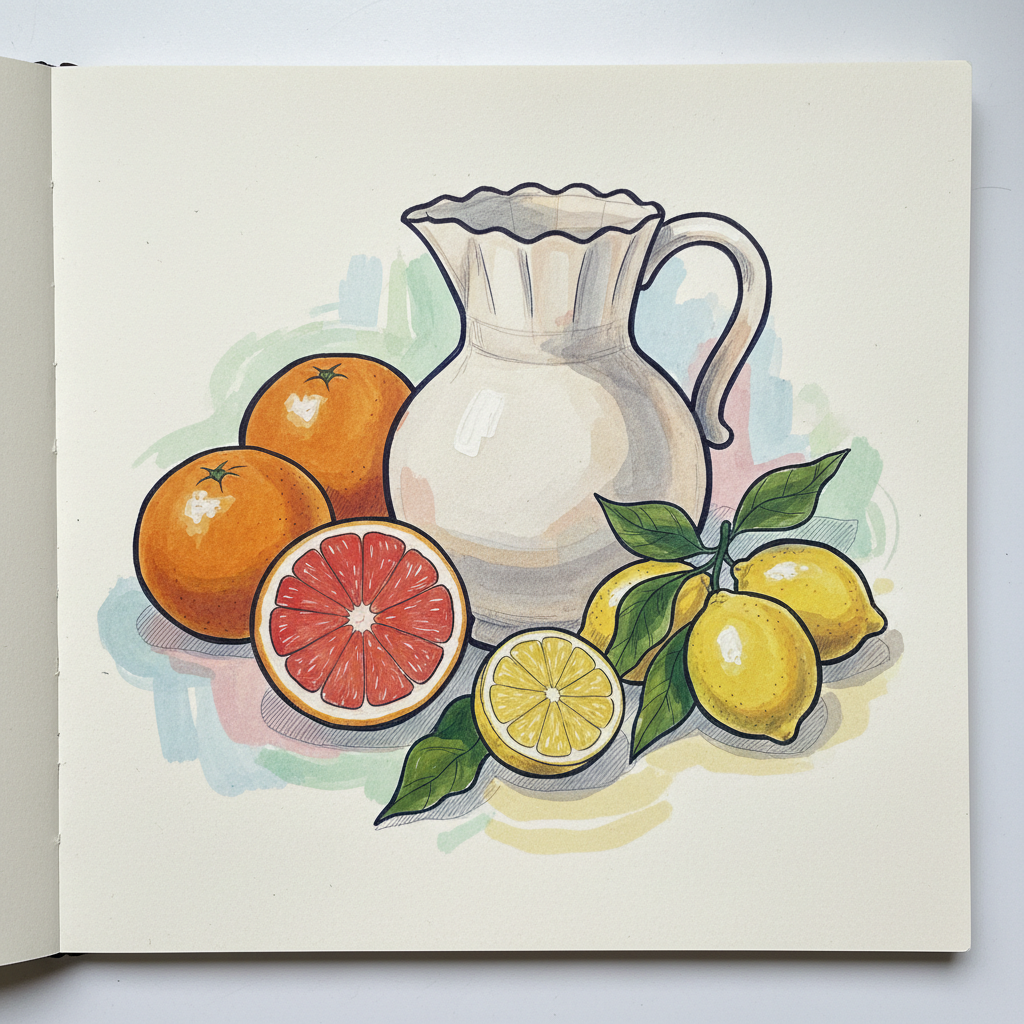
Discover how to use digital gouache brushes to create vibrant still life studies with rich, opaque layers and realistic pigment blending on your digital sketch board.
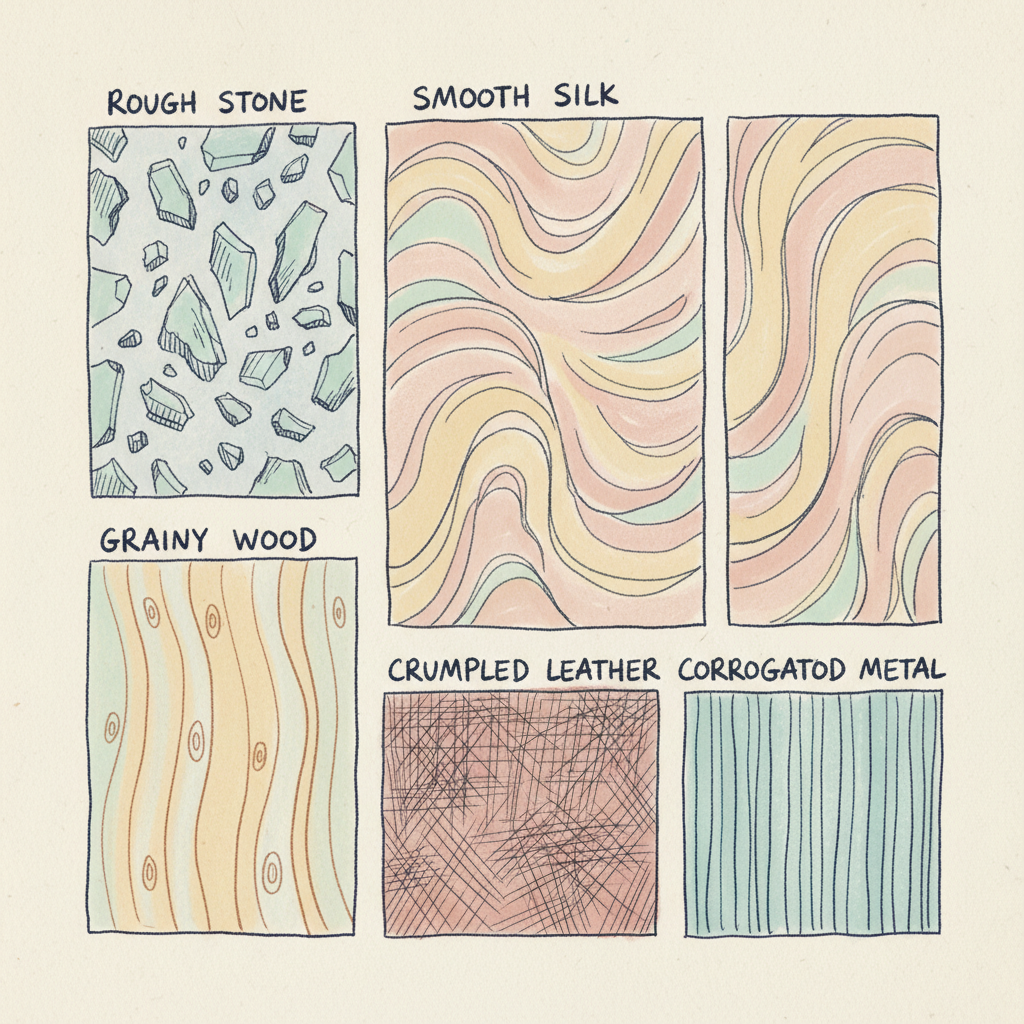
Discover how to combine varied digital brush textures to create realistic surface contrasts and depth in your hand-drawn sketches and visual notes.
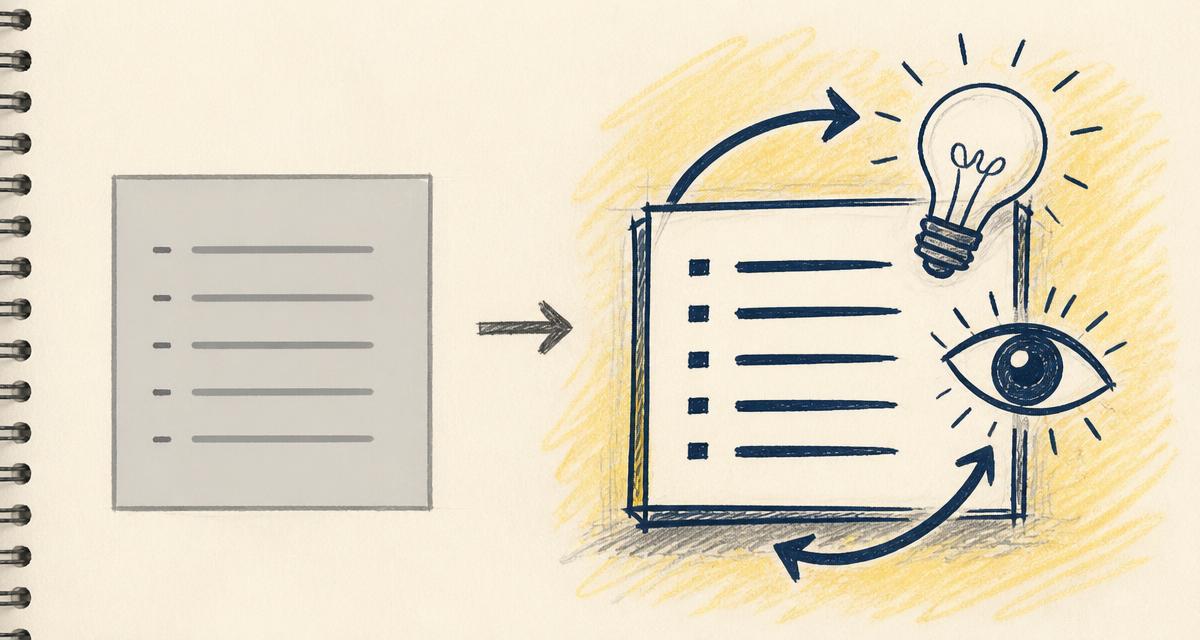
Discover how to master human proportions and skeletal balance in your digital anatomy sketches using responsive brushes and intuitive adjustment tools.
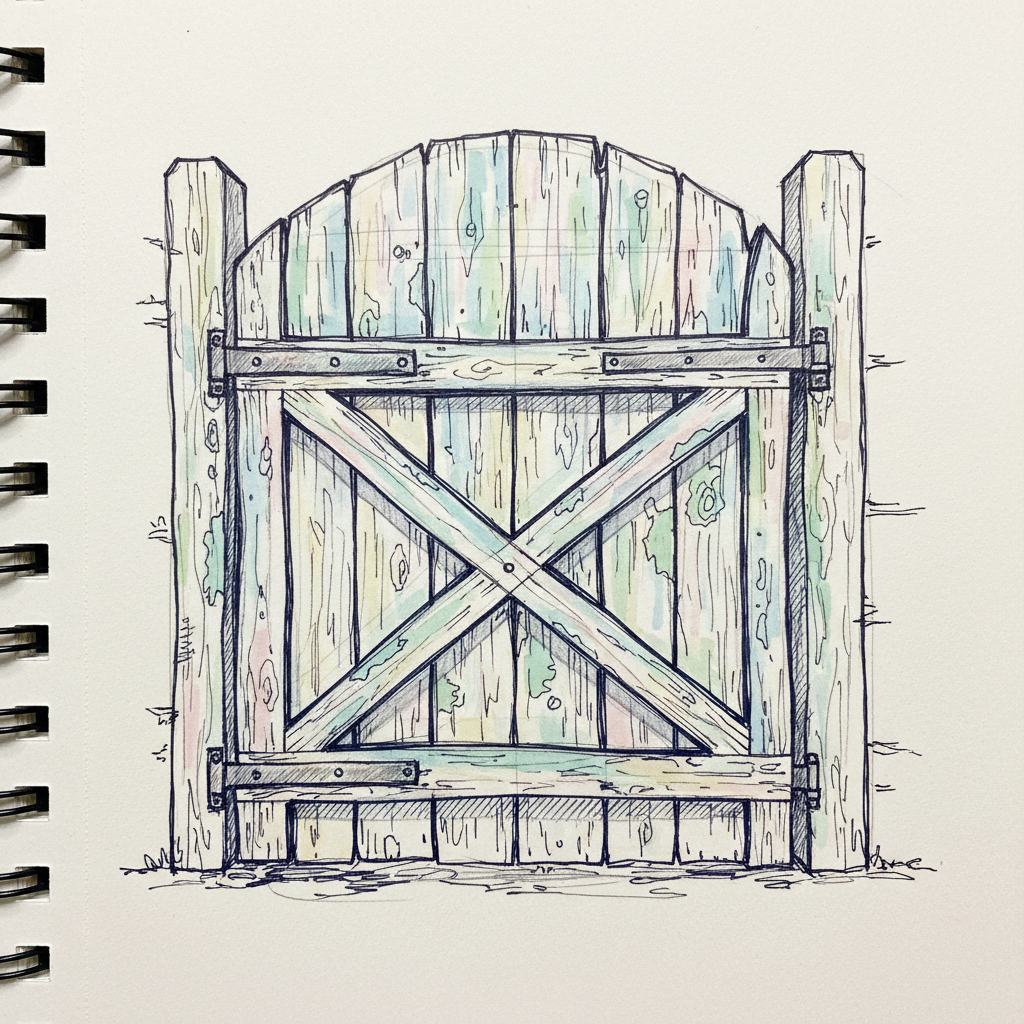
Learn how to use digital ink washes and smart marker scribbles to add professional depth and dimension to your hand-drawn sketchbook pages.
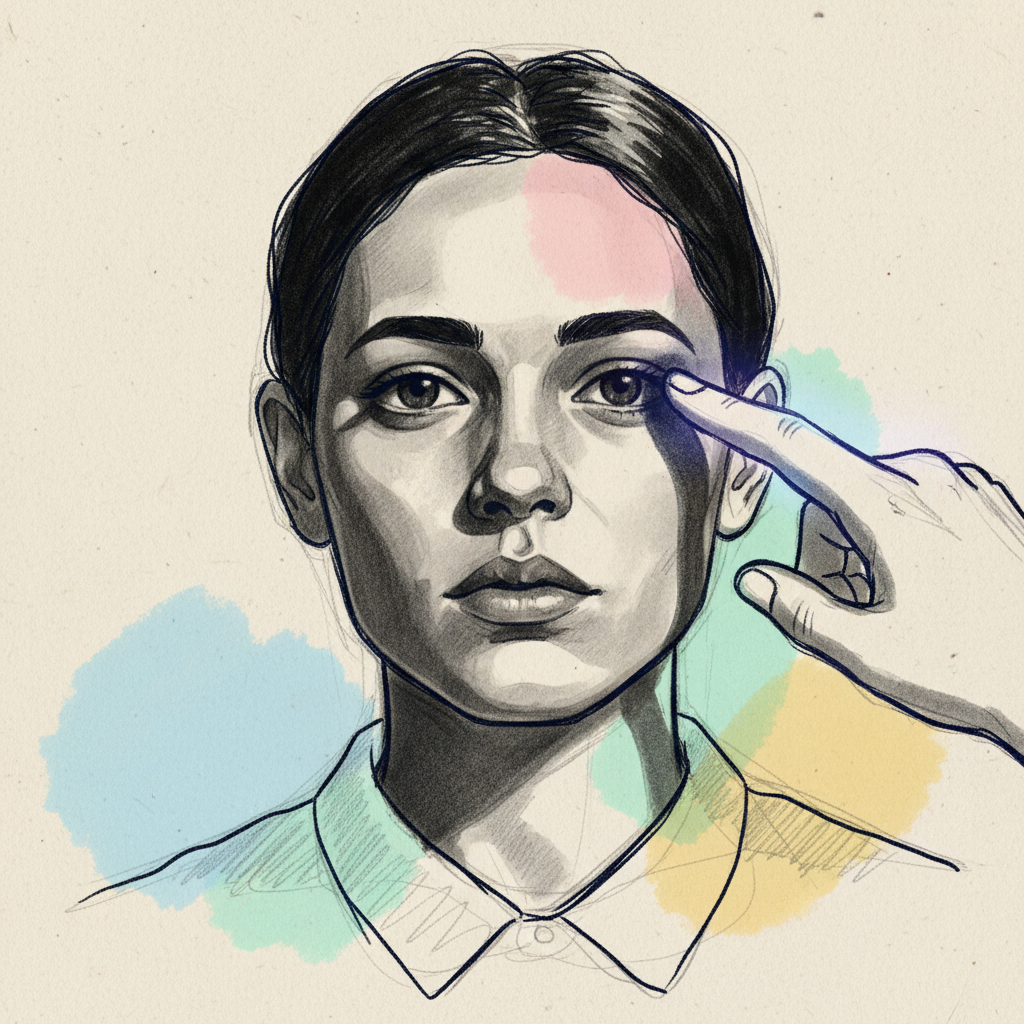
Learn how to use a digital smudge tool to nudge existing strokes and blend pigment for more organic, hand-drawn results in your digital sketchbook.
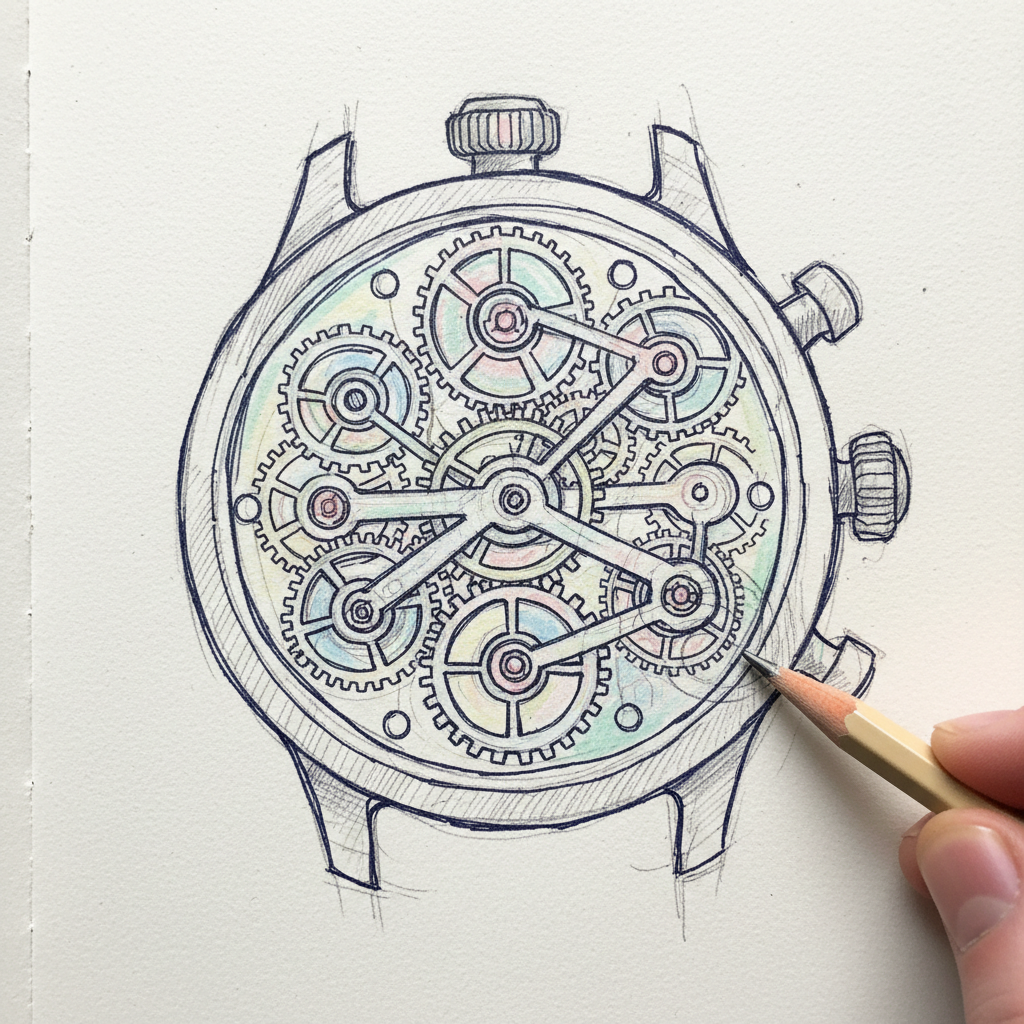
Learn how to refine digital linework using selective erasing and smudge tools to maintain a hand-drawn feel while achieving professional clarity in your sketches.
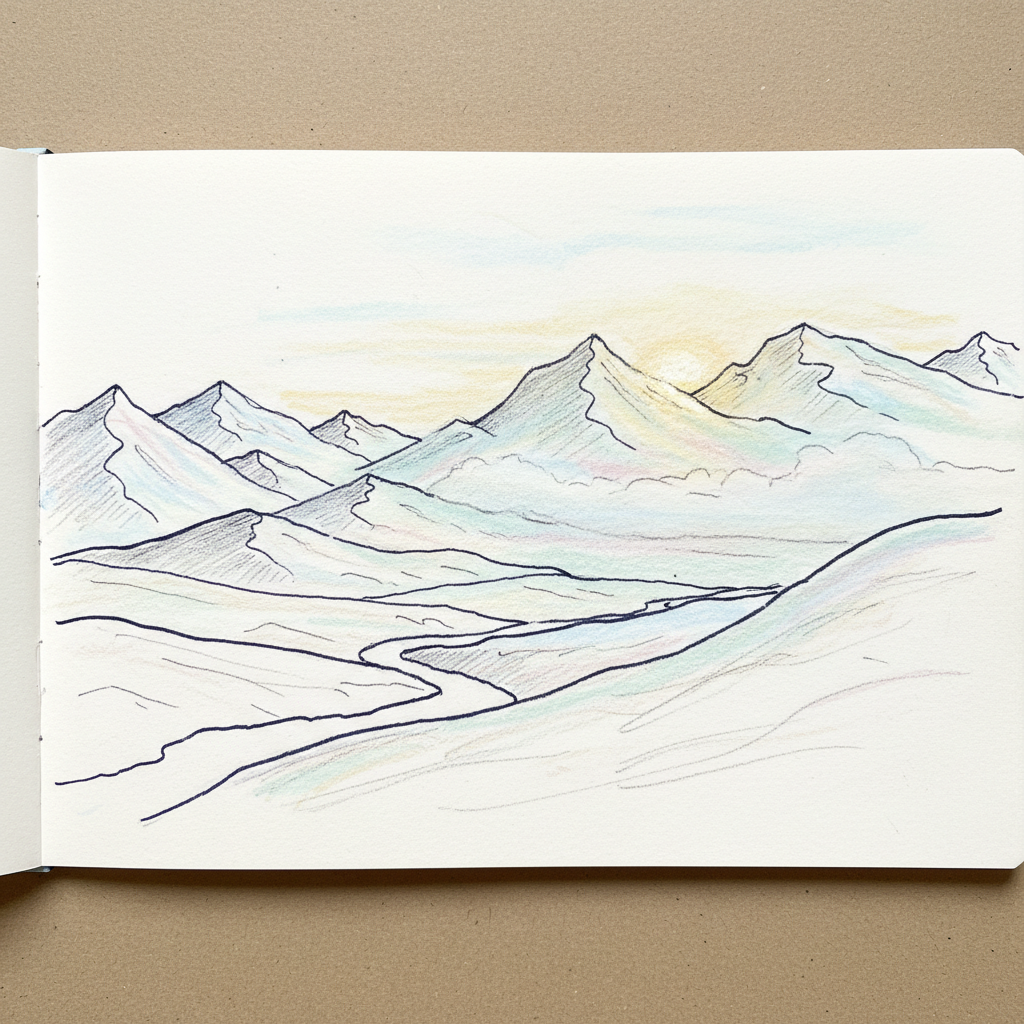
Discover how to transform flat sketches into dynamic scenes using non-destructive HSB adjustments, bloom effects, and gradient maps on your digital sketch board.
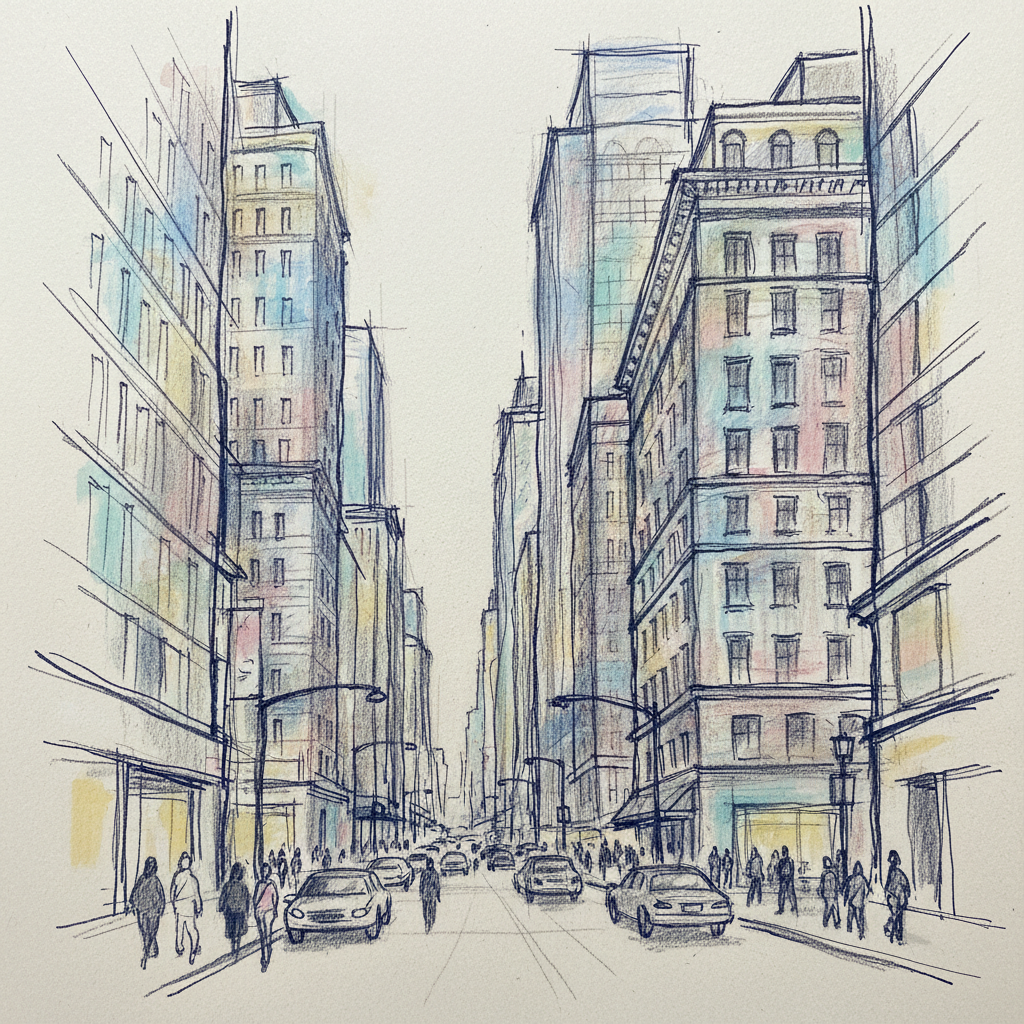
Master the gritty textures of urban environments using digital charcoal brushes and smudge tools to create atmospheric architectural sketches with depth.
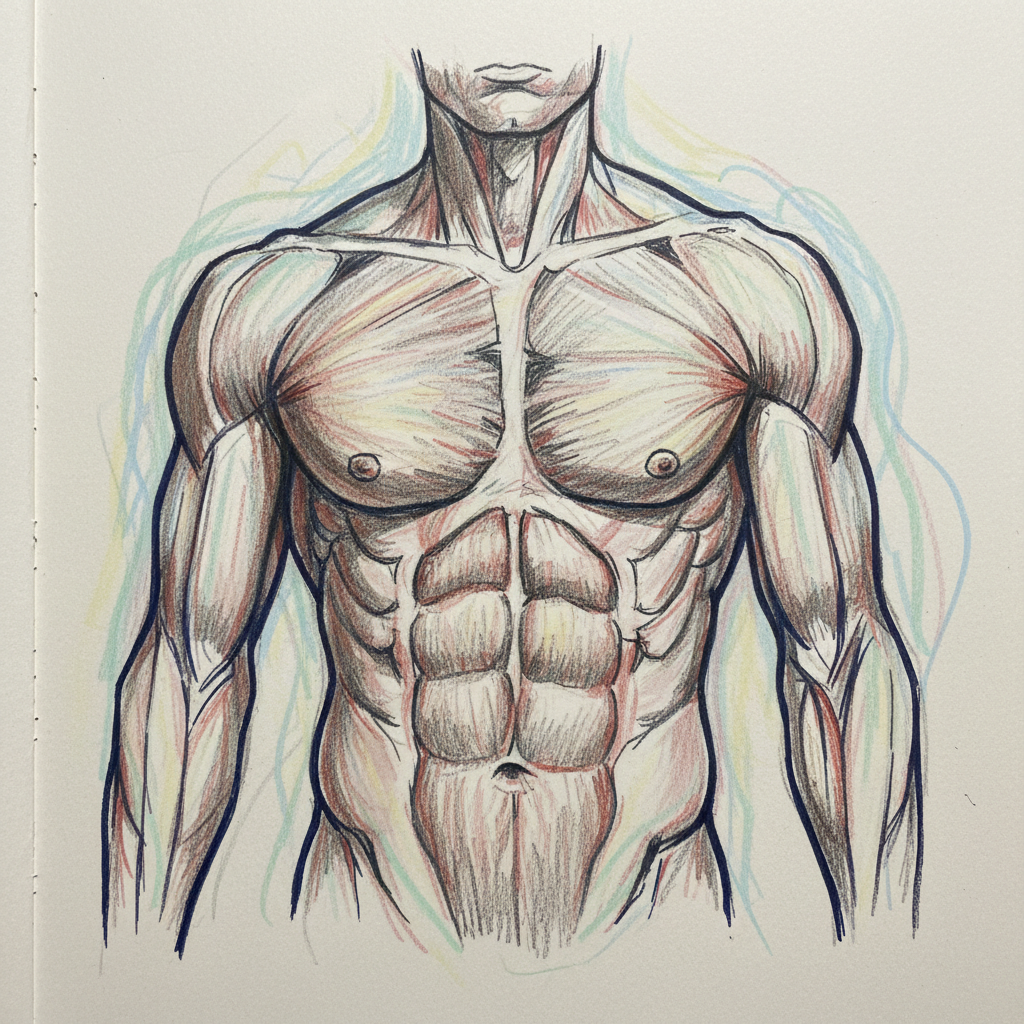
Learn how to build realistic human figures using multi-layered muscle studies, pressure-sensitive brushwork, and non-destructive adjustments on a digital sketch board.
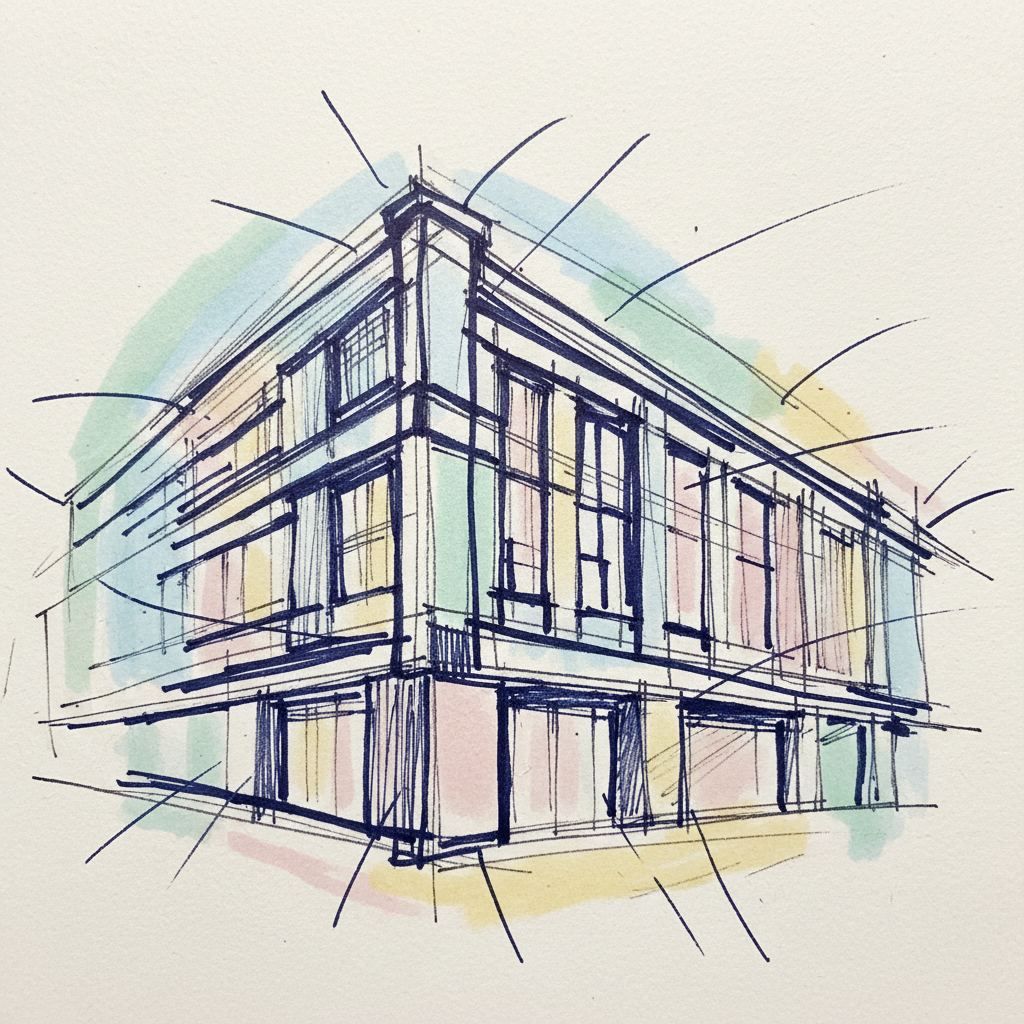
Discover how speed and movement impact your digital ink work, creating professional, dynamic line weights that mimic traditional pens and markers.
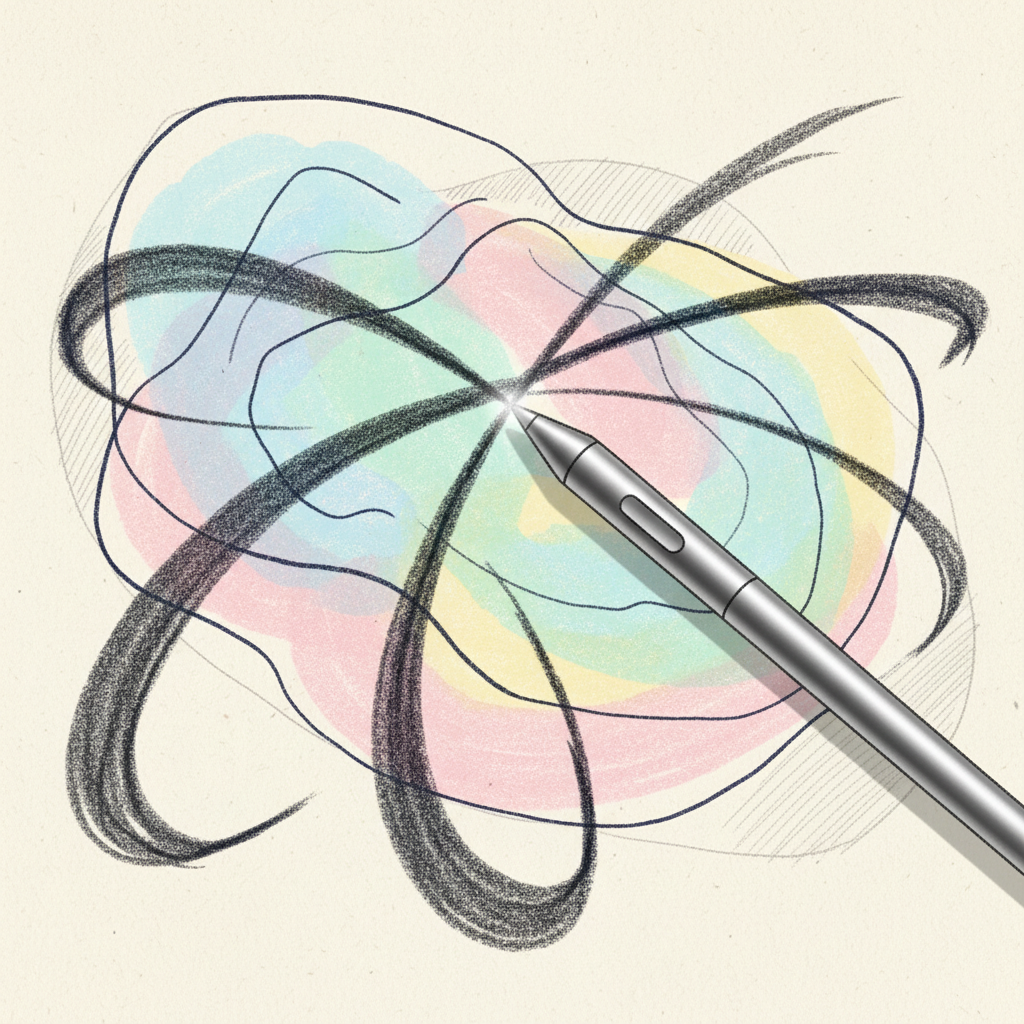
Discover how to balance pressure and velocity response to create organic, expressive lines that mimic traditional materials on a digital sketch board.
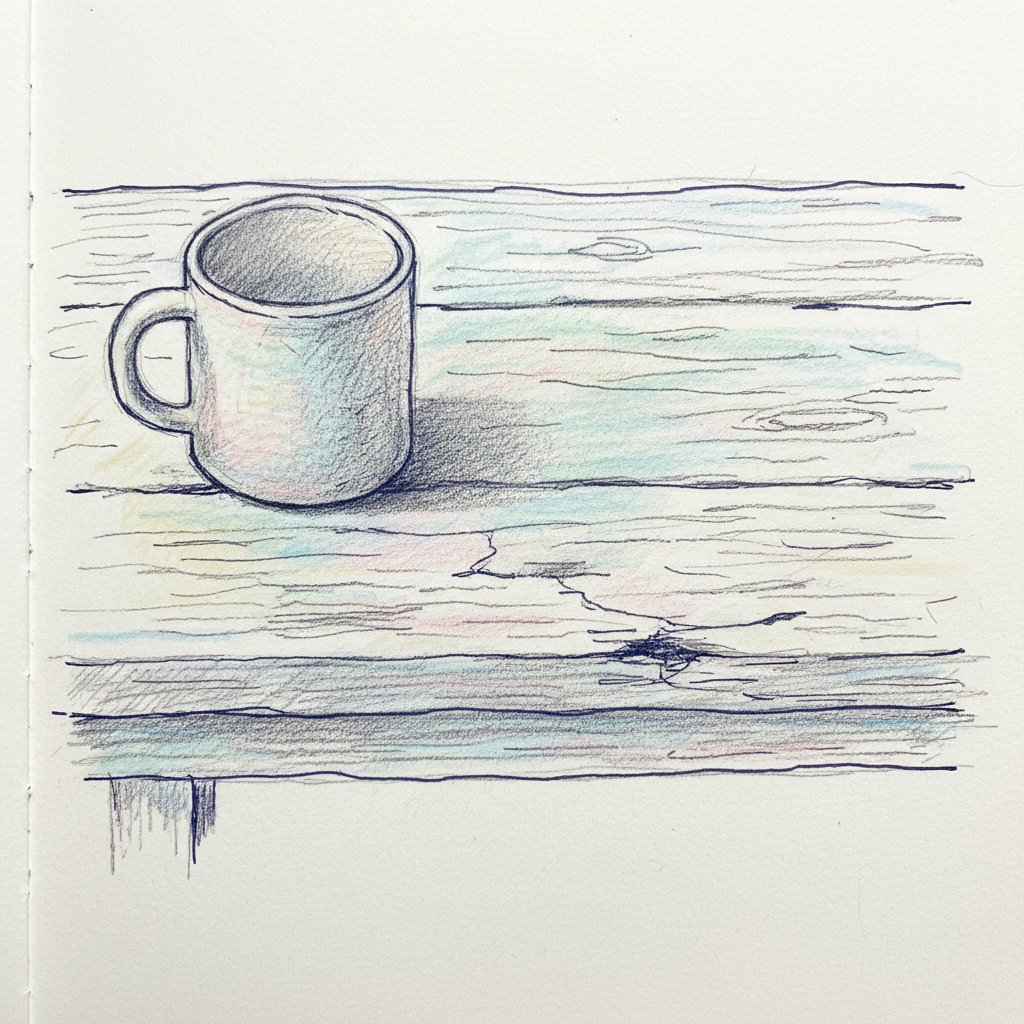
Discover how to blend different brush families and textures to create convincing surface details in your digital sketches and hand-drawn illustrations.
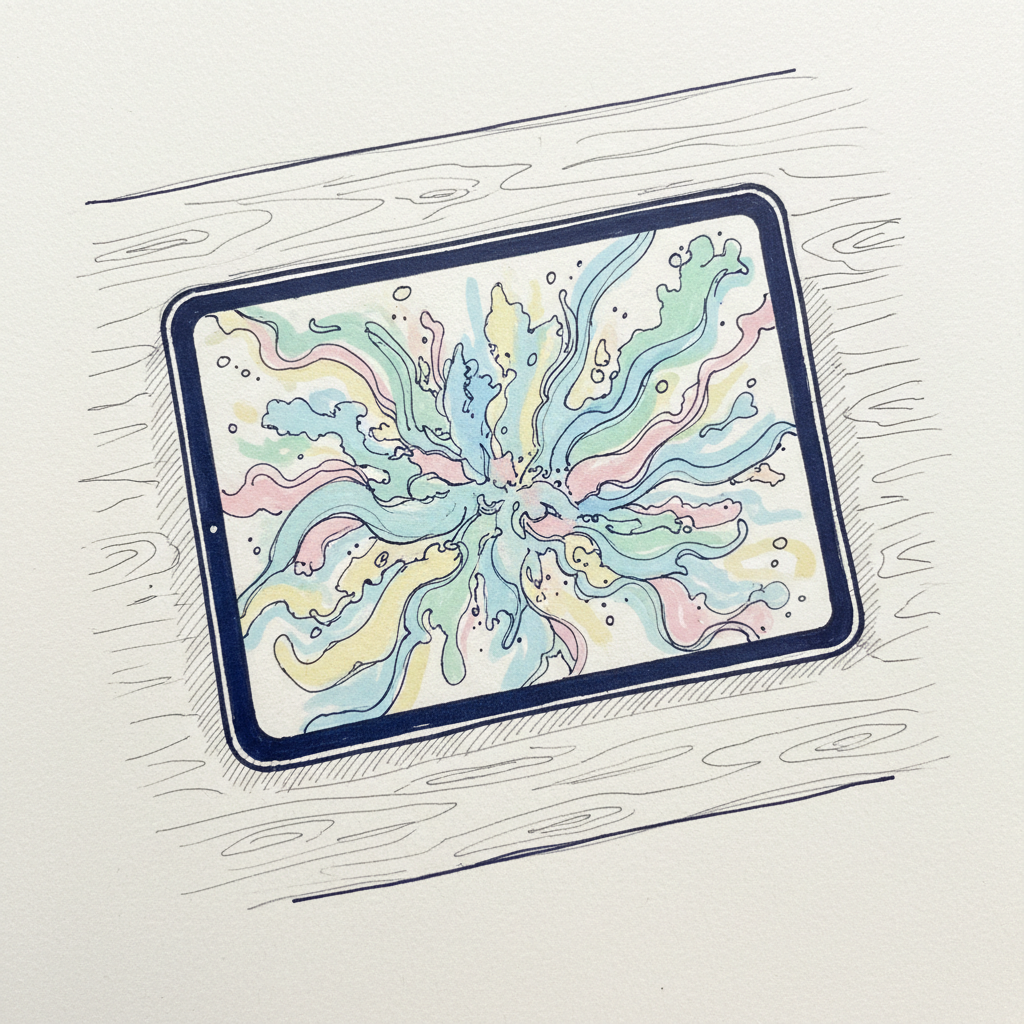
Learn how to master pressure and velocity settings to create expressive, natural digital sketches that feel like real paper and ink.
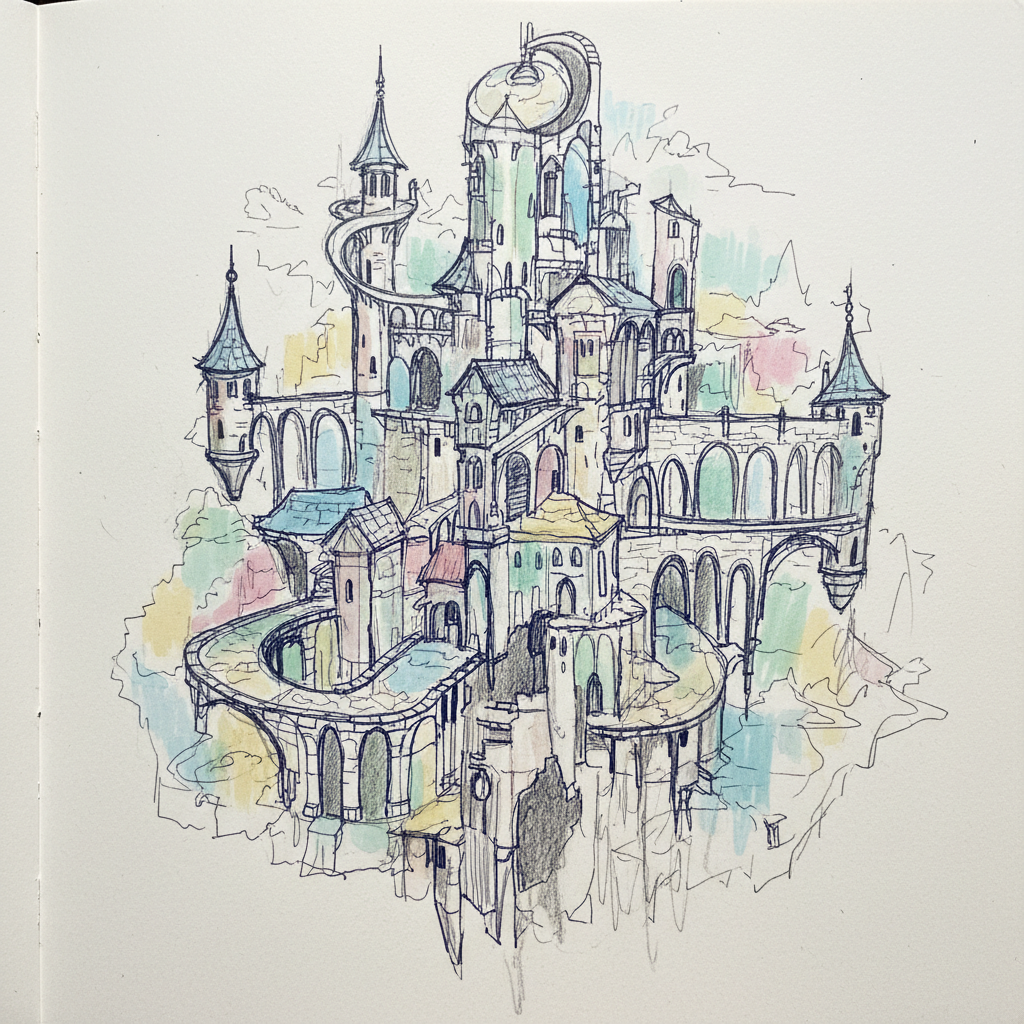
Master the art of combining diverse digital brush textures to create depth and professional grit in your hand-drawn sketches and presentations.
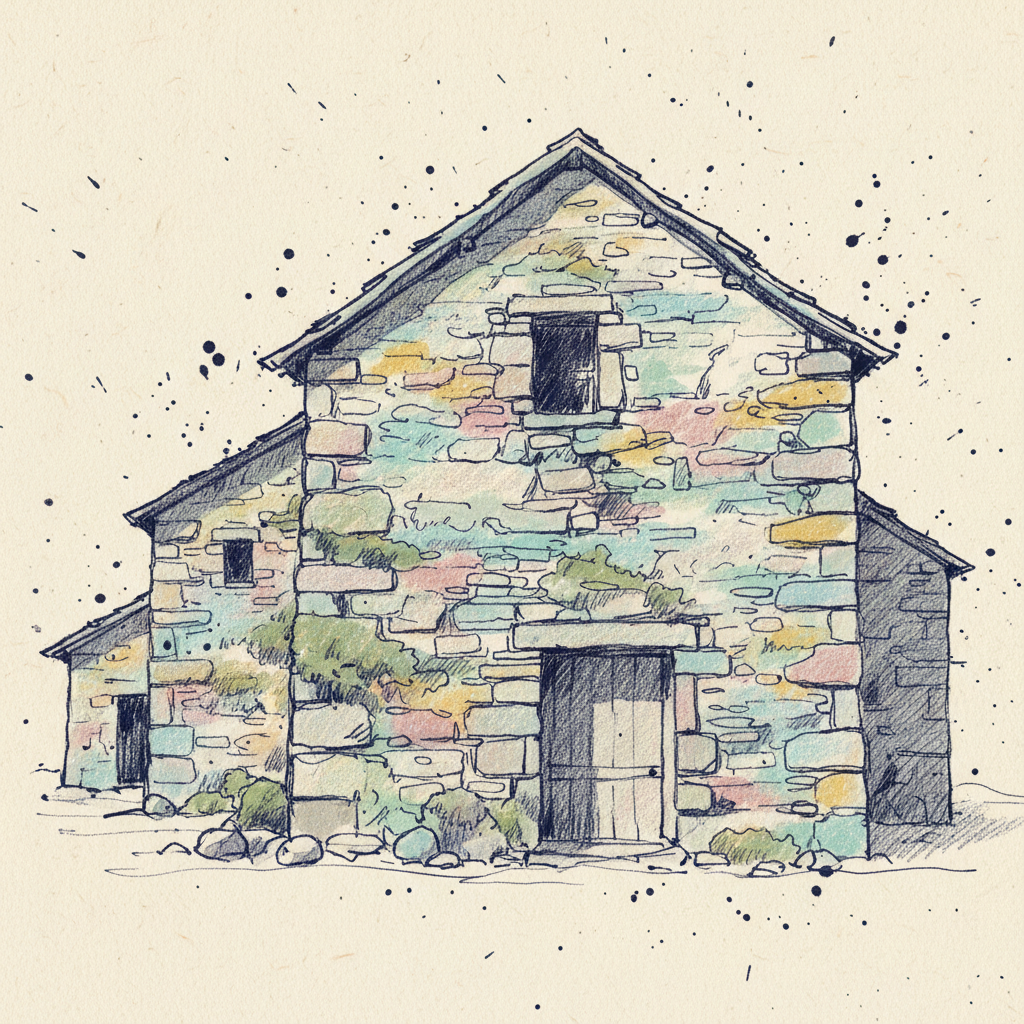
Learn how to layer different digital brush textures like charcoal and ink to add professional tactile depth and visual interest to your hand-drawn sketches.
Discover how to use the smudge tool to nudge strokes and pick up pigment, creating soft transitions and organic textures in your digital sketchbook.
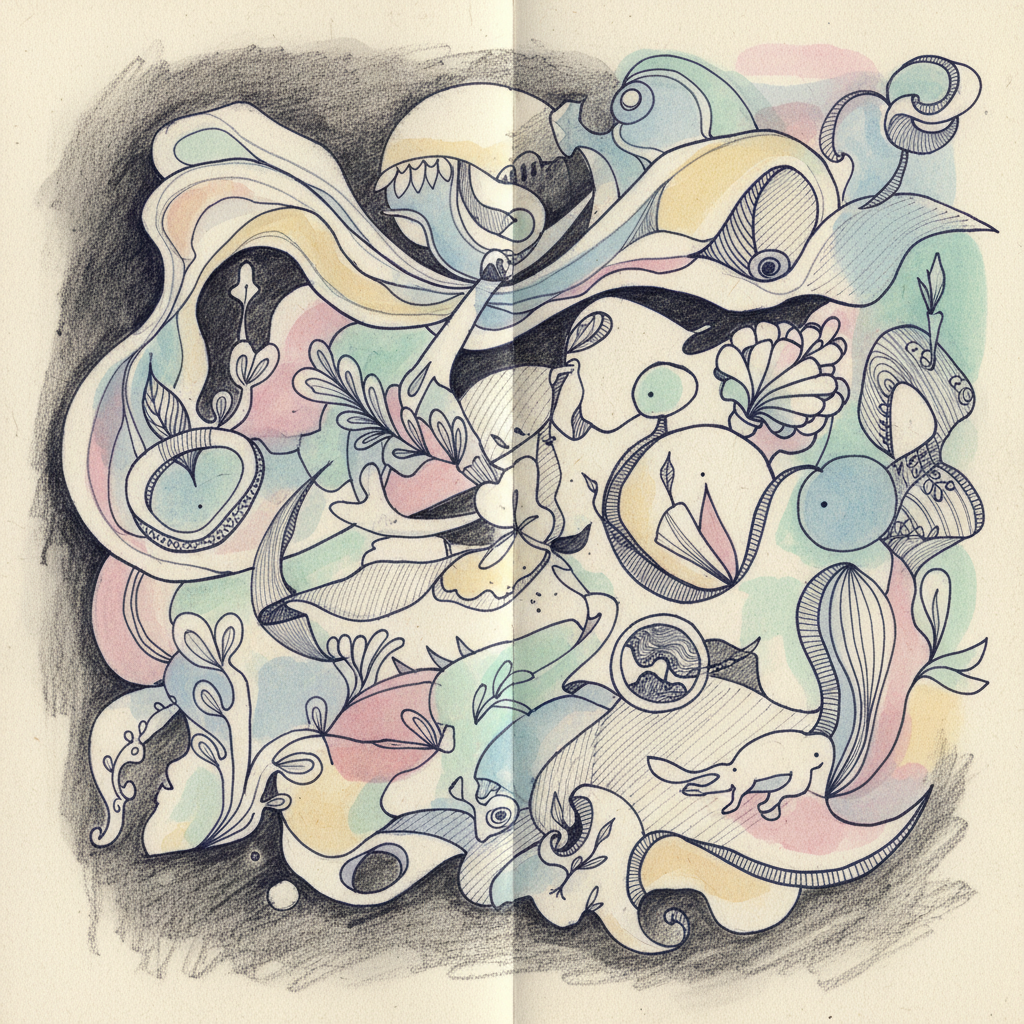
Learn how to combine contrasting brush textures to add professional depth and focus to your digital sketches and hand-drawn layouts.
Start free with 1,000 hand-drawn illustrations, 1,000 symbols and 1,000 stickers, snapping arrows, washes and one-click export.
Start a board free