Online diagram, flowchart and slide workspace

A sketch board you actually draw on

Sketchboard AI is a hand-drawn board first: sketch with 25 families of pens, pencils, inks, paints and airbrushes, drop in marker-style artwork, bend arrows around it, tune colour and effects, then present or export the whole board.

Free account, no card needed. Sign up with email, Google or Apple.

3,000+
illustrations, symbols & stickers
1,000
vector shapes
10
export formats
3
presentation modes
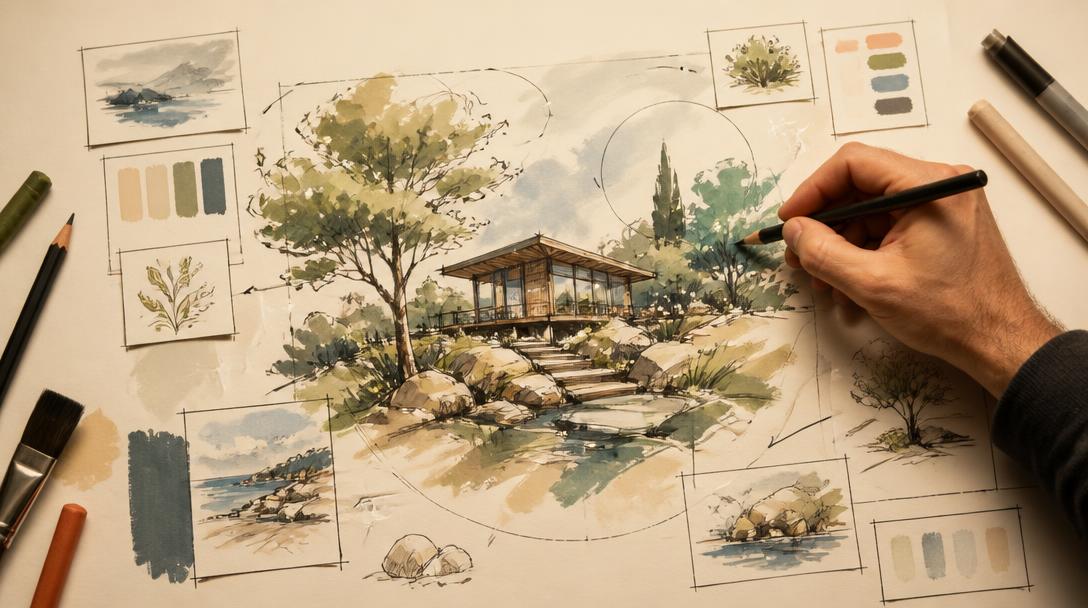
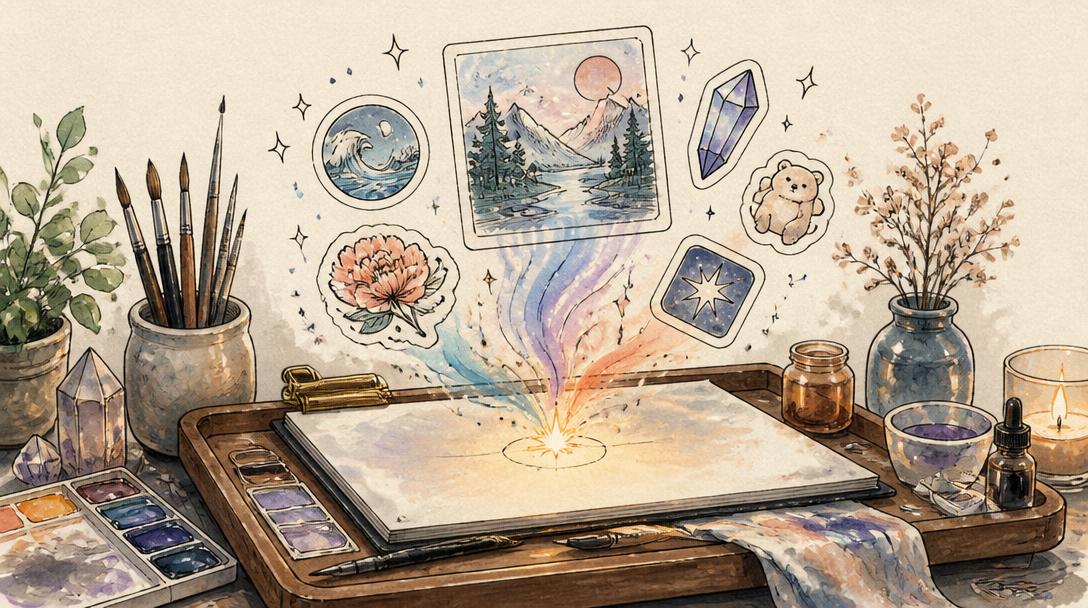
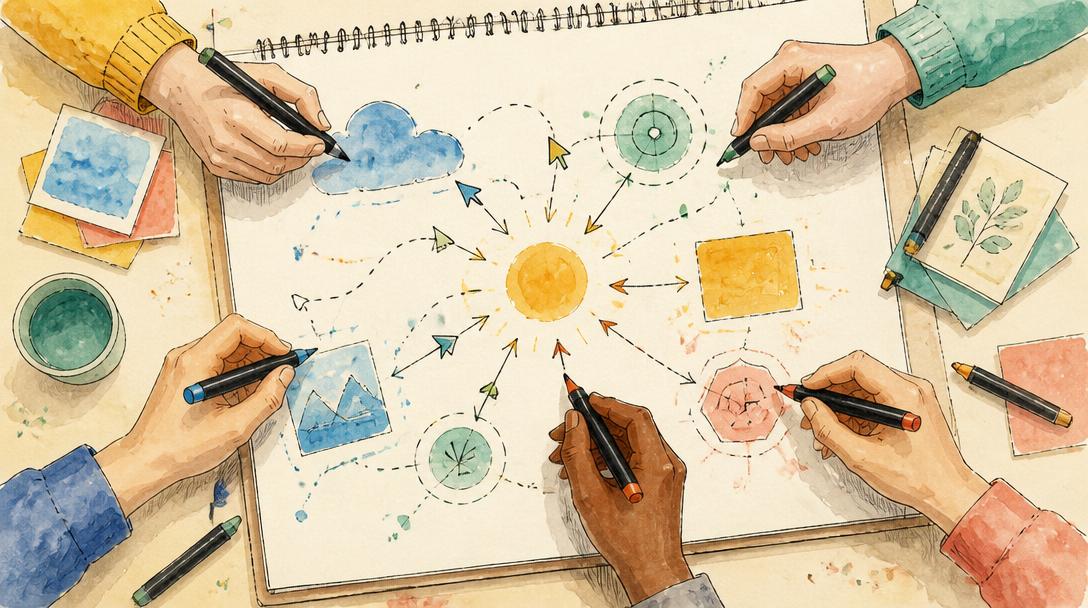
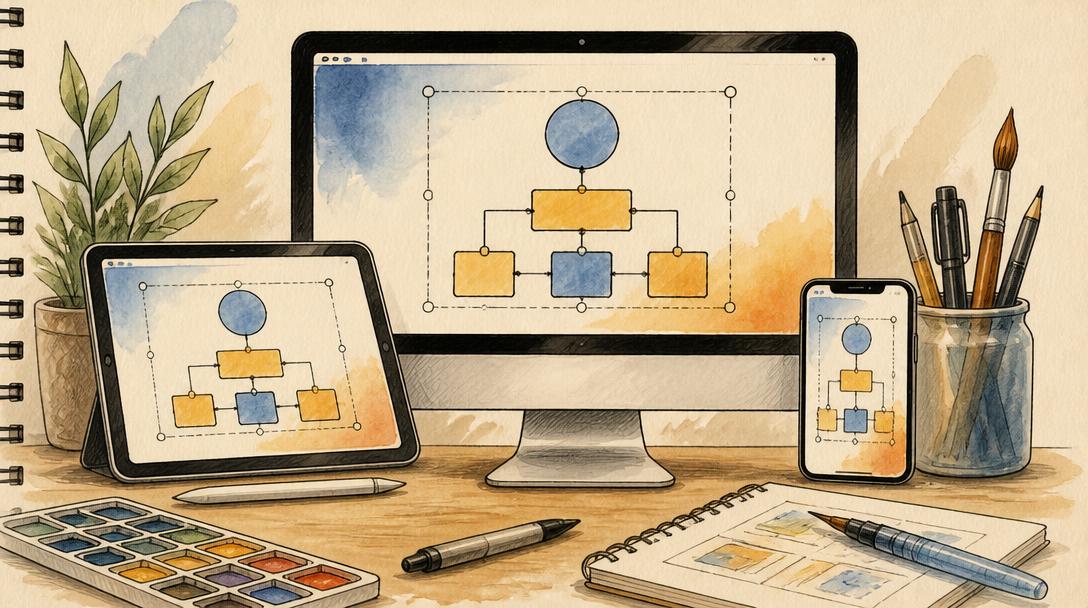
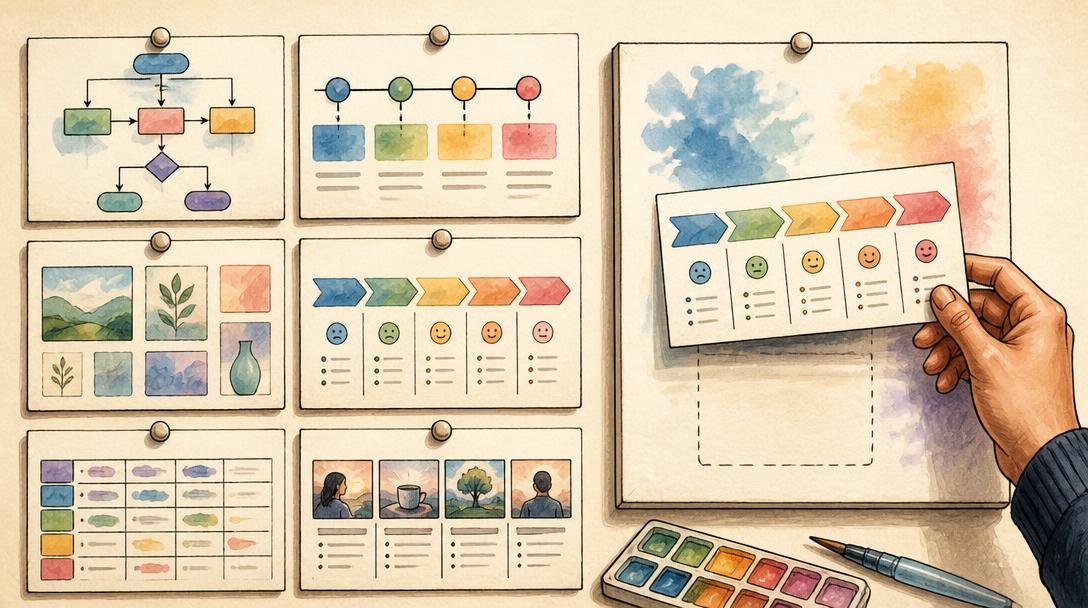
Hand-drawn artwork of an artist sketching a landscape diagram surrounded by brushes, pencils, colour swatches and reference cards
FLOW
Client onboarding workflow
Enquiry
Enquiry
Form or call
1
Discovery call
Discovery call
Goals and scope
2
Proposal
Proposal
Quote sent
3
Kick-off
Kick-off
Owners agreed
4
Delivery
Delivery
Weekly check-in
5
start here: enquiry
mint
blush
sky
sand

From idea to workflow diagram in minutes

  1. 1

    Drop in the steps

    Add boxes, labels and artwork from the library onto a sketch board.

  2. 2

    Connect them with arrows

    Arrows stick to each step and follow along as you move things.

  3. 3

    Present or export

    Show it full screen or download it to share with your team.

Create your free account

Everything a sketch board needs

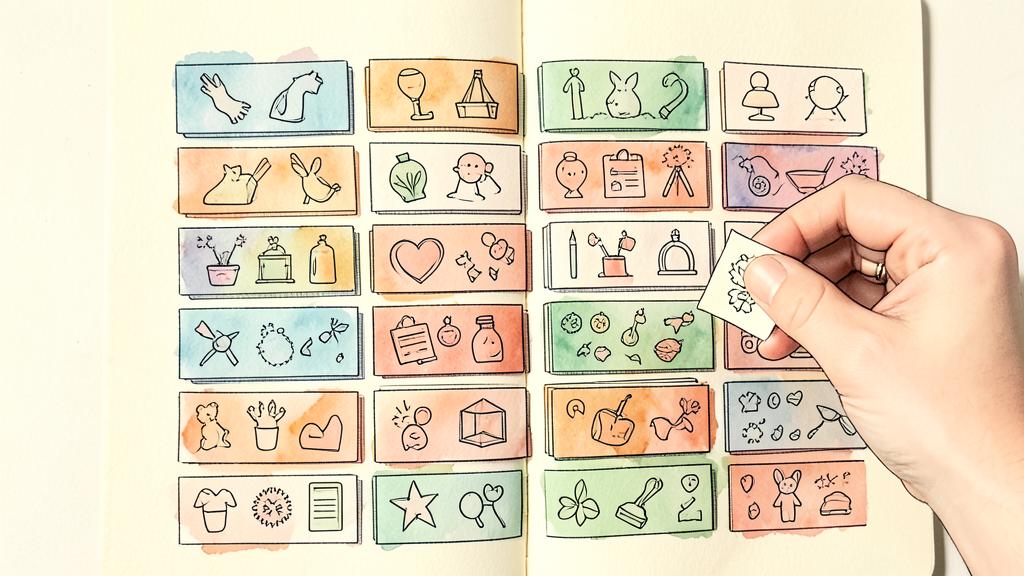
Hand-drawn Sketchboard example for 1,000 illustrations + 1,000 symbols, ready to drop in

1,000 illustrations + 1,000 symbols, ready to drop in

Thirteen categories — people, tech, business, travel, health, music and more — all drawn in one consistent marker style, browsed in sections with counts. Plus a Drawings tab of full-colour scene artwork and a Line Icons tab with 1,000 crisp pictograms.
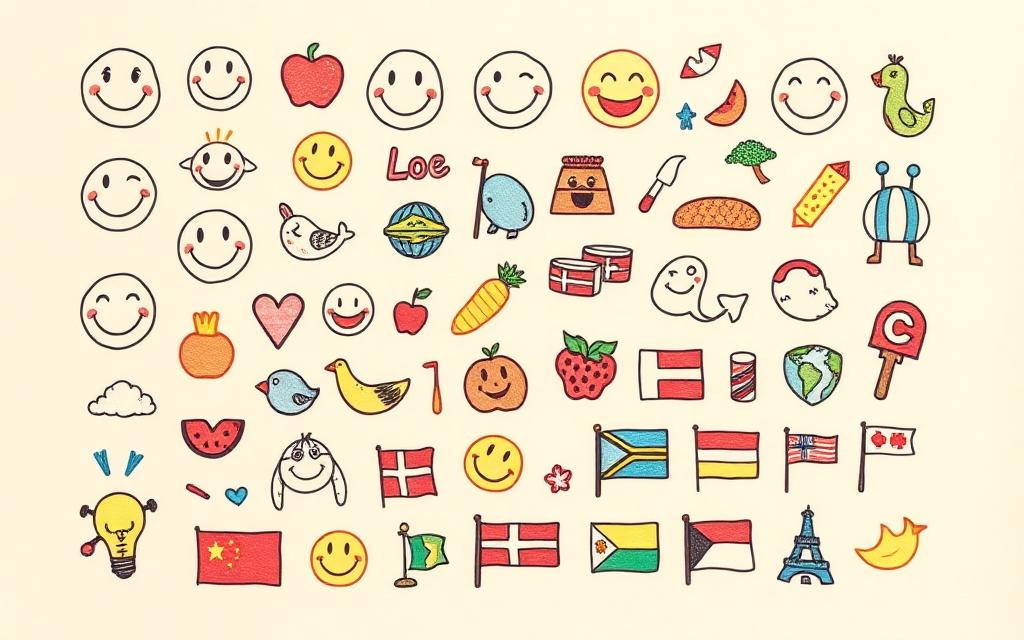

Hand-drawn Sketchboard example for 1,000 stickers as well

1,000 stickers as well

A whole sticker tab across nine categories — smileys, people, animals, food, travel, activities, objects, signs and flags. Click one to preview it large, arrow through the set, then add it at the same size as everything else.
Hand-drawn Sketchboard example for AI draws what's missing

AI draws what's missing

Choose Illustration or Symbol, describe it, pick how many variations — or use free-form generate with style, shape and transparency options. Upload or paste a reference image and ask for an exact copy or a new variation; the same request twice gives the same drawing. Everything comes back on a truly transparent background, filed in its own Images tab.

Hand-drawn Sketchboard example for Bring your own images

Bring your own images

Upload your own art or photos, drop the background automatically, and recolour any illustration or symbol to match your slide. Uploaded images move, resize and rotate exactly like every other element — arrows stick to their visible artwork too.

Hand-drawn Sketchboard example for Arrows that follow your hand

Arrows that follow your hand

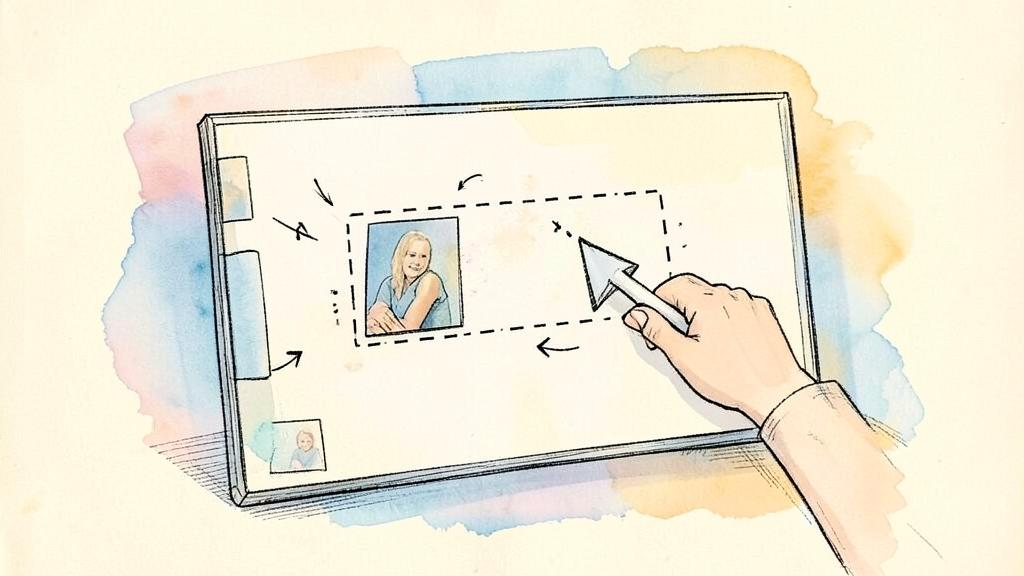
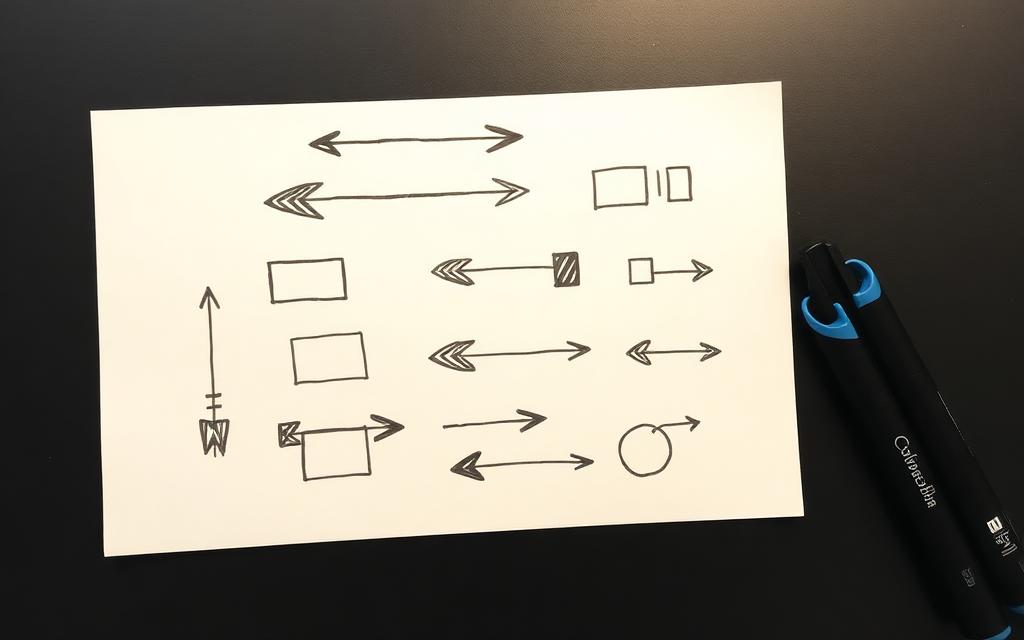
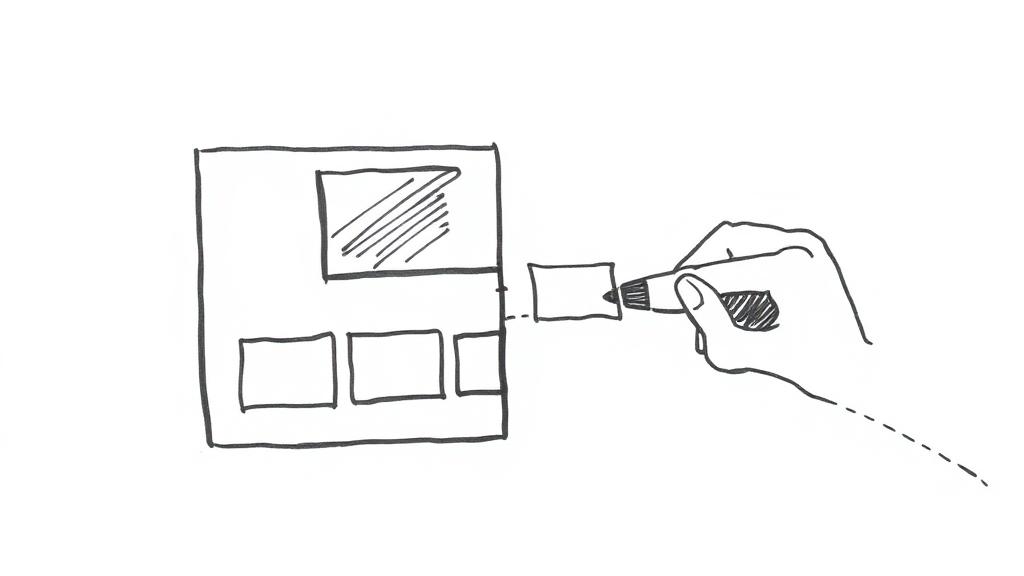
Straight, elbow and arc arrows that update live as you drag, bend from a middle handle, attach to other arrows, and pick from seven arrowheads — marker, triangle, open V, barbed, dot, diamond or bar. Drop an end on an uploaded or AI image and it sticks to the artwork you can see, not an invisible box.

Hand-drawn Sketchboard example for 1,000 vector shapes

1,000 vector shapes

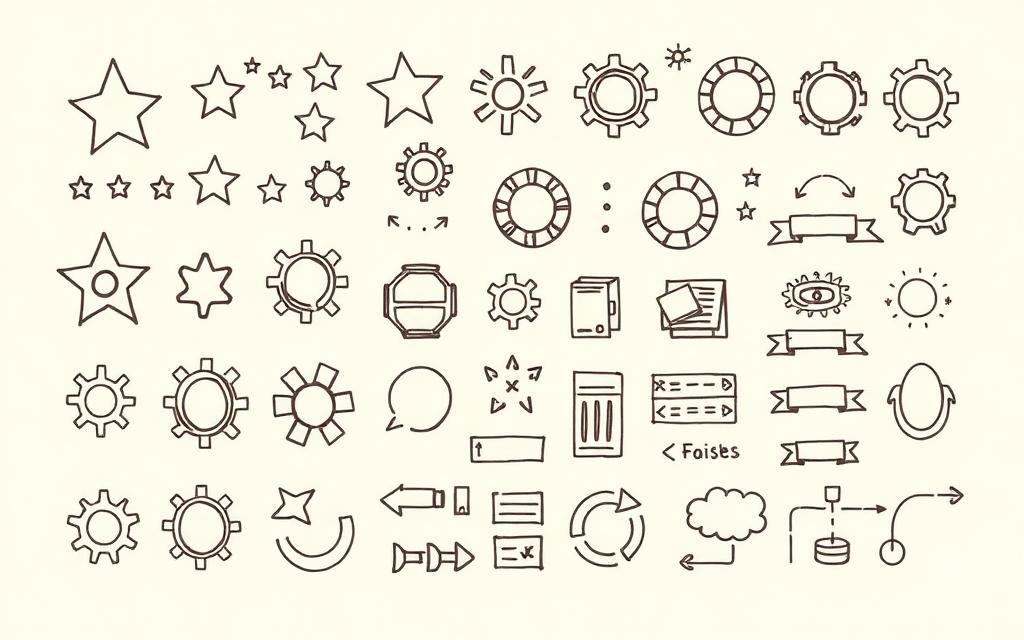
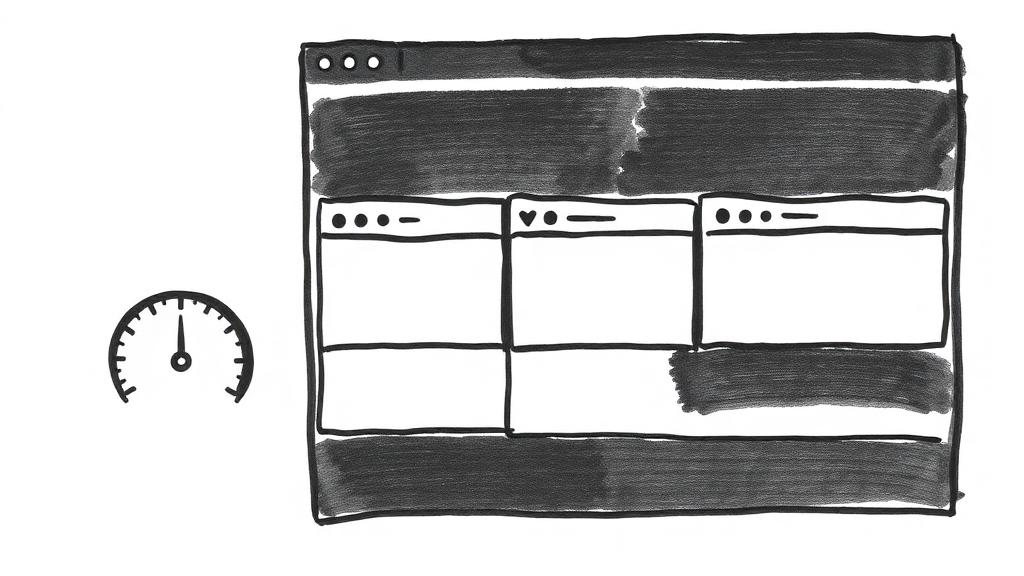
Stars, polygons, gears, rings, pies, arrows, chevrons, callouts, banners and flowchart symbols — searchable by category, each with its own fill and outline colour plus independent fill and outline opacity. One-click rectangles, circles, triangles, diamonds, clouds and people sit on the toolbar too, with adjustable corner radius and scribble wash fills that stay inside the outline.

Hand-drawn Sketchboard example for Washes and a free marker

Washes and a free marker

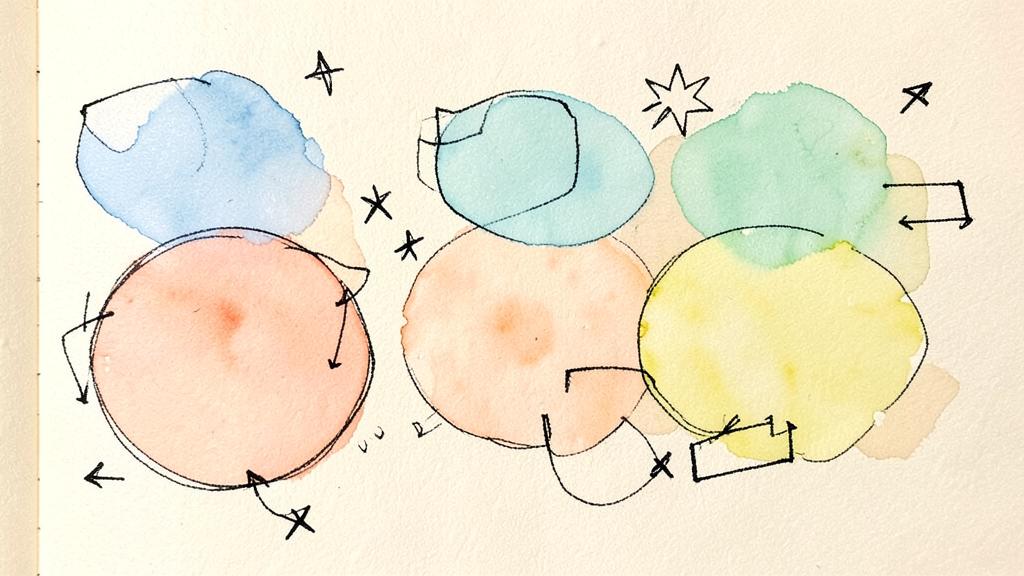
A dedicated Washes picker with nine hand-scribbled patches — rectangle, square, circle, oval, blob, splash, highlight band, triangle, diamond — that drop behind your elements, plus a translucent marker you can draw with straight onto the board.

Hand-drawn Sketchboard example for Text on soft shapes

Text on soft shapes

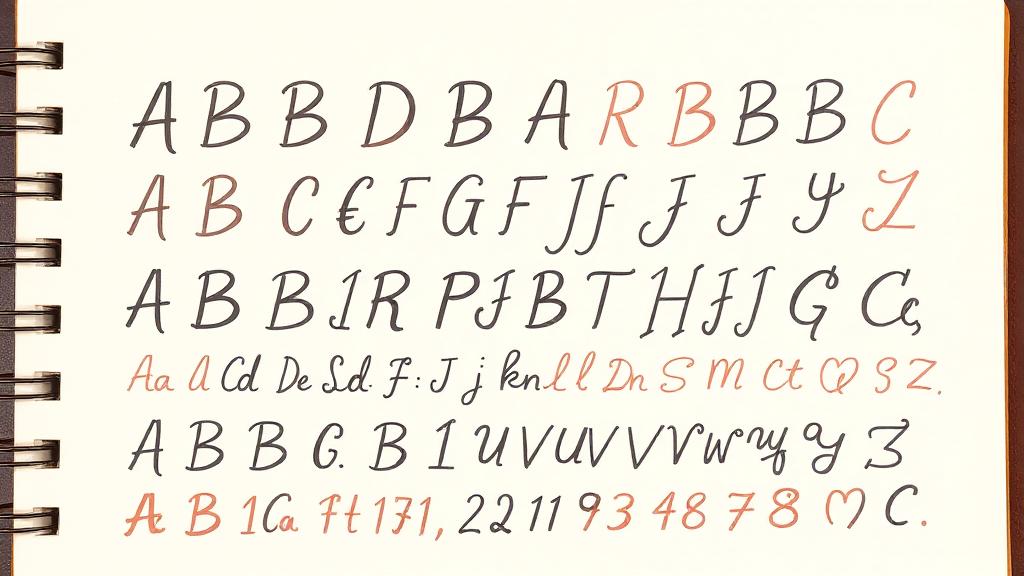
Labels and callouts with adjustable line height, padding, rounded, square, cut or notched corners, 25 handwriting fonts, and straight, curved, arched, double or wavy underlines. Tune weight from 400 to 1,400; background shapes hug the words, and text automatically lands light on dark slides and dark on pale paper.

Hand-drawn Sketchboard example for Every setting typeable and resettable

Every setting typeable and resettable

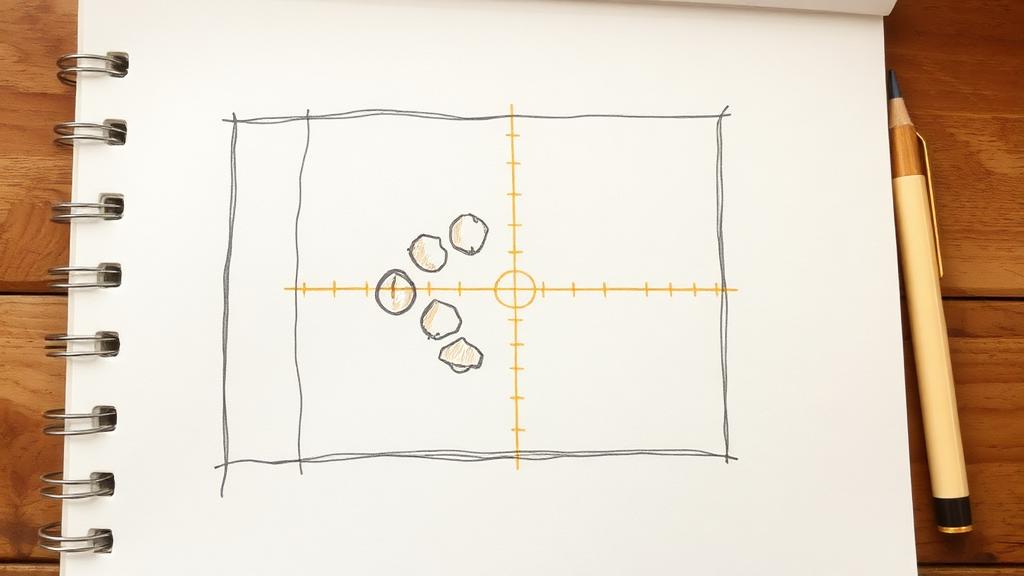
Type an exact number into any slider in the Style, Draw and Adjust panels, or hit its reset icon to snap it back to the default — with amber guides showing when something is truly centred.

Hand-drawn Sketchboard example for Any slide background you like

Any slide background you like

Change a slide's background colour from the Style panel in one click — palette colours, a custom shade, or back to the original paper texture.

Hand-drawn Sketchboard example for Order every layer, visibly

Order every layer, visibly

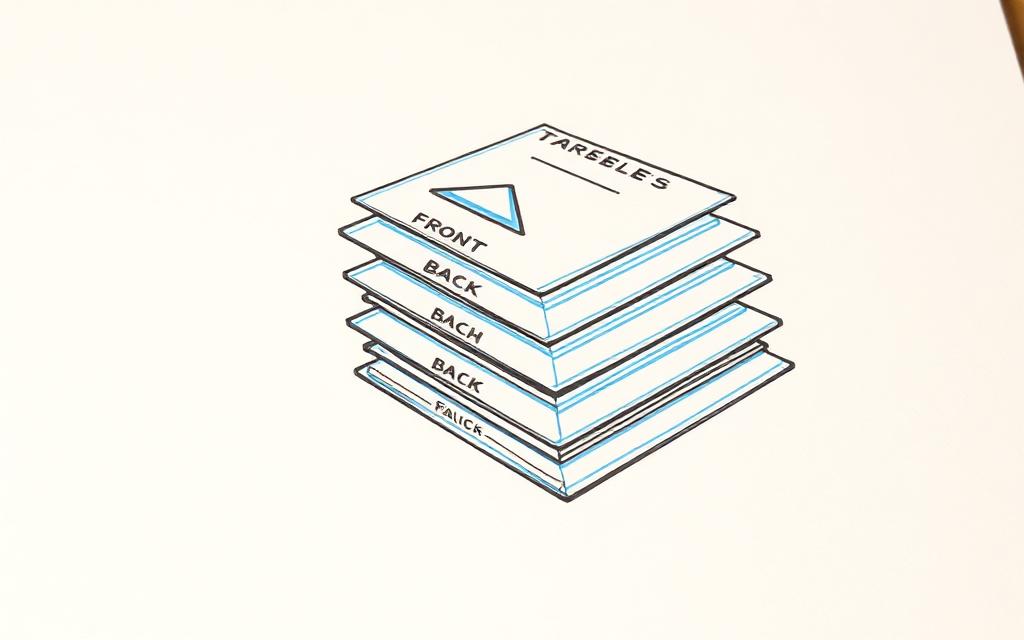
A floating, draggable layers panel shows everything on the slide top to bottom with Front and Back badges — step anything forward or back, or swap an element for another of the same kind without moving it.

Hand-drawn Sketchboard example for 25 brush families to draw with

25 brush families to draw with

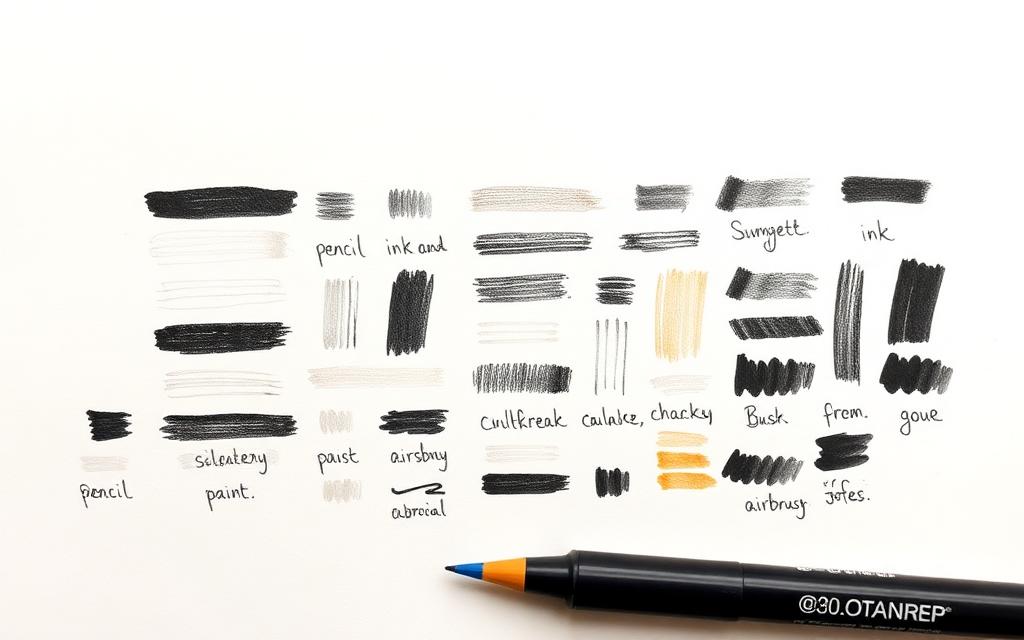
Sketching, inking, painting, drawing, calligraphy, airbrushing, textures, abstract, charcoals, elements, gouache, spraypaints, luminance, industrial, organic, water, vintage, retro and more — each with named brushes, its own grain, taper, size, opacity and pressure response.

Hand-drawn Sketchboard example for Strokes that feel like real media

Strokes that feel like real media

Pressure and speed change the line the way ink and graphite do, a Procreate-grade smudge tool drags the pigment under its bristles into soft multi-toned streaks that run dry, a precision eraser rubs away only the ink under its tip — and undo/redo buttons sit right inside the Draw tools panel. Every colour control opens a swatch grid you can flip to a full colour wheel.

Hand-drawn Sketchboard example for Adjustments on anything

Adjustments on anything

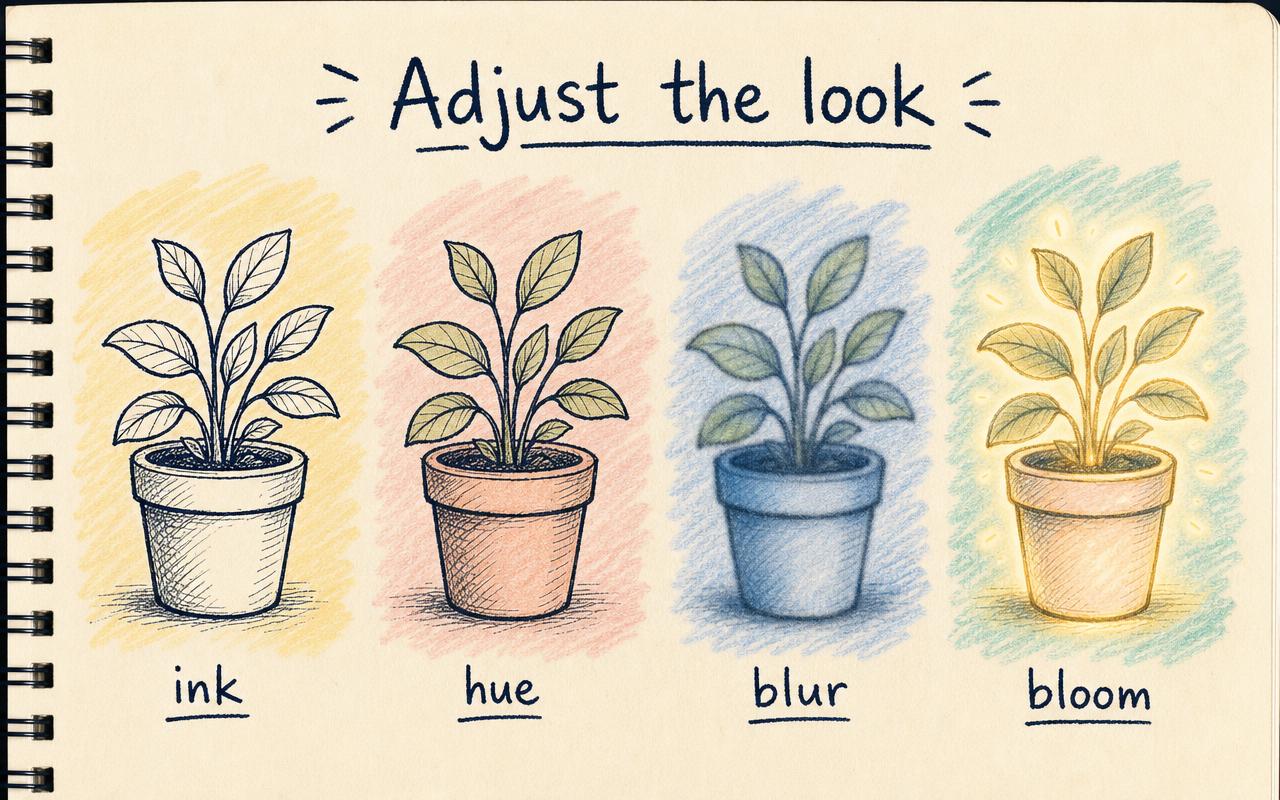
A floating Adjust panel with hue, saturation and brightness, curves, gradient maps, gaussian and motion blur, sharpen, bloom, glitch, halftone and liquify — all non-destructive, so you can dial it back any time.

Hand-drawn Sketchboard example for Drag, drop and rearrange

Drag, drop and rearrange

Drag artwork straight from the library onto the canvas, reorder slides by dragging their thumbnails, flip or rotate anything in place, and right-click to pick any element out of an overlapping stack. Select several things — arrows included — and one shared box moves, resizes and rotates the lot; grouped pieces stay safely grouped.

Hand-drawn Sketchboard example for A workspace that stays how you left it

A workspace that stays how you left it

Float or dock the Library, Style, Layers, Draw and Adjust panels anywhere, keep the toolbar always visible, auto-hiding or hidden, toggle the library and slide strip for a full-width board, pan with the Hand tool, double-click empty paper to zoom in (hold Shift to zoom out) — and every panel position, zoom and grid setting is remembered per board. A Design / Draw pill and a soft amber frame show which mode you're in, and with the header hidden a labelled Style, Panel and Menu cluster plus a current-tool badge keep everything a click away. Board titles save themselves as you type.

Hand-drawn Sketchboard example for Version history you can see before you roll back

Version history you can see before you roll back

Every board snapshots itself as you work. Open the history, preview any version as thumbnails — or full-screen, slide by slide with the arrow keys — then restore the one you want. No lost afternoon because of one bad idea.

Hand-drawn Sketchboard example for Change canvas size without breaking the layout

Change canvas size without breaking the layout

Switch between presentation, social, print and app-store presets and every element, arrow, wash and stroke rescales proportionally around the centre — with a Restore button that puts the original layout back exactly.

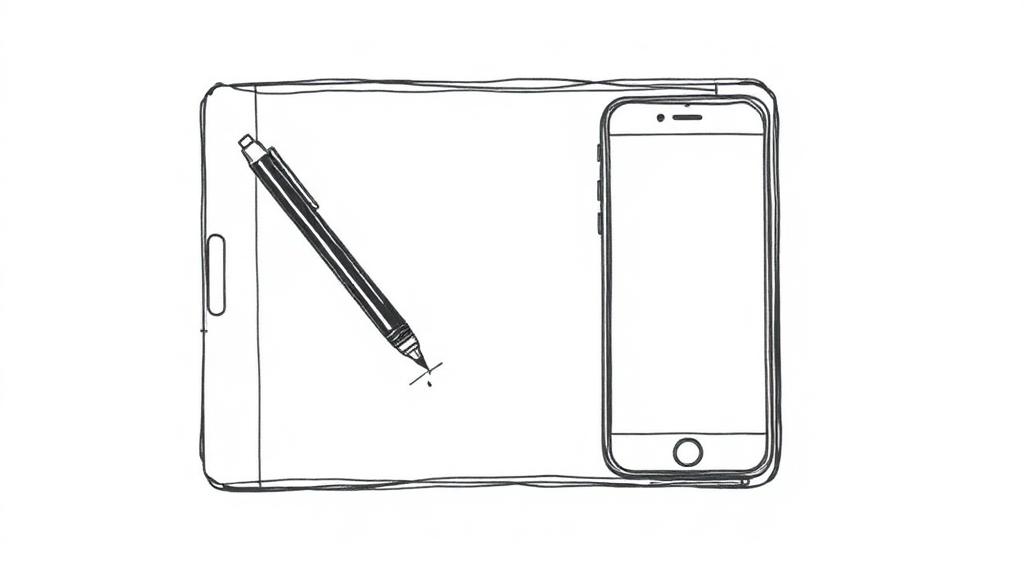
Hand-drawn Sketchboard example for Built for iPad and phones too

Built for iPad and phones too

Finger-sized selection, rotate and arrow handles that stay the same size on screen at any zoom, tap-to-reorder slide thumbnails with always-visible duplicate and delete, and floating panels that become full-width bottom sheets on a phone.

Hand-drawn Sketchboard example for Smooth in every browser

Smooth in every browser

Dragging, resizing and drawing are tuned frame by frame, so a busy board stays responsive in Safari, Chrome, Firefox and Edge.

Hand-drawn Sketchboard example for Build it together, live

Build it together, live

Share a board with your team and edit the same slide at the same time, with everyone seeing identical results — Team owners invite up to five teammates by email themselves.

Hand-drawn Sketchboard example for Present it three ways

Present it three ways

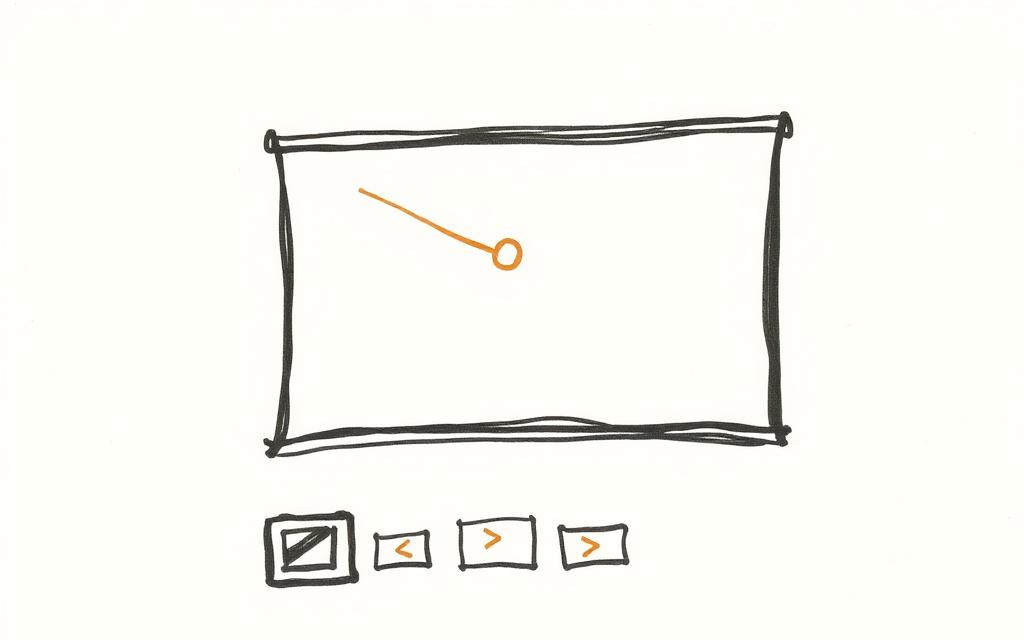
Full-screen present mode straight from a board card or the editor, autoplay with timed transitions, and a self-contained HTML slideshow — with a laser pointer and torch spotlight to guide the room.

Hand-drawn Sketchboard example for Export to ten formats

Export to ten formats

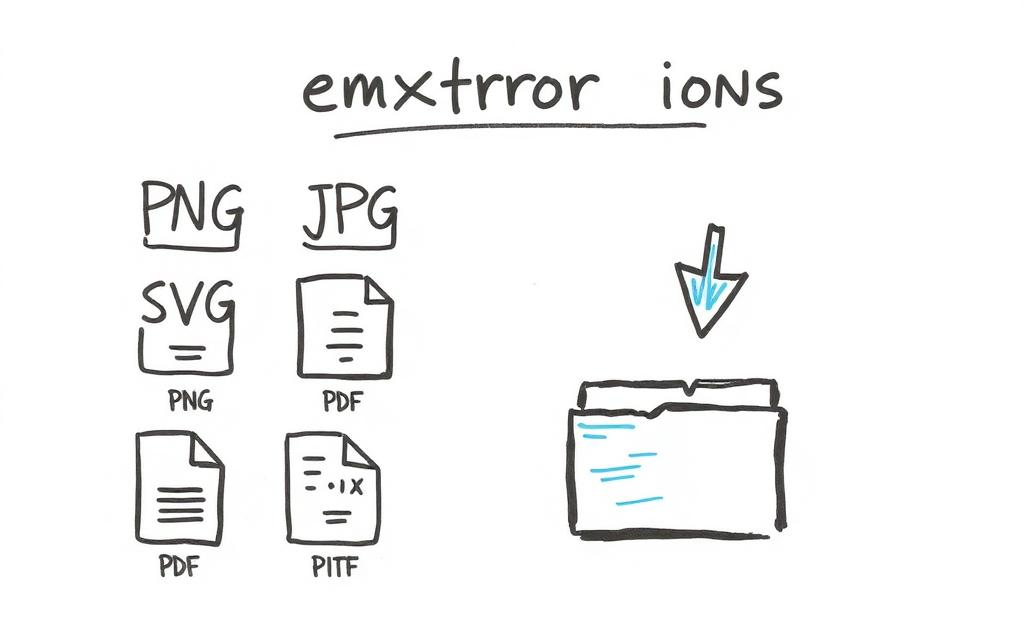
PNG, JPG, SVG, PDF, PPTX, animated GIF, PNG ZIP, JPG ZIP, a web slideshow, or raw JSON — one click each.

Hand-drawn Sketchboard example for A community template gallery

A community template gallery

Publish your board to the community gallery across 16 categories, or open anyone else's design and hit Use this template to drop the exact editable layout onto your canvas — every element, colour and wash intact.

Hand-drawn Sketchboard example for Approve every AI image before it's saved

Approve every AI image before it's saved

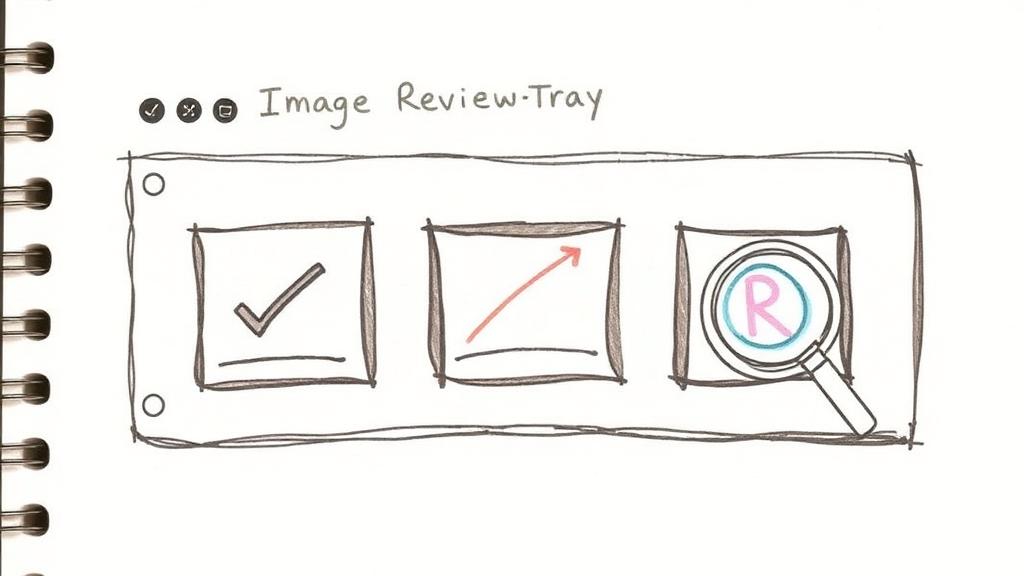
New generations land in a review tray, not straight in your library: keep it, ask for a redo with fresh directions, add a caption, or drag a box over one area for a surgical edit. Click any result to see it full size before you decide.

Hand-drawn Sketchboard example for One-click AI background removal

One-click AI background removal

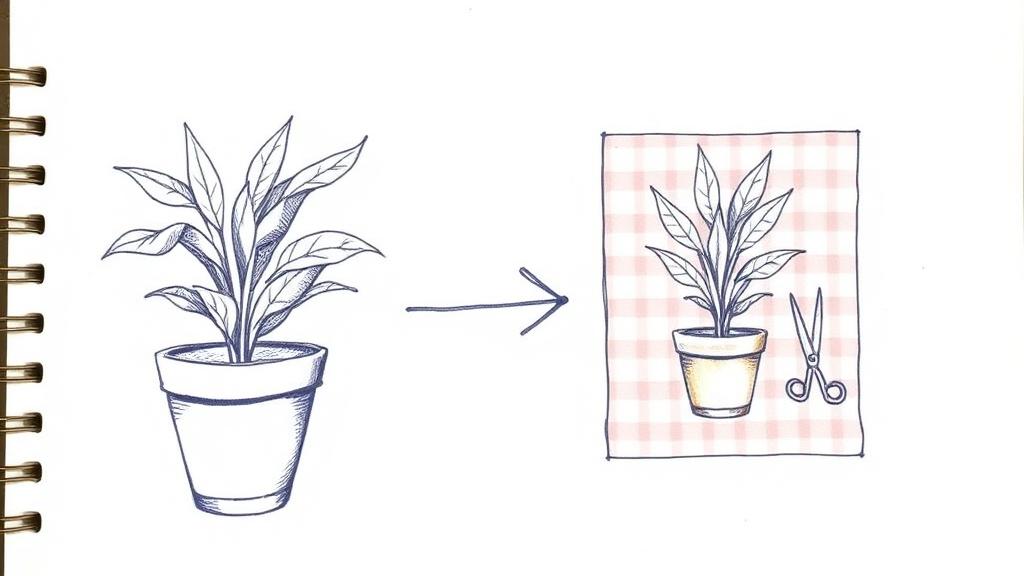
Cut the background out of any image with a single confirmation — the cut-out saves as a new item and the original stays untouched. Images already generated transparent skip the tool entirely, so it only shows where it can actually help.

Hand-drawn Sketchboard example for Filters on images and elements

Filters on images and elements

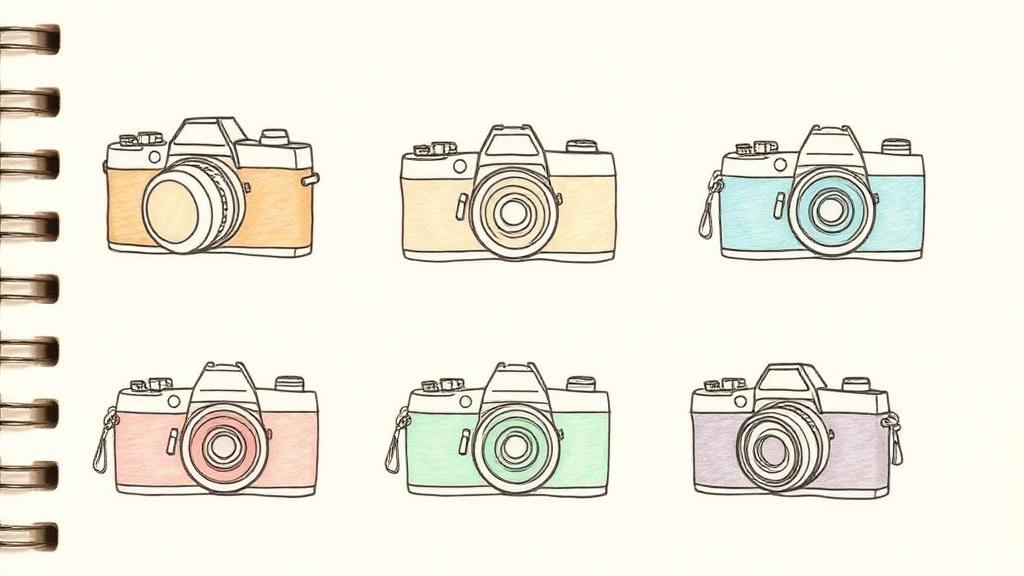
Ten photo filters in the library preview — saved as separate copies — and 24 one-click presets on the canvas, with a full drawer of hue, saturation, brightness, contrast and blur behind them.

Hand-drawn Sketchboard example for Fit an image to the slide

Fit an image to the slide

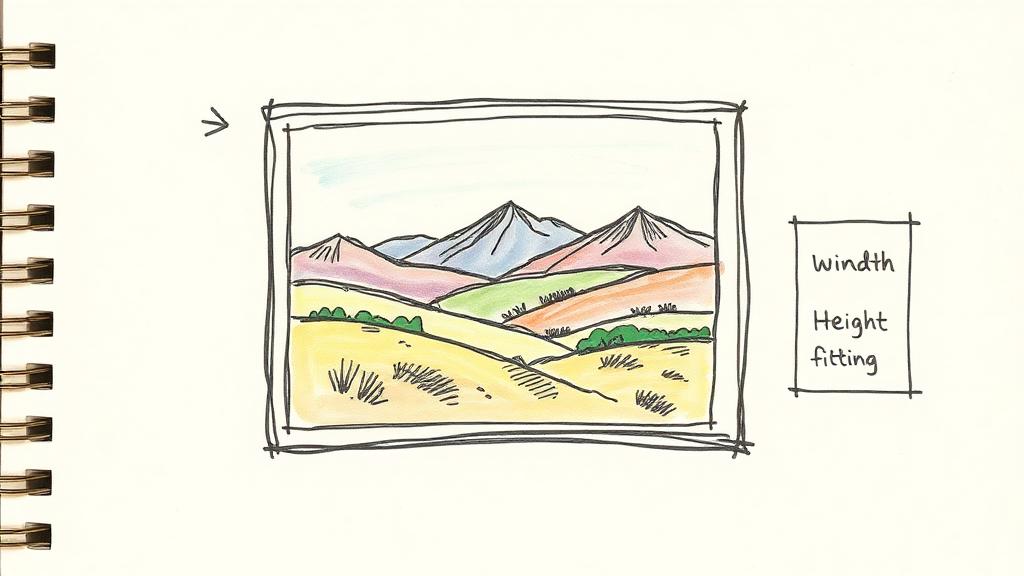
Send any image to fill the whole slide, its full width or its full height in one click — scaled and centred, never stretched.

Hand-drawn Sketchboard example for Centre a whole selection at once

Centre a whole selection at once

Move everything you've selected to the middle of the slide as one block, keeping the relative positions you arranged, alongside align, distribute and spread controls.

Hand-drawn Sketchboard example for 25 handwriting and script fonts

25 handwriting and script fonts

A live-preview font gallery in the Style panel — casual print, marker, brush and script faces, each rendered in its own typeface so you pick by eye.

Hand-drawn Sketchboard example for Exports you can always retrieve

Exports you can always retrieve

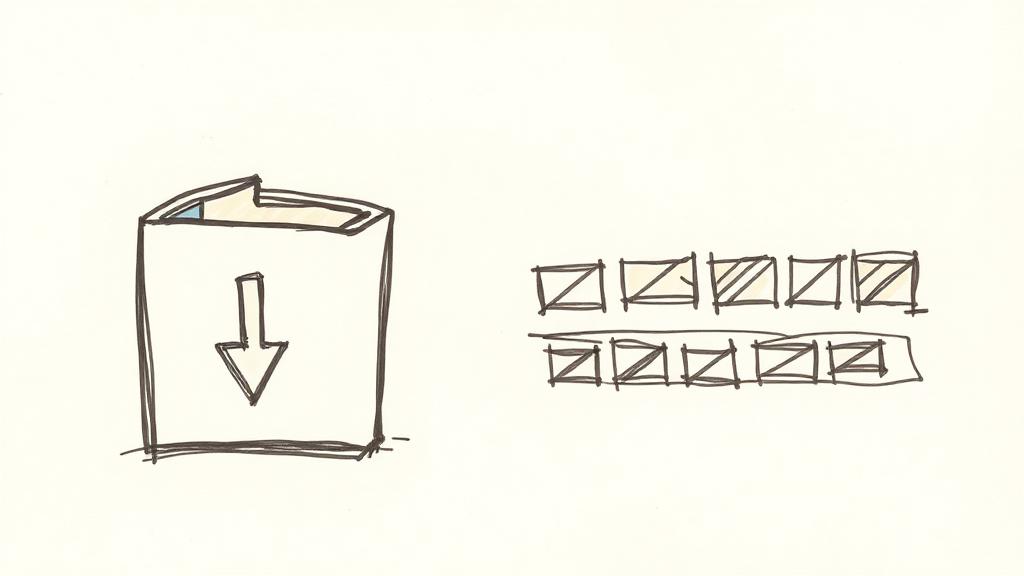
An animated packing view shows every slide being rendered and starts the download immediately. If your browser blocks it, a real Save file link and Open in a new tab fallback keep the finished export within reach.

Hand-drawn Sketchboard example for Credits you can watch tick down

Credits you can watch tick down

Every generation, redo, surgical edit and background removal charges one credit and your balance updates immediately, with one-off top-up packs when a burst runs you dry.

Boards people draw here

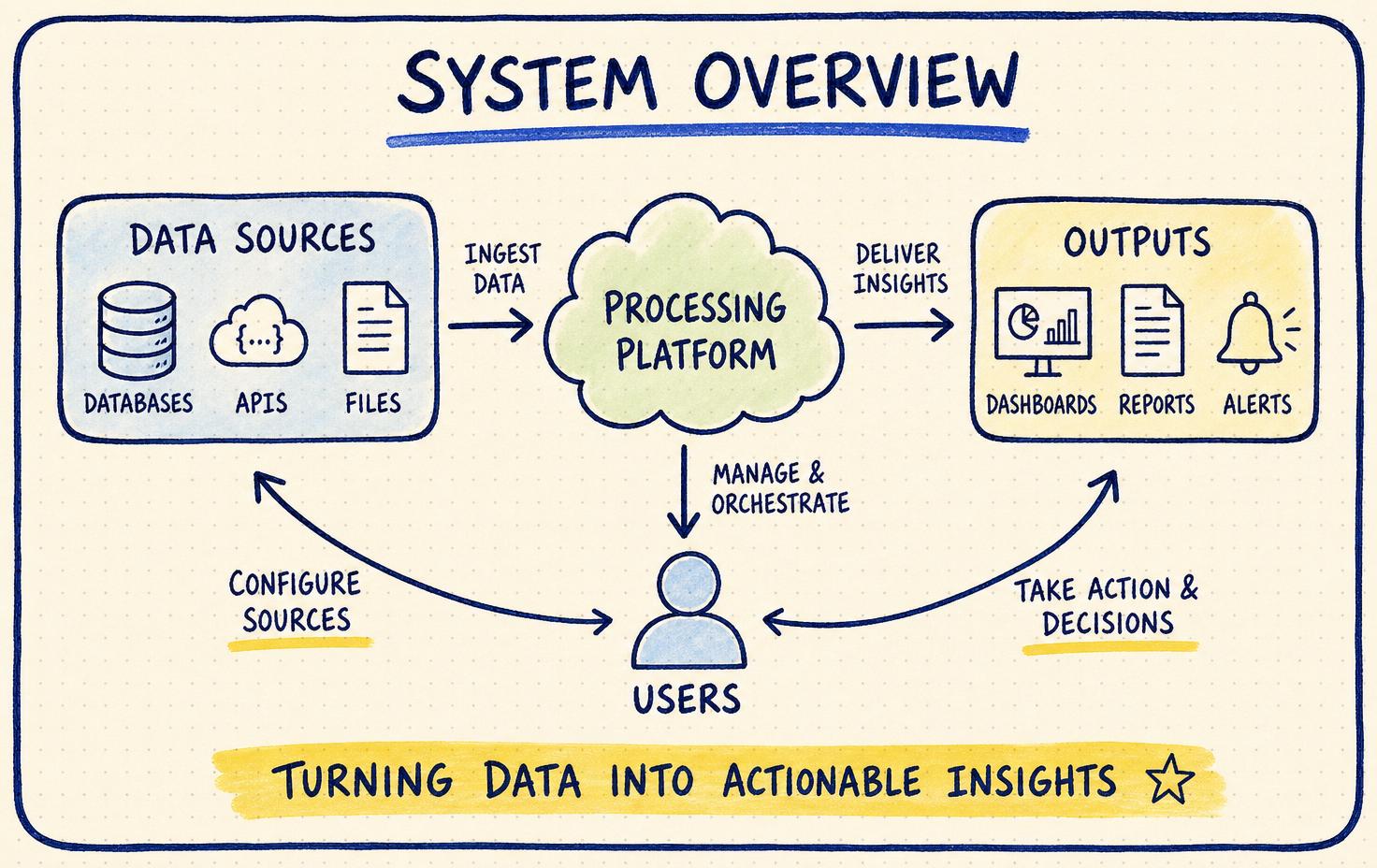
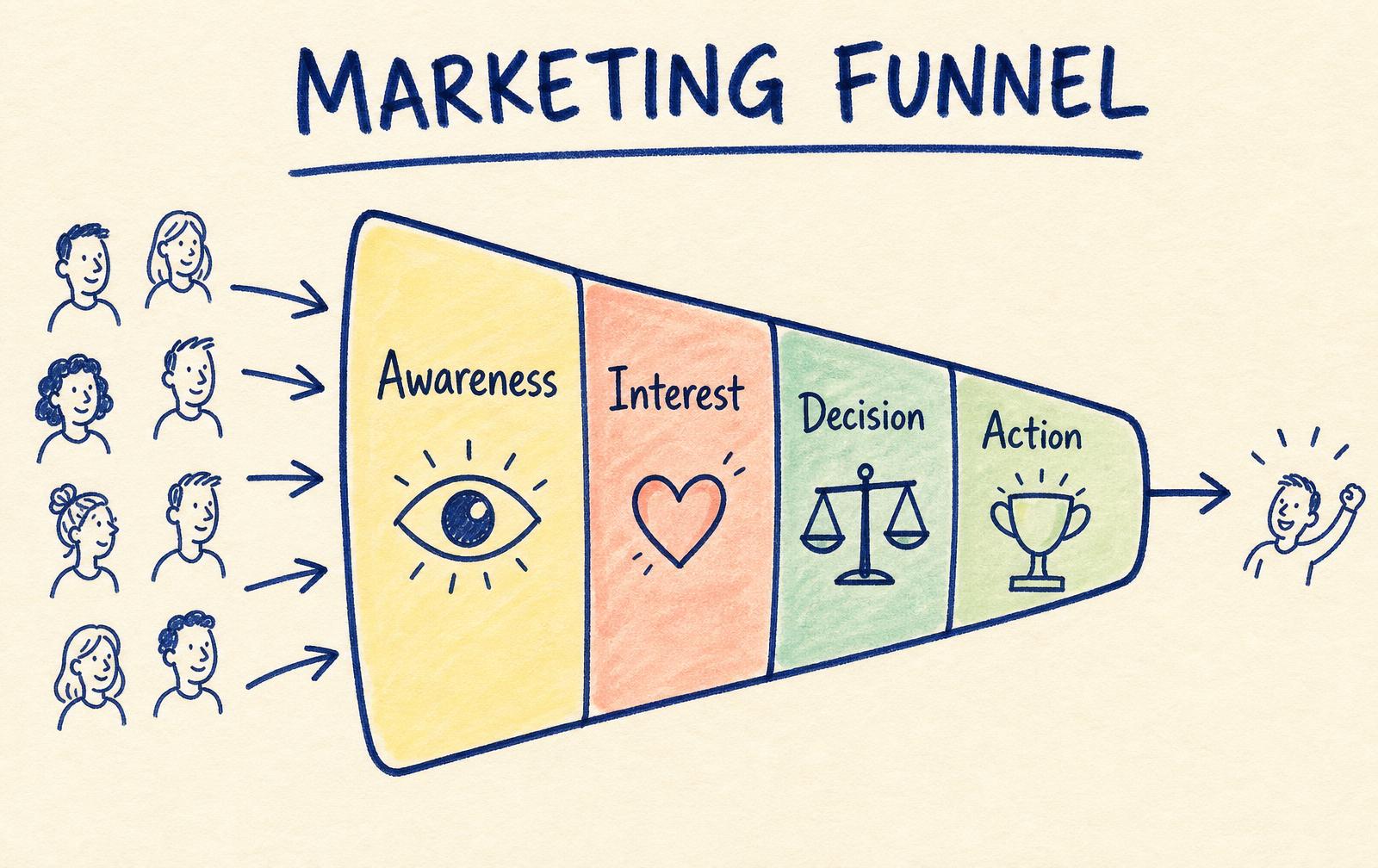
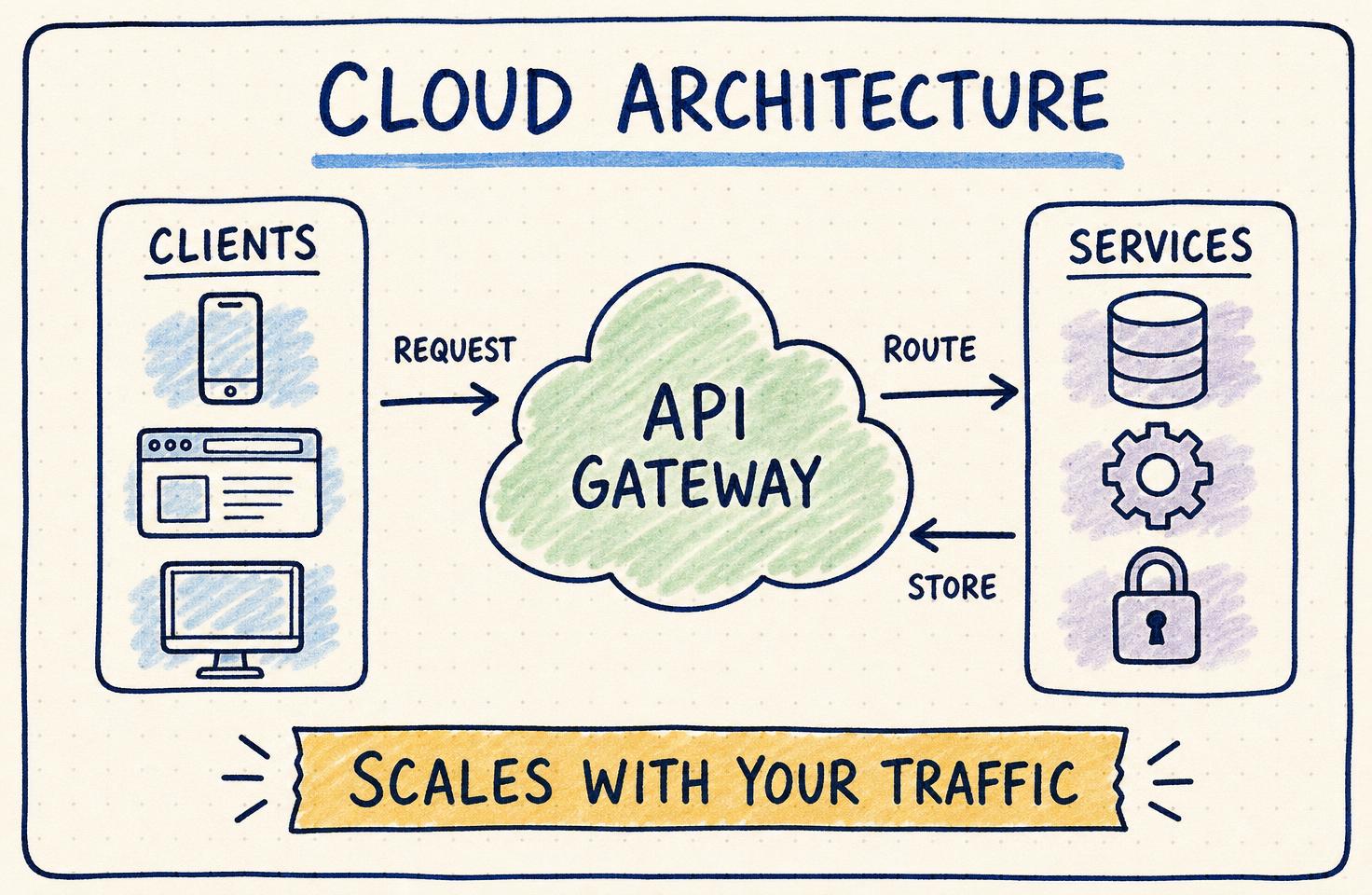
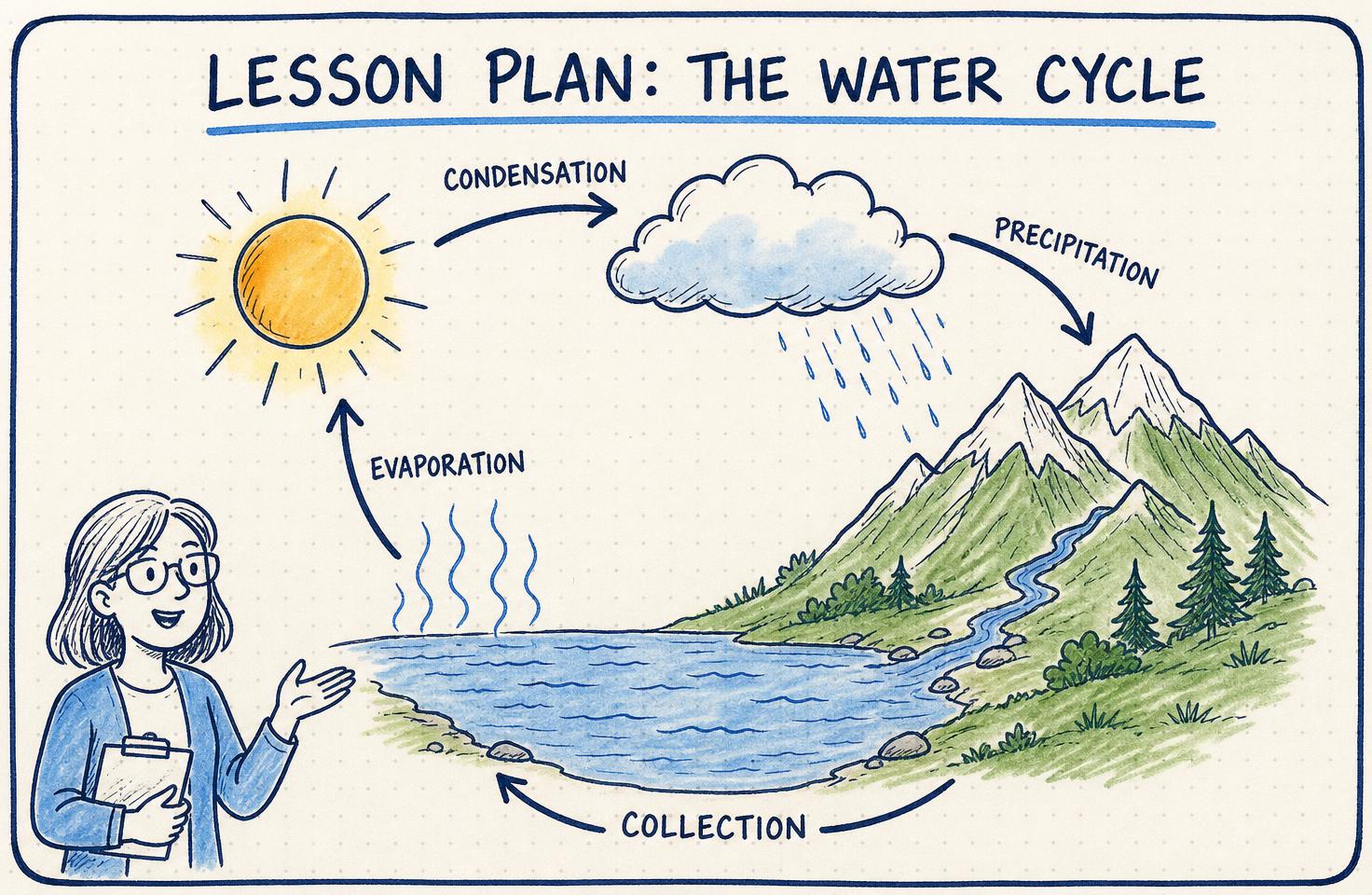
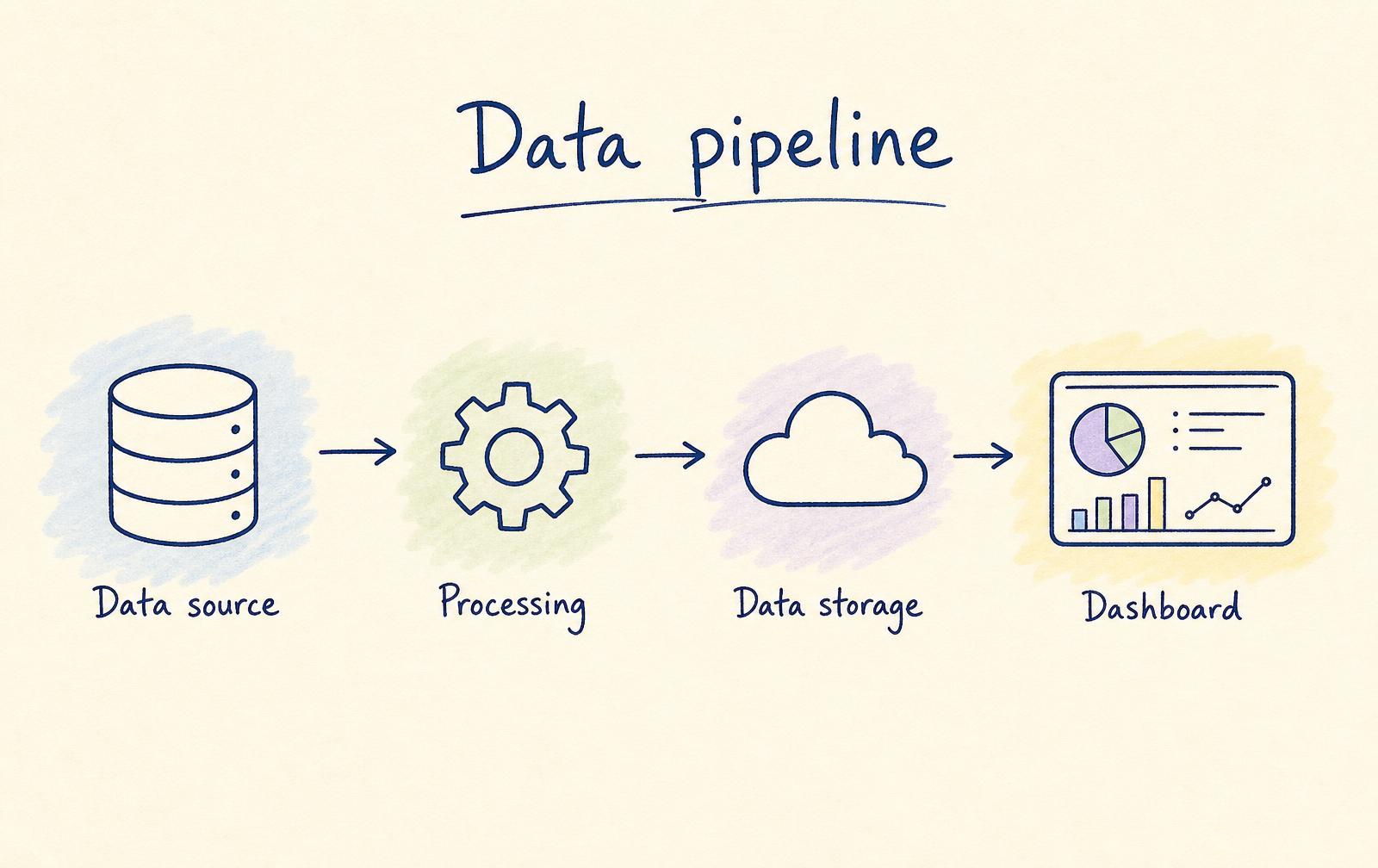
Diagrams, journeys, lesson plans and launch maps — every one of these was drawn on a Sketchboard canvas with the same brushes and library you get on day one.

Hand-drawn system overview board with data sources, a processing cloud and outputs
System overview
Hand-drawn marketing funnel board with awareness, interest, decision and action stages
Marketing funnel
Hand-drawn cloud architecture board with clients, an API gateway and backend services
Cloud architecture
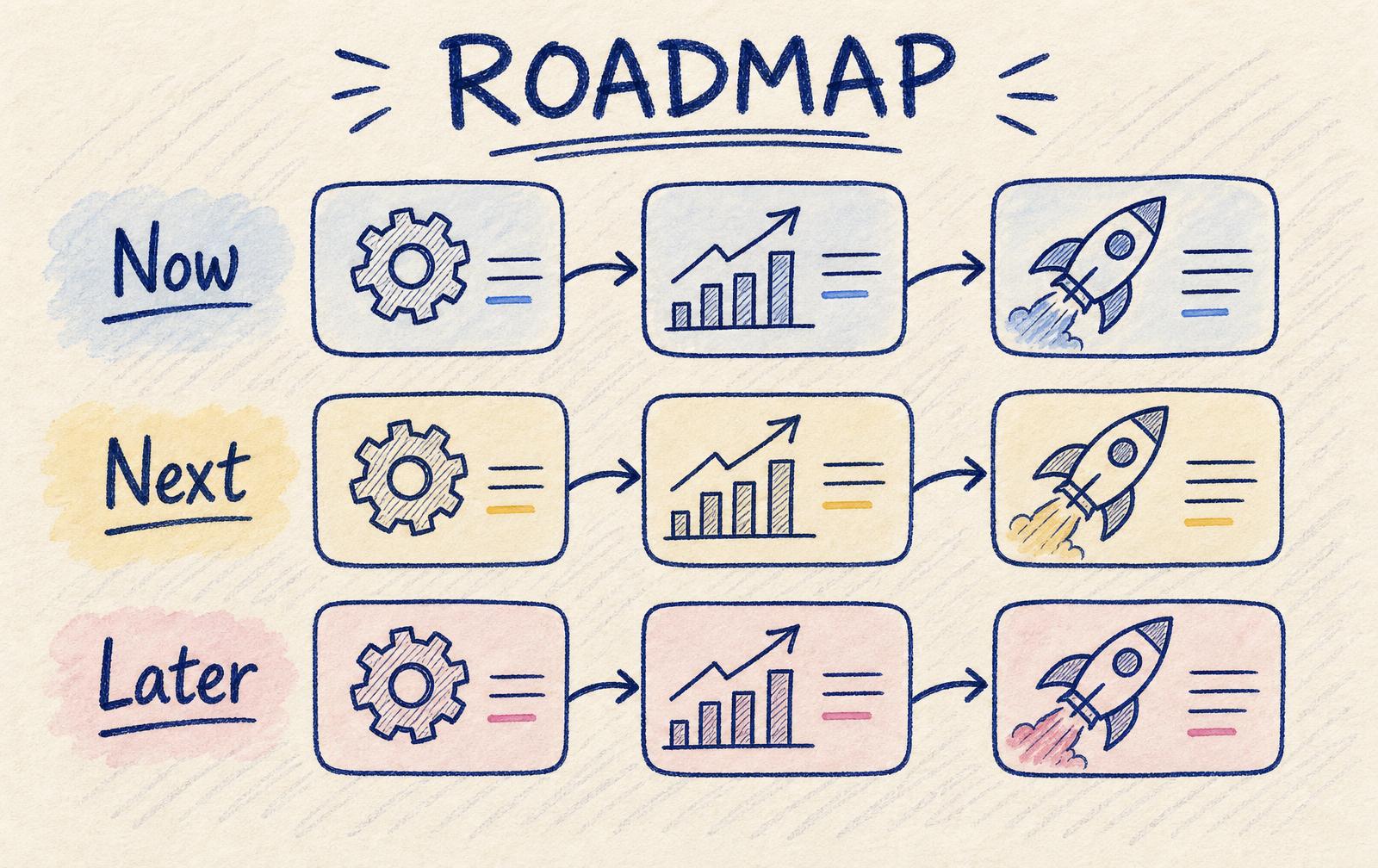
Hand-drawn product roadmap board with now, next and later milestone cards
Product roadmap
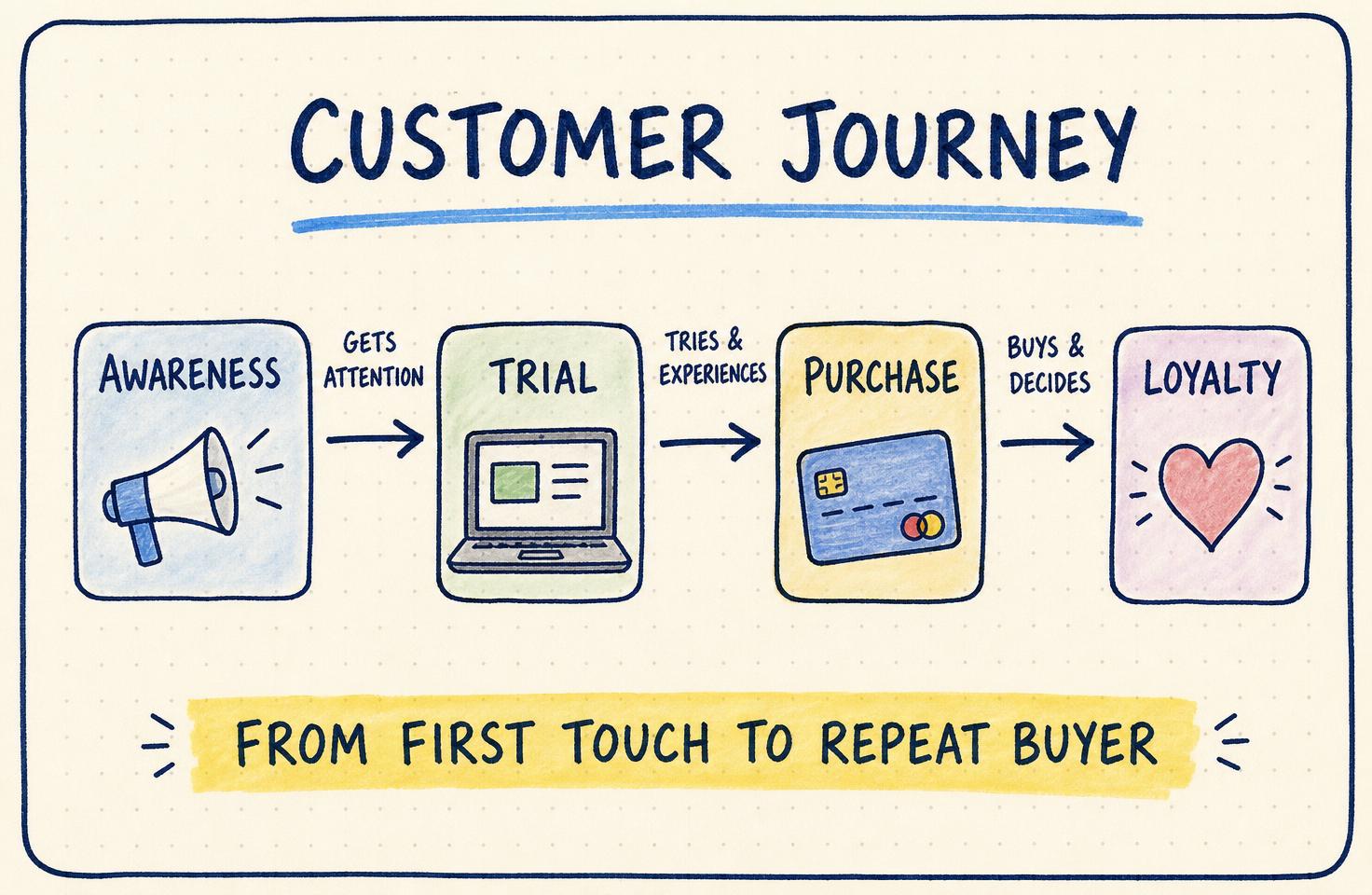
Hand-drawn customer journey board with awareness, trial, purchase and loyalty stages
Customer journey
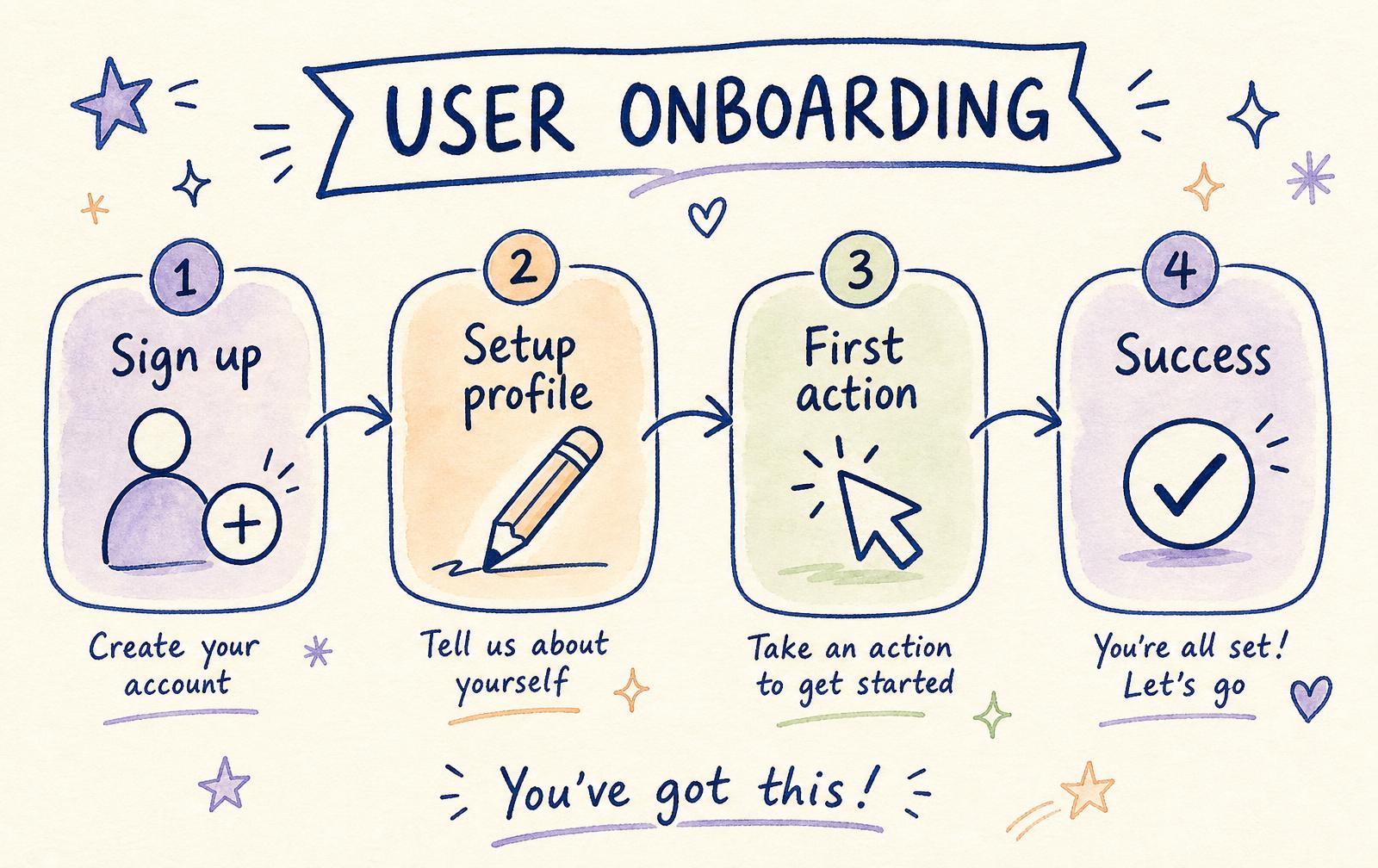
Hand-drawn user onboarding flow from sign up to first success
User onboarding
Hand-drawn water cycle lesson board with sun, cloud, mountains and labelled arrows
Lesson plan
Symbol board showing a data pipeline of database, gear, cloud and dashboard symbols
Data pipeline
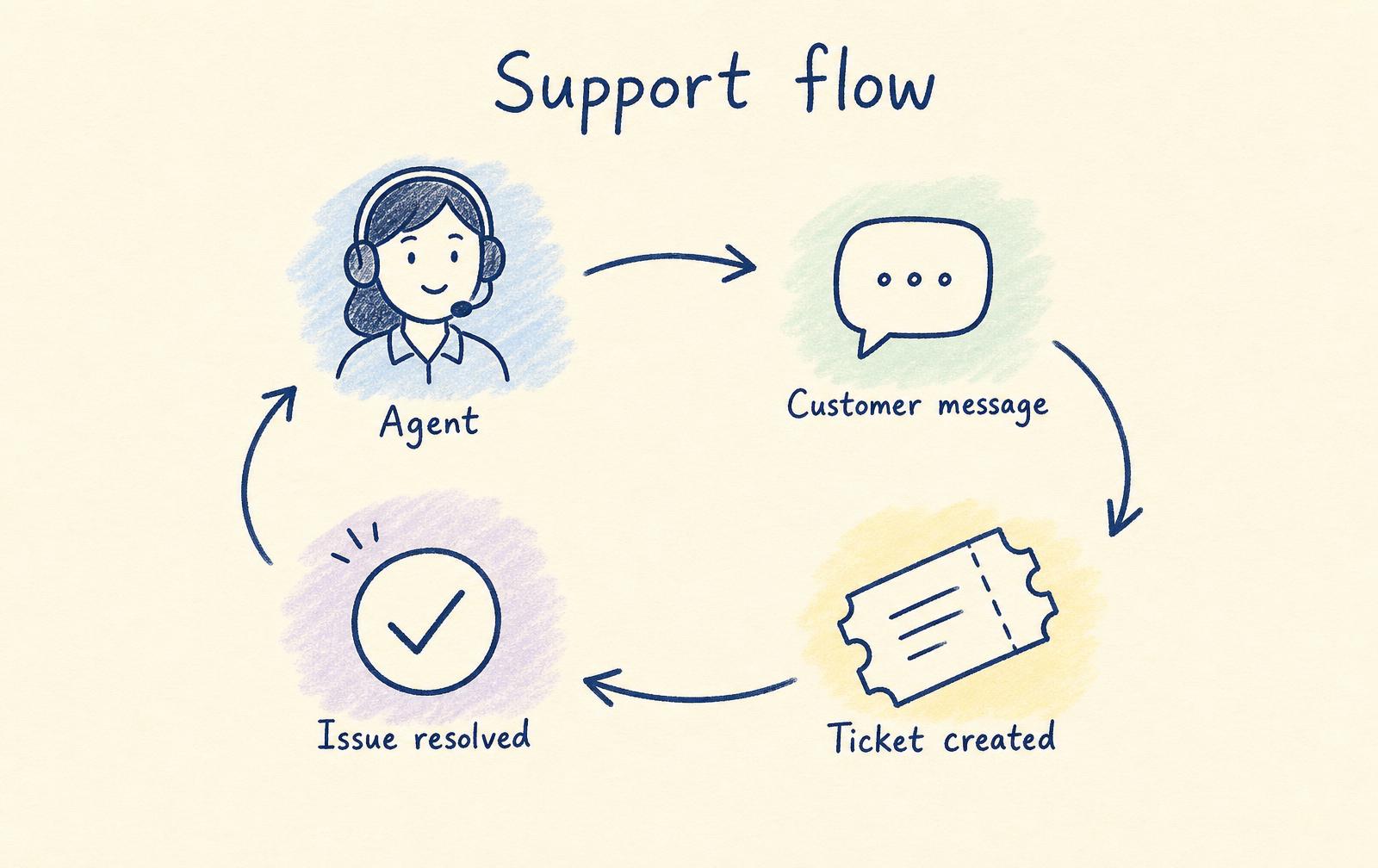
Symbol board showing a customer support loop of agent, chat, ticket and resolved symbols
Support flow
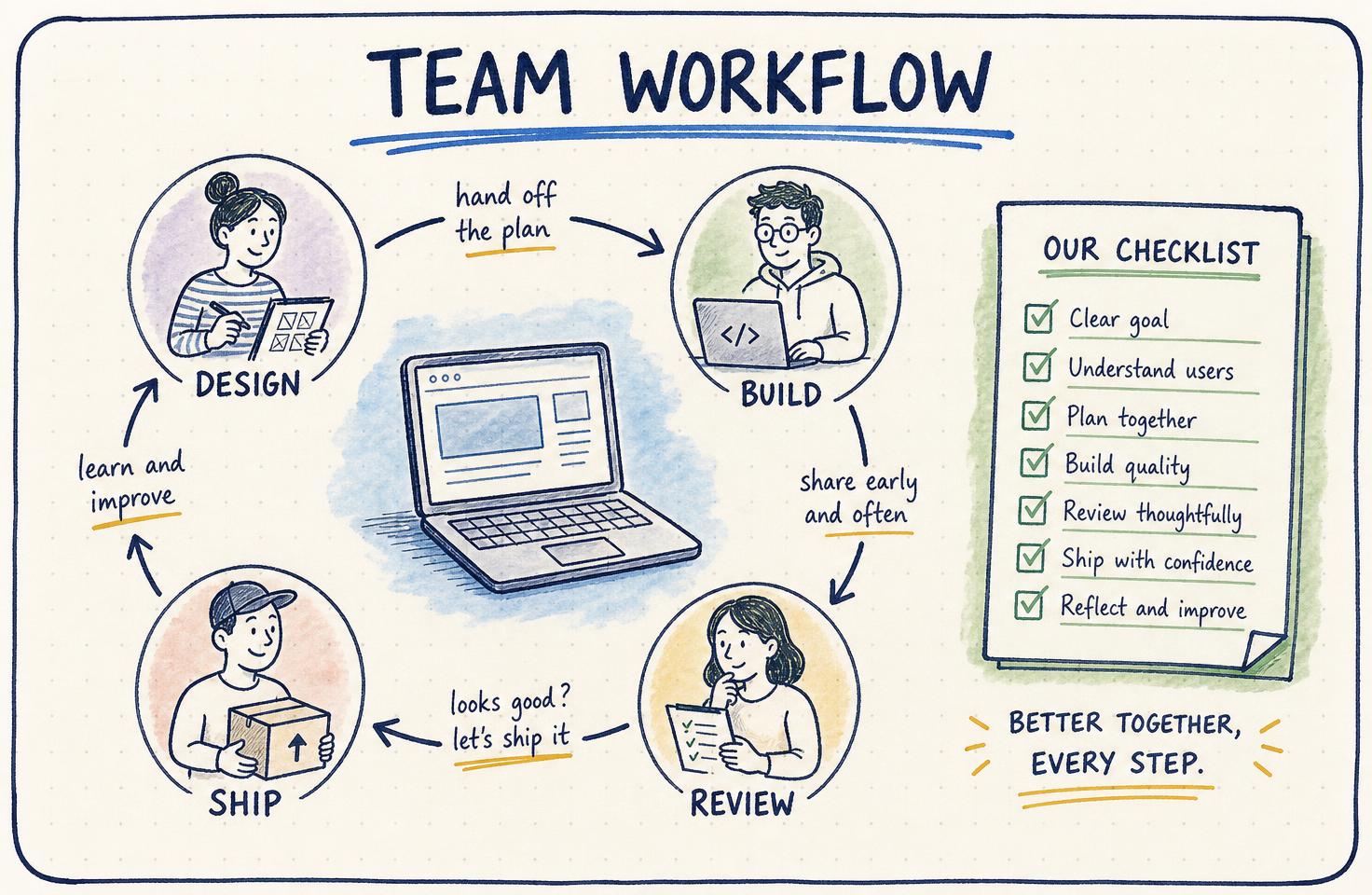
Hand-drawn team workflow board with hand-off steps and arrows
Team workflow
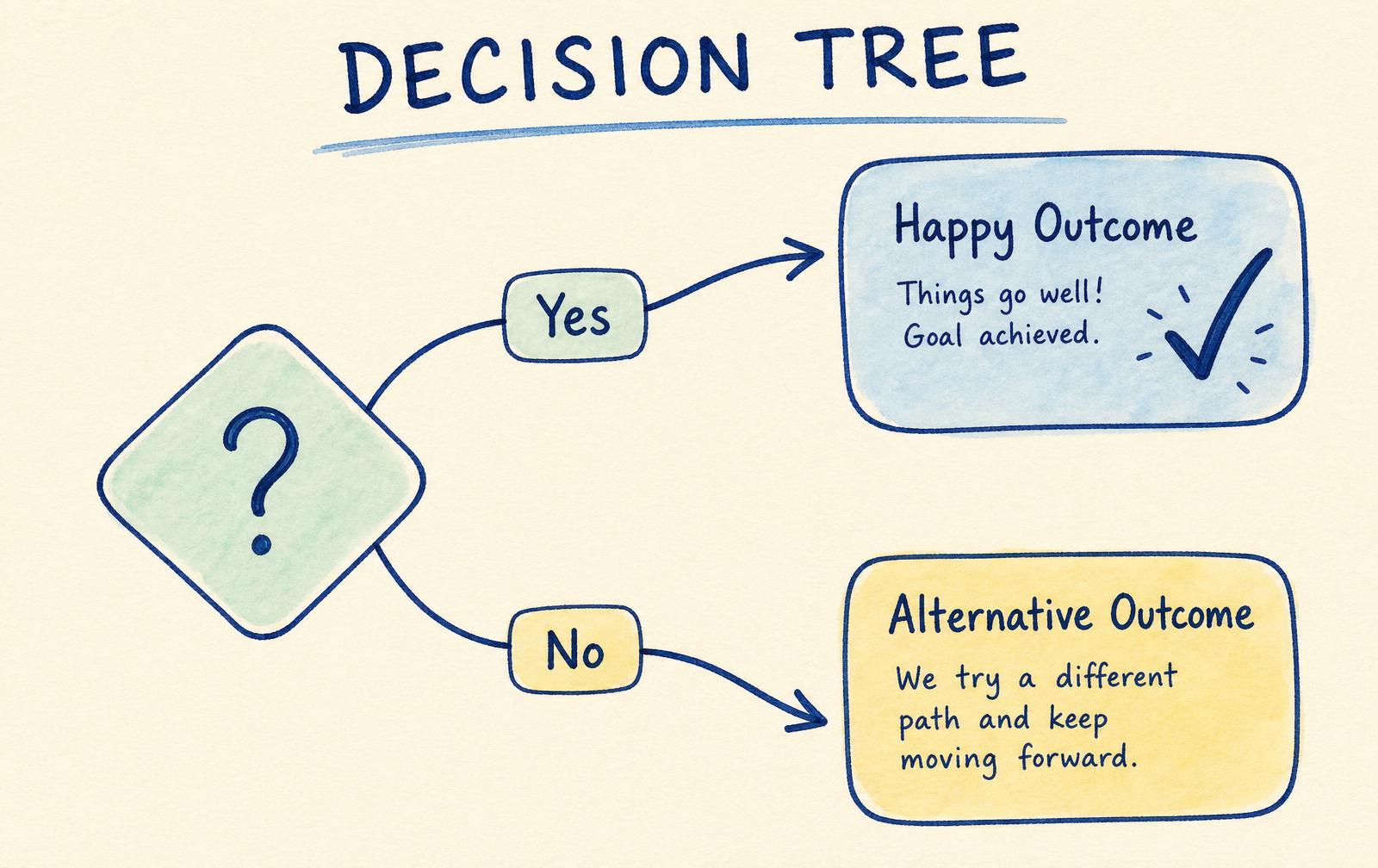
Hand-drawn decision tree board with yes and no branches
Decision tree
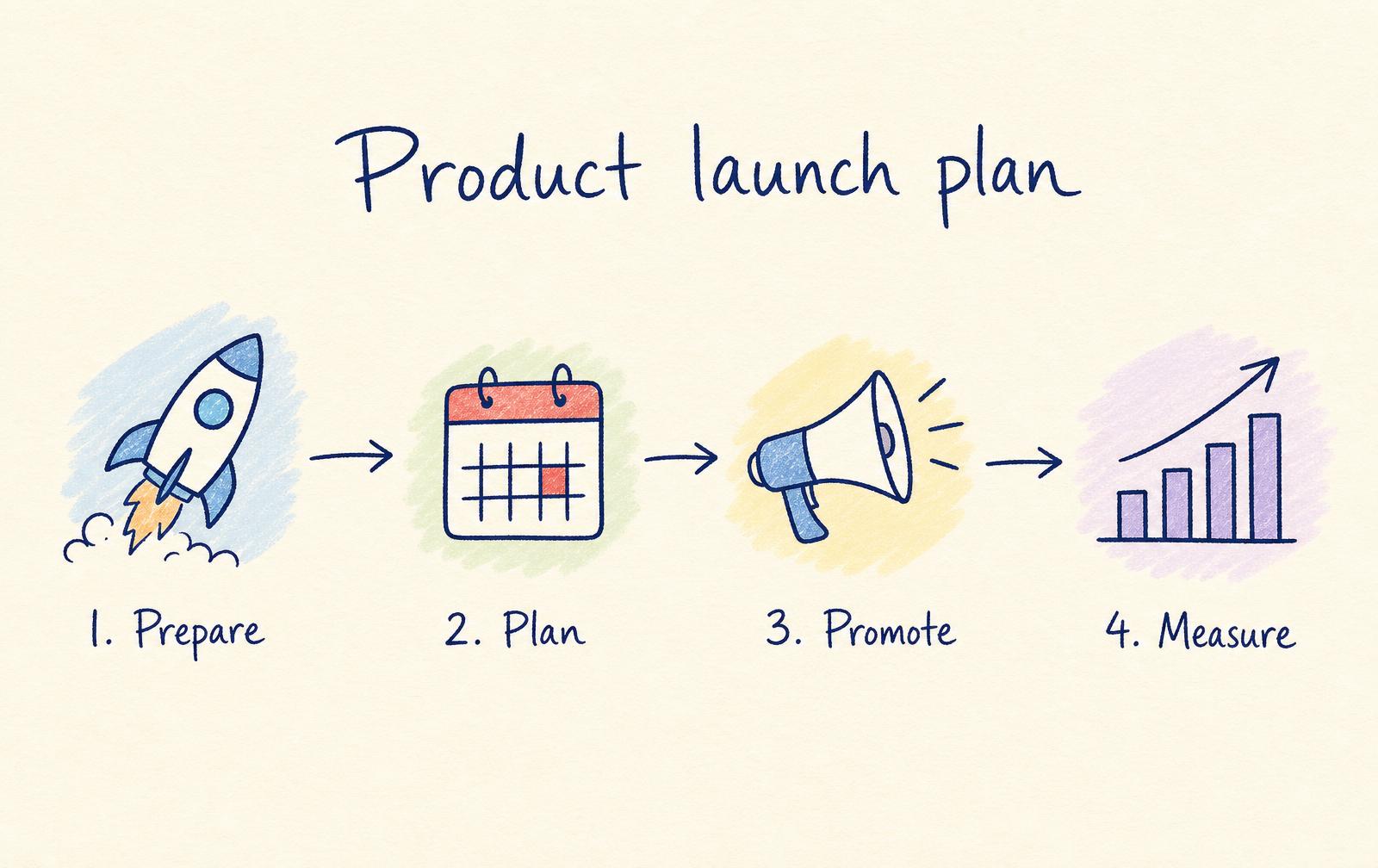
Hand-drawn launch plan board with milestones and owners
Launch plan

From blank paper to finished board

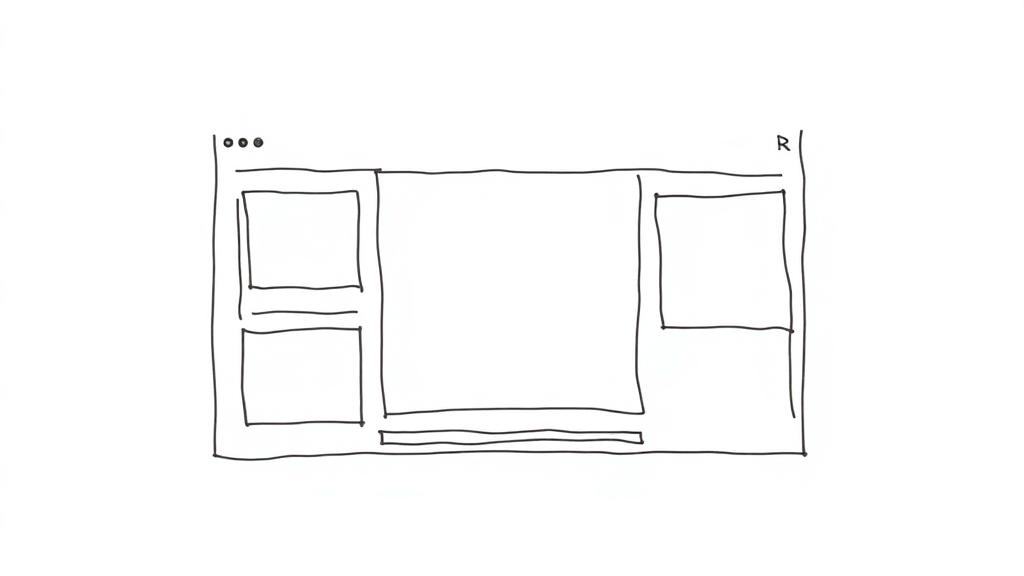
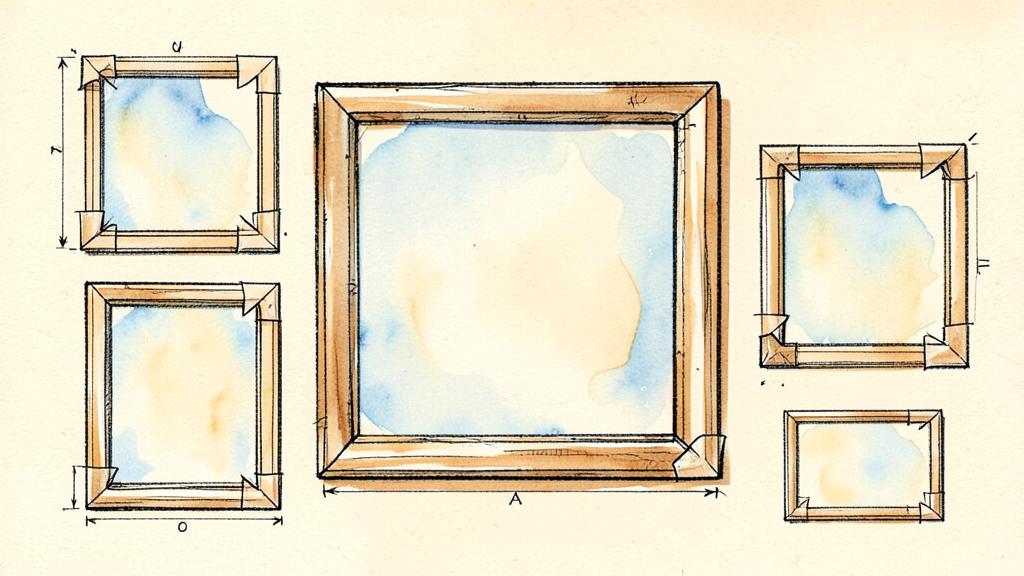
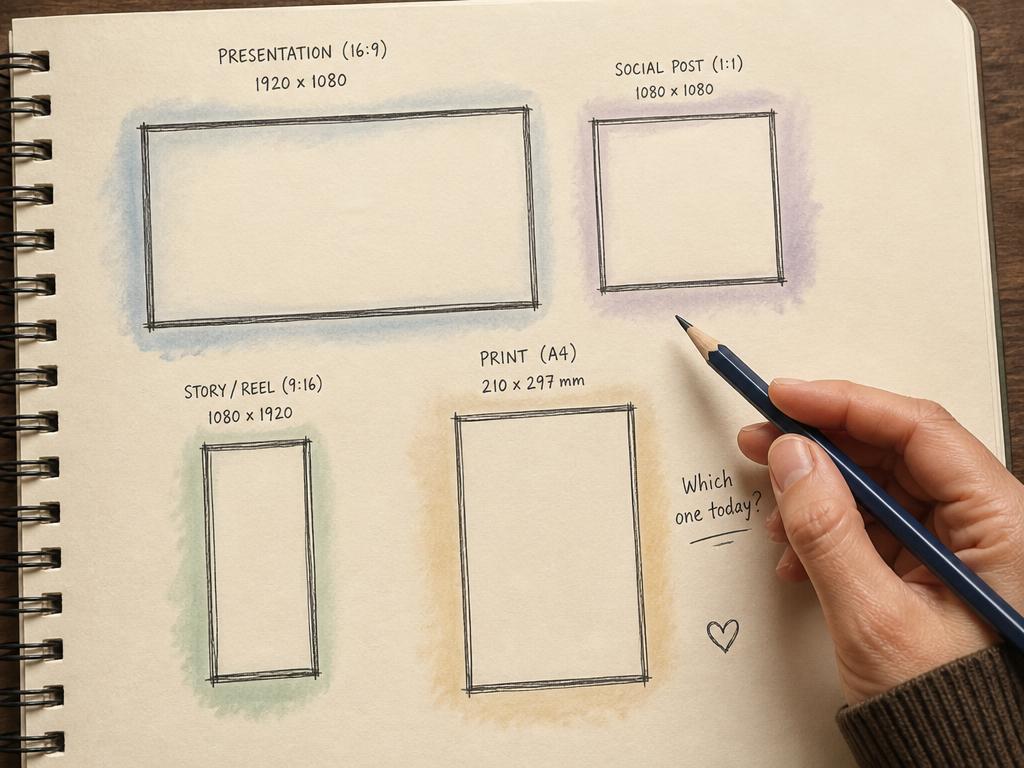
  1. Hand-drawn sketchbook page of empty canvas frames in presentation, square, story and print sizes
    1

    Pick a canvas

    Start blank or choose a preset size for any screen, platform or app.

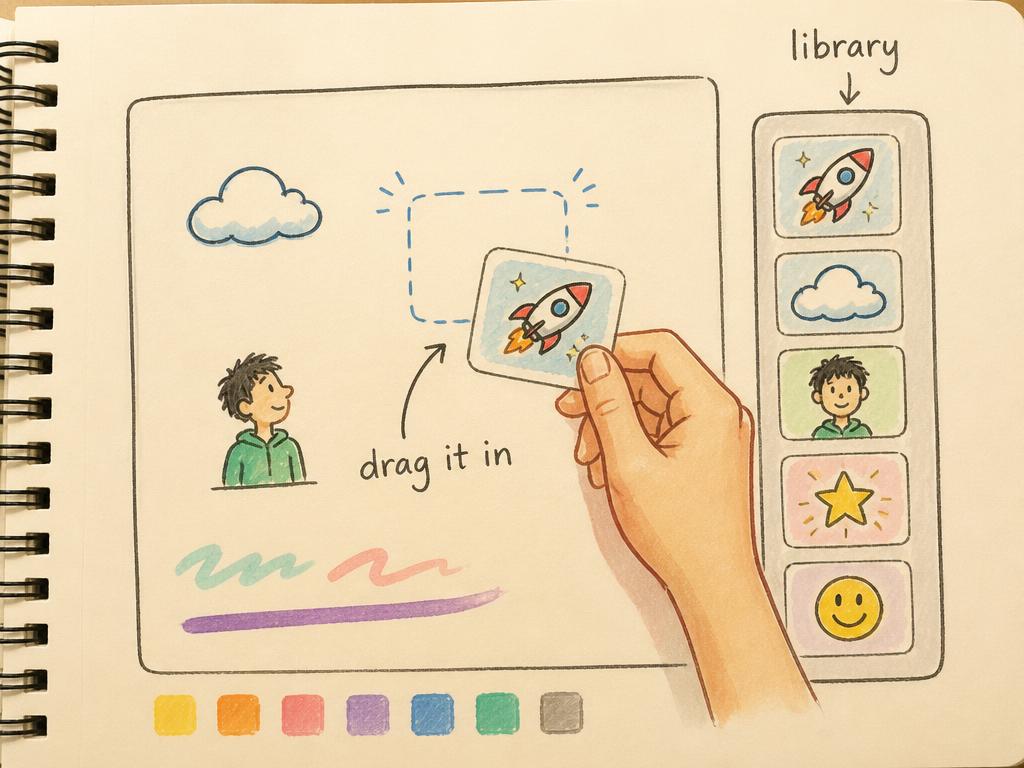
  2. Hand drawing an illustration from a library strip onto a sketch board
    2

    Sketch and drop things in

    Draw with any of 25 brush families, or search the library for illustrations, symbols, stickers and shapes — upload your own or ask AI for it.

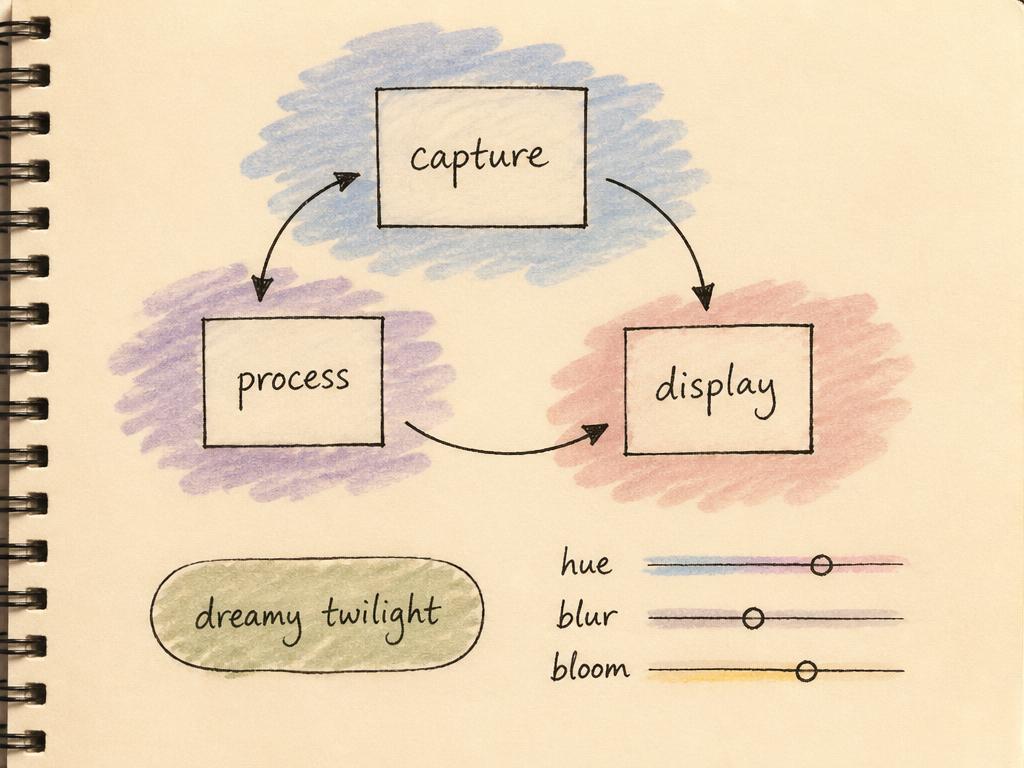
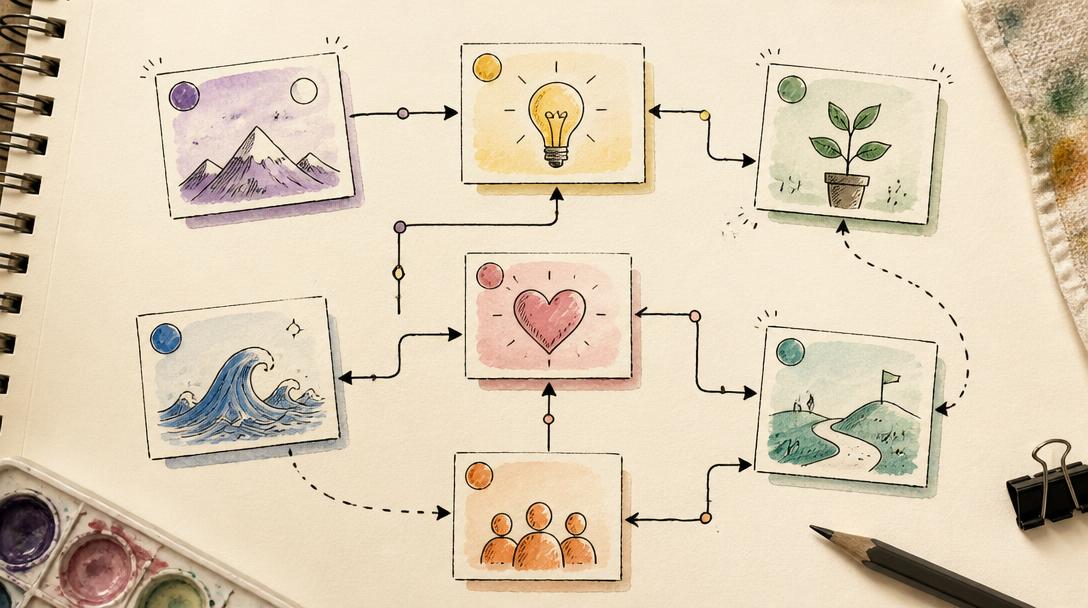
  3. Hand-drawn boxes on colour washes joined by curved arrows with hue, blur and bloom sliders
    3

    Connect, label and adjust

    Bend arrows around things, lay a colour wash behind them, add text, then push hue, blur, bloom or liquify from the Adjust panel.

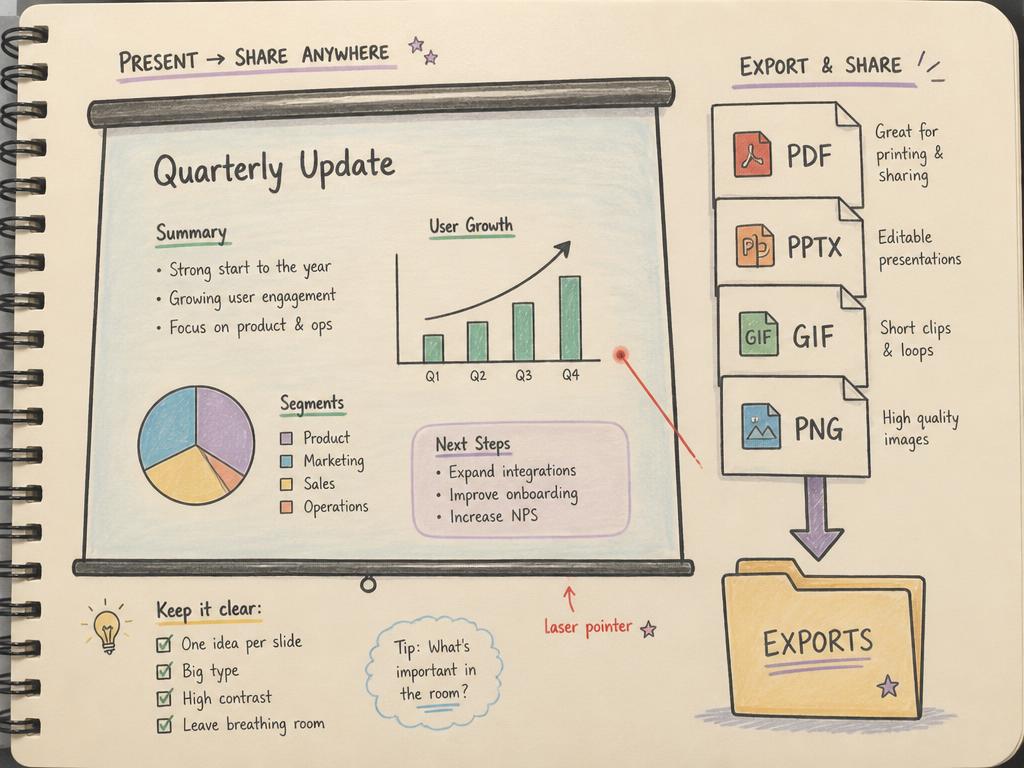
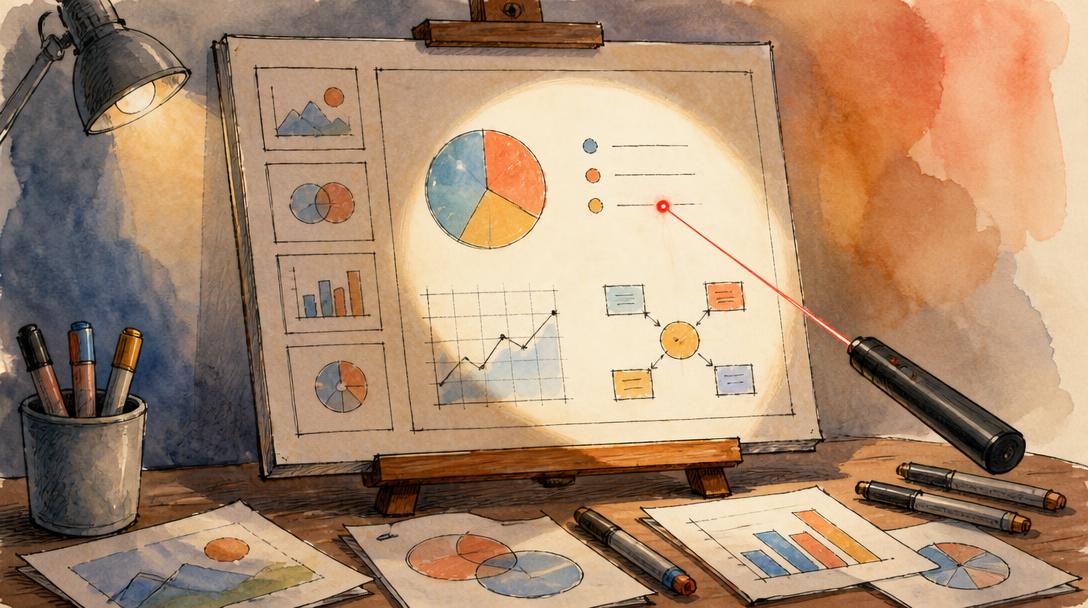
  4. Hand-drawn projector screen with a laser pointer beside PDF, PPTX, GIF and PNG export cards
    4

    Present or export

    Play it full-screen with a laser pointer, co-edit live with your team, or ship it as PDF, PPTX, GIF or images.

Sketch your next board in minutes

Free to start. No design skills, no stock photos, no fiddling with vector tools.

Start a board free