Diagrams
A mind map maker that feels like your notebook
Start with one idea and let it radiate. Hand-drawn branches that stay attached, washes for themes, and exports for study, planning and sharing.
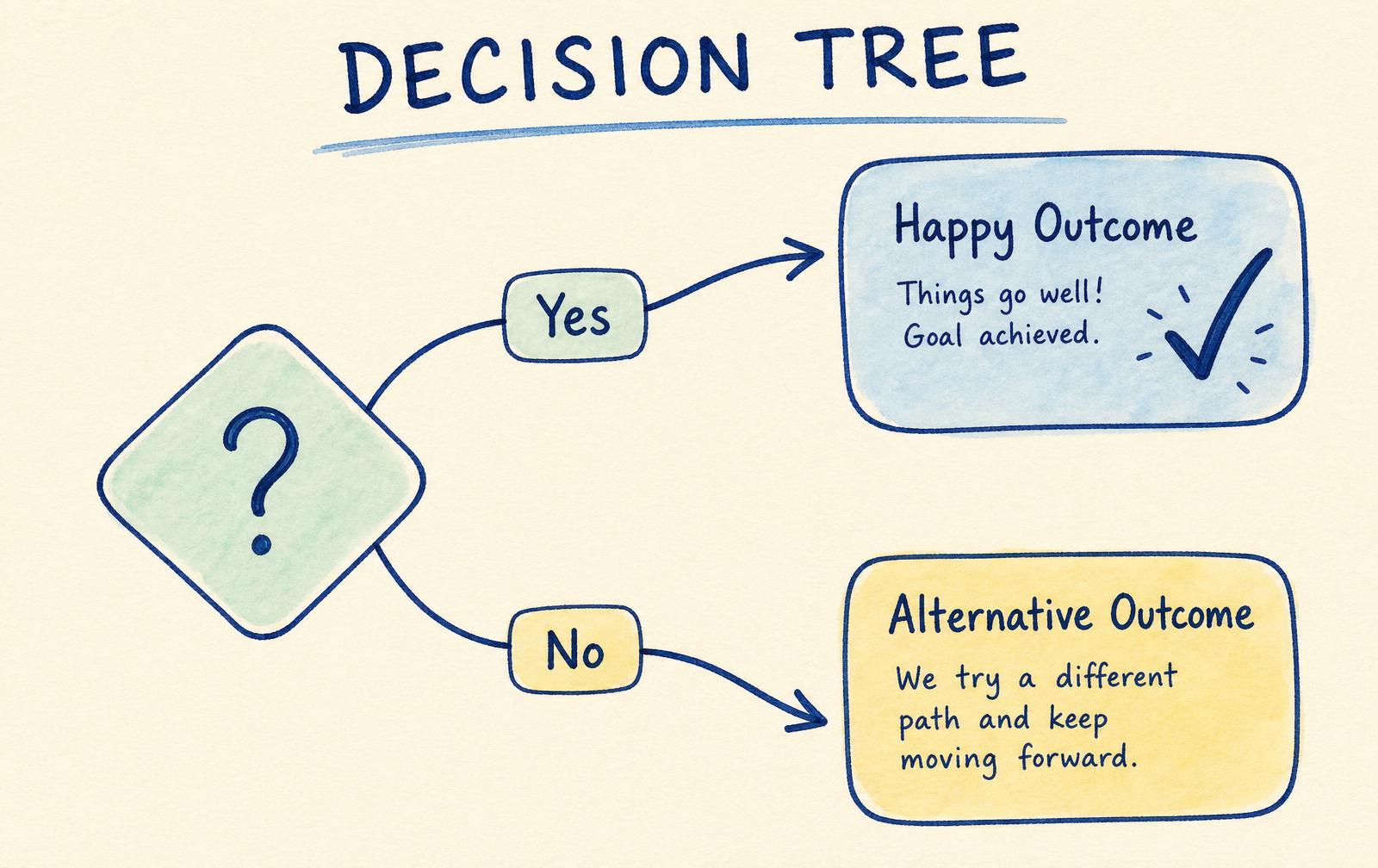
Mind maps work because they mirror how ideas connect. This mind map maker keeps the organic feel - freeform branches, sketch nodes, hand-written labels - while adding what paper can't: branches that follow when you rearrange, layers for dense maps, and instant export.
Pull nodes from the 3,000+ sketch library or generate them with AI; color themes with background washes; export to PDF for study guides or PNG for sharing.
Why Sketchboard AI as your mind map maker
Branches that follow
Sticky arrows connect every branch - rearrange the map and the structure holds.
Picture nodes
A sketch per idea makes maps memorable; AI generates anything missing.
Themed clusters
Wash subtopics to give each branch its own identity.
Share and study
PDF, PNG, SVG, PPTX or web slideshow export.
How it works
- 1
Center the topic
Amber guides confirm the true middle of the canvas.
- 2
Radiate branches
Add ideas and connect them; bend branches at via-points for organic curves.
- 3
Theme and export
Wash the clusters and export the finished map.
FAQ
Mind map or concept map?
Mind maps radiate from one center; concept maps label many-to-many links. Both work here - see the concept mapping tool page.
Can I collapse big maps?
Split large topics across slides in one board to keep each map readable.
Is it good for studying?
Yes - picture nodes plus spatial layout is exactly what memory research recommends, and PDF export prints cleanly.
Keep exploring
Sketch your next board in minutes
Free to start. No design skills, no stock photos, no fiddling with vector tools.
Start a board free