Digital Ink Wash Landscapes: Mastering Fluid Tonality
Discover how to blend the precision of digital ink with the soft fluidity of traditional washes to create atmospheric and professional landscape sketches.
· 6 min read
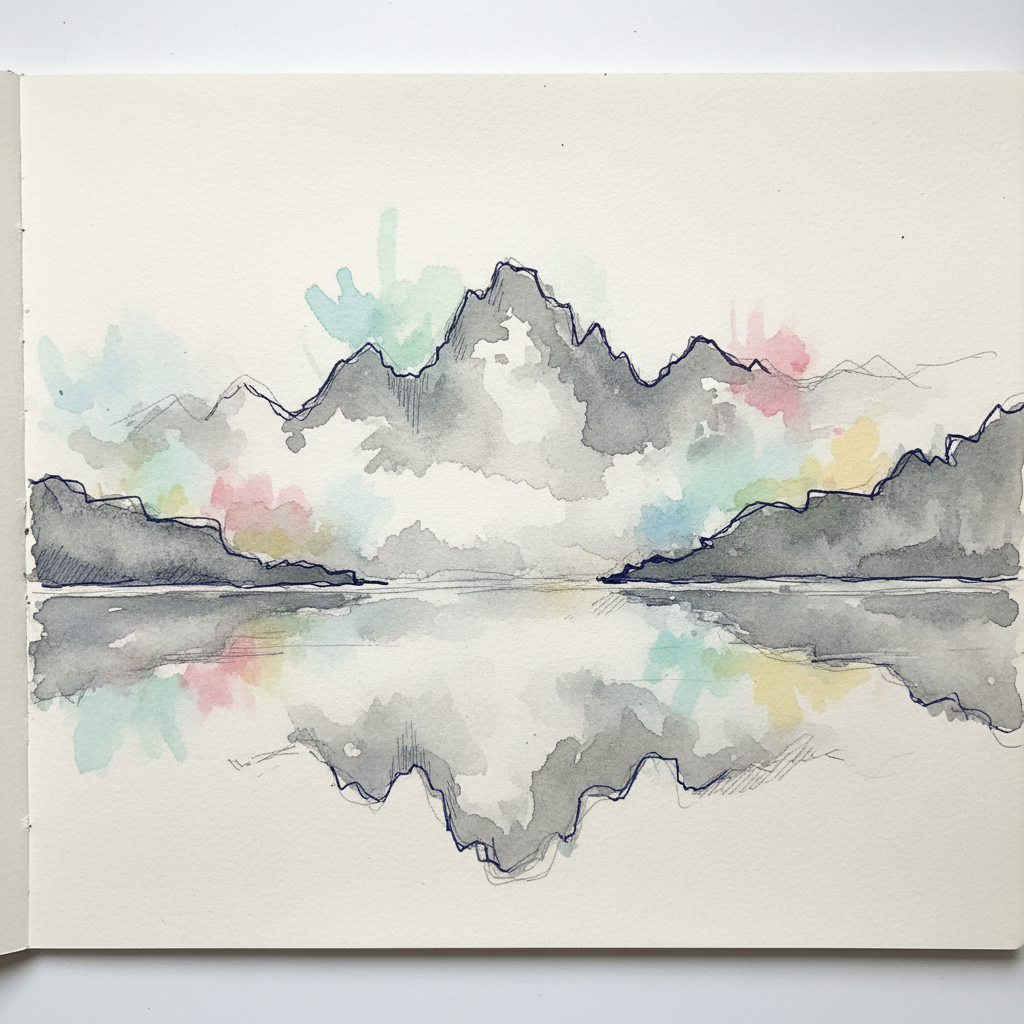
Capturing the vastness of a landscape requires more than just sharp outlines. Traditional ink wash painting relies on the delicate balance of water and pigment to create atmospheric perspective, yet many digital artists struggle to replicate this organic softness. Without the right tools, digital landscapes often end up looking either too clinical or overly muddy.
Sketchboard AI offers a unique environment for this style. It is a sketch board where you actually draw, providing 25 brush families that respond to your movements. By combining the ink and wash tools, you can move from high-contrast foreground details to soft, receding mountain ranges in a single session.
The Logic of Ink Wash Landscapes
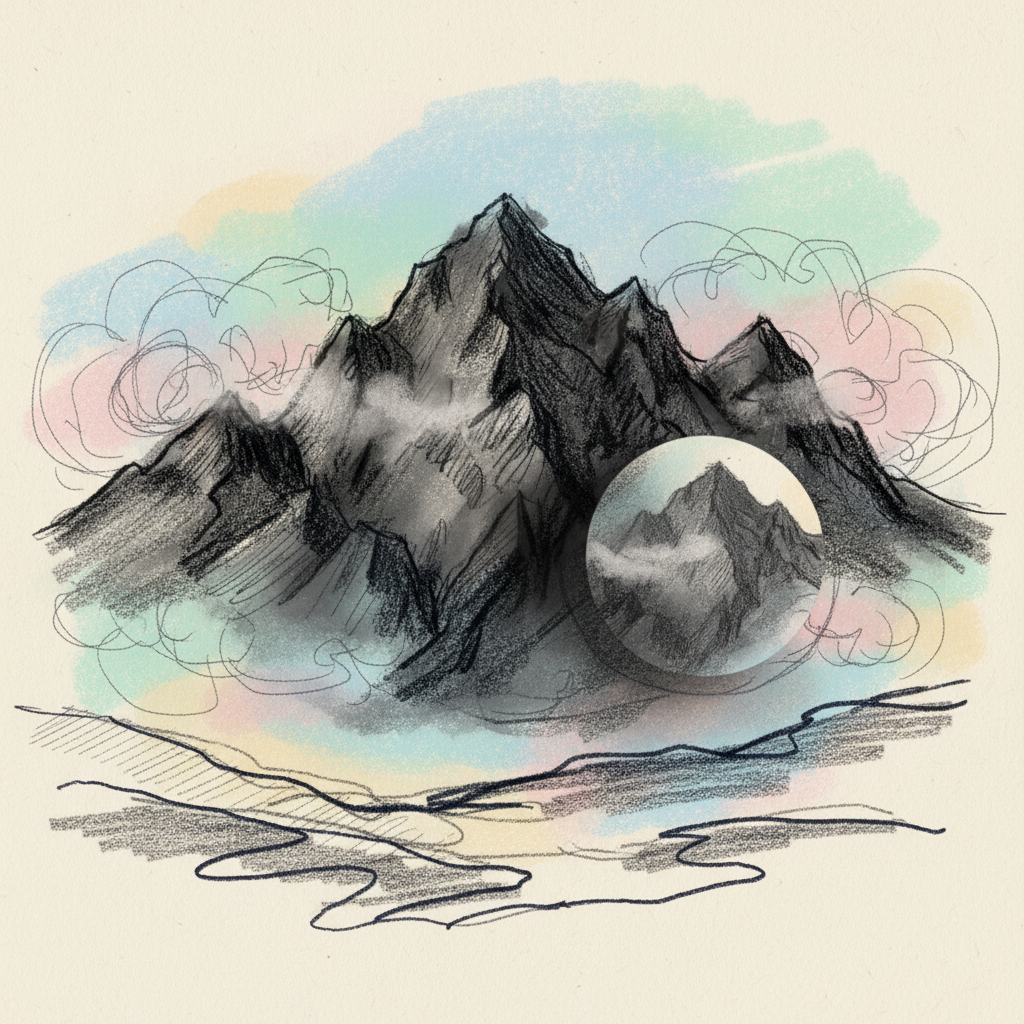
Traditional ink wash, or Shanshui, focuses on the flow of energy. In a digital space, this translates to how you manage your layers and brush velocity. The goal is to use varied tones of grey to imply distance. Darker, sharper strokes sit in the foreground. Lighter, broader washes represent the distant horizon.
Because Sketchboard AI features brushes with pressure and velocity response, your physical input dictates the ink's behavior. A quick, light flick with a pen tool creates a fine blade of grass, while a slow, heavy press with the ink brush deposits a rich, dark pool of pigment. This responsiveness is vital for making digital art feel like a physical sketchbook.
Setting Up Your Digital Palette
Before you begin your landscape, you need to organise your tools. Ink wash is primarily monochromatic, but that does not mean it is simple. You are working with a scale of values rather than a rainbow of colours.
Choosing Your Brush Families
- The Ink Family: Use these for your primary structures—rocks, tree trunks, and sharp terrain edges. These brushes provide the "bones" of your sketch.
- The Wash Picker: Located in the styling menu, this tool allows you to place marker-scribble patches. These act as your mid-tones and large areas of shadow.
- The Smudge Tool: This is essential for landscapes. It nudges your strokes and picks up pigment, allowing you to soften the edges of a mountain or create the look of mist rising from a valley.
Building Atmospheric Depth
Atmospheric perspective is the secret to a professional landscape. As objects move further away, they lose contrast and detail. In your digital sketch, you can achieve this by adjusting the opacity and blur of your background elements.
Start with the background. Use a very light grey wash with a large brush size. Keep the shapes simple. As you move toward the middle ground, increase the pressure of your strokes slightly and add more defined shapes, like a forest line. Finally, in the foreground, use the blackest ink available. This high contrast pulls the viewer's eye exactly where you want it.
If a background element feels too sharp, use the non-destructive Adjustments. You can apply a Gaussian blur to a specific layer or group to push it further back into the distance. Because these effects are non-destructive, you can always dial them back if you change your mind.
Essential Landscape Elements Checklist
To ensure your landscape feels balanced and natural, check off these five components as you work on your board:
- Horizon Line: Determine your eye level early to keep perspective consistent.
- Value Scale: Ensure you have a clear distinction between your lightest lights and darkest darks.
- Focal Point: Use a sharp ink detail, like a lone tree or a small cabin, to lead the eye.
- Transition Zones: Use the smudge tool to blend the meeting points of land and sky.
- Texture Variety: Mix the grain of the charcoal brush with the fluidity of the ink brush for organic interest.
Refining with Smart Washes
One of the most powerful features of this sketch board is the smart wash system. When you place a wash over a shape, it can automatically shape itself to the element behind it. This is perfect for adding shadows to complex rock formations or shading a winding river.
If you find your ink work is too heavy, the partial eraser is your best friend. Unlike a standard eraser that deletes everything, the partial eraser only removes the specific area you rub. This allows you to "carve" highlights back into a dark wash, mimicking the way a traditional artist might use a dry brush or a rag to lift wet ink from paper.
Common Mistakes
- Over-detailing the distance: Resist the urge to draw every leaf on a distant tree. Keep background shapes soft and hazy.
- Ignoring the wash direction: Even digital washes have a "flow." Match your strokes to the contour of the land.
- Uniform line weight: If every line is the same thickness, the drawing will look flat. Use velocity-sensitive brushes to vary your linework.
- Neglecting negative space: In ink wash, the white of the "paper" is just as important as the ink itself. Let the board breathe.
Working with the Layers List
As your landscape grows more complex, use the layers list to manage your elements. You can move elements to the front or back and group them by distance (Background Group, Foreground Group). This makes it easy to apply adjustments to the entire background at once without affecting your crisp foreground ink work. Use keyboard shortcuts to quickly reorder elements as you find the right balance for your composition.
FAQ
How do I create a mist effect in a digital landscape?
Use the airbrush family at a low opacity for the base of the mist. Then, take the smudge tool and gently pull the pigment from your land elements into the airbrush layer. This creates a seamless transition that looks like rising fog.
Can I use these techniques for professional presentations?
Absolutely. Hand-drawn landscapes make for beautiful, calming slide backgrounds. You can use the present mode to show off your work, using the torch spotlight to highlight specific details of your sketch during a meeting.
What if I want to change the mood of the landscape later?
Use the HSB (Hue, Saturation, Brightness) or Gradient Map adjustments. You can turn a cold, grey morning scene into a warm sunset by shifting the tonal map without redrawing a single stroke.
Try it on your next sketch
Building a landscape should feel like an exploration, not a chore. Sketchboard AI gives you the freedom to experiment with the messy, fluid nature of ink while keeping the precision of digital tools. Whether you are sketching for fun or creating a visual backdrop for a project, the combination of pressure-sensitive brushes and non-destructive effects makes the process intuitive.
Open a new board, grab the ink brush, and see where the strokes take you. Your first 100 illustrations and symbols are included in the free plan, giving you plenty of room to find your flow.
- ink wash
- landscape sketching
- digital ink
- brushwork
- sketching techniques