Whiteboard & visual workspace · Comparison
Sketchboard AI vs Miro
Miro is an infinite whiteboard for team workshops. Sketchboard AI is an AI sketchboard where the output actually looks drawn — and presents like a deck.
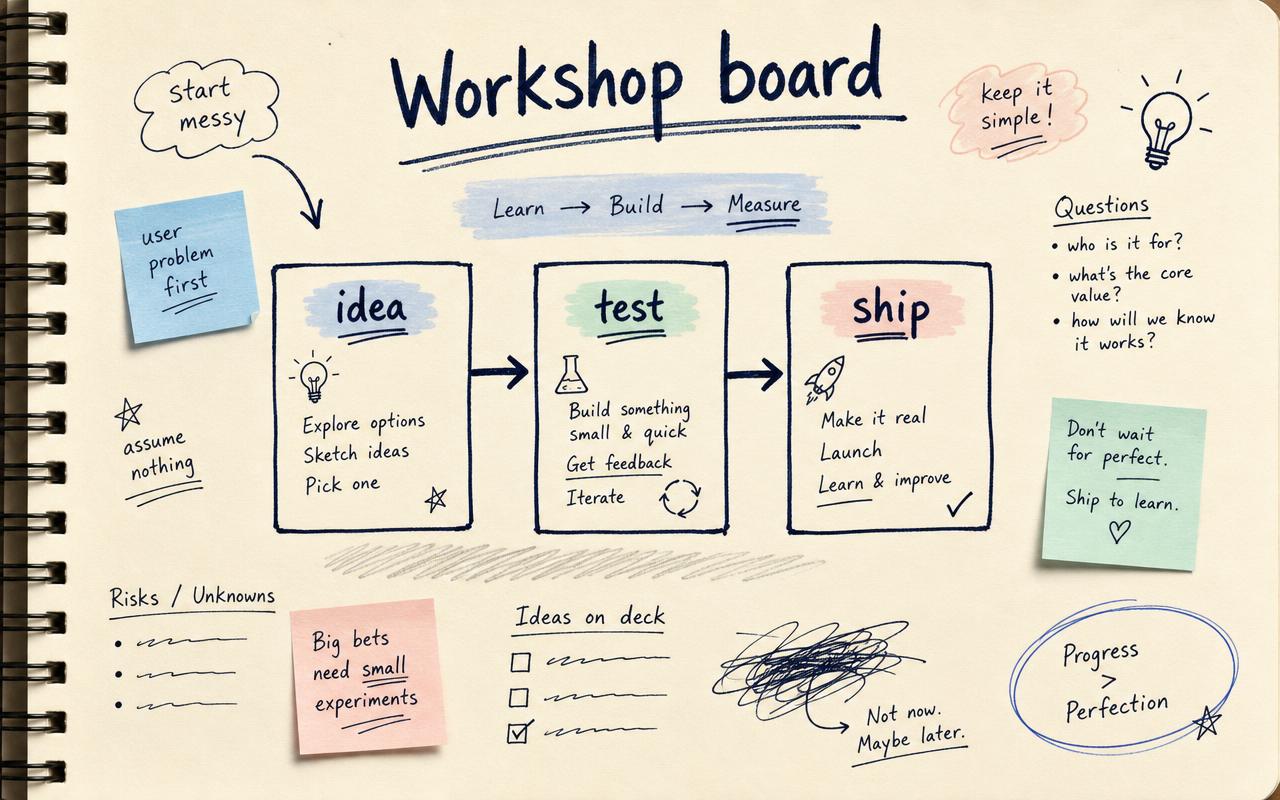
How Sketchboard AI and Miro differ
Miro is built for scale: infinite canvas, real-time multiplayer, voting, timers, templates and integrations for running workshops with a lot of people.
Sketchboard AI is built for the artefact. A Miro board rarely leaves Miro; a Sketchboard board is a set of slides with a consistent hand-drawn look that you present, export to PPTX or PDF, and publish. AI draws the elements you'd otherwise fake with rectangles and sticky notes.
Sketchboard AI vs Miro: feature by feature
full support · partial · not supported
| Capability | Sketchboard AI | Miro |
|---|---|---|
| AI-assisted creationGenerate transparent hand-drawn assets from a text prompt or reference image. | Yes | Partial |
| Freeform sketching25 brush families with pressure-aware ink, smudge and precision eraser. | Yes | Partial |
| Visual brainstorming | Yes | Yes |
| Diagrams with sticky arrowsArrows pin to the visible edge of any element and follow it as it moves. | Yes | Yes |
| Mind maps | Yes | Yes |
| Templates & community gallery | Yes | Yes |
| Built-in illustration library5,000+ illustrations, symbols, stickers, line icons and vector shapes, plus full-colour Drawings. | Yes | Partial |
| Consistent hand-drawn visual style | Yes | No |
| LayersElement layers with reorder, lock, hide and group — not raster paint layers. | Partial | Partial |
| Presentation modeSlide-by-slide presenting with laser pointer and spotlight. | Yes | Partial |
| Visual planning across slides | Yes | Yes |
| Runs in any browserMac, Windows, Linux, Chromebook, iPad and phones — nothing to install. | Yes | Yes |
| Export to PNG, SVG, PDF, PPTX, GIF | Yes | Partial |
| Automatic version historySnapshots with full-screen preview before you restore. | Yes | Yes |
| Live multiplayer cursors, voting, timers | No | Yes |
Miro is a mature product and this table only compares the capabilities that matter when choosing between the two. We list what Sketchboard AI actually ships — nothing more.
What Miro does better
- Real-time multiplayer at workshop scale with voting, timers and facilitation tools.
- Huge template marketplace and enterprise integrations.
- Infinite canvas that never runs out of room.
Where Sketchboard AI wins
- Every board looks hand-drawn — 3,000+ consistent illustrations plus AI generation.
- Slides, presentation mode with laser pointer and spotlight.
- Export to PPTX, PDF, SVG, PNG, GIF and a shareable web slideshow.
- Sticky arrows that pin to artwork edges and follow elements as they move.
Which one should you use?
Choose Miro if…
- You run large live workshops and need multiplayer facilitation tooling.
Choose Sketchboard AI if…
- The board has to become a presentable, exportable artefact.
- You want it to look drawn, not like a grid of sticky notes.
Looking for a Miro alternative for…
- Miro alternative
- Miro alternative free
- Miro alternative for sketching
- hand-drawn whiteboard alternative
- Miro alternative that exports to PowerPoint
FAQ
Does Sketchboard AI support real-time co-editing?
Boards can be shared with teammates and published, but there is no live multiplayer cursor session like a Miro workshop.
Can I export to PowerPoint?
Yes — PPTX export turns each slide into a PowerPoint slide, alongside PDF, SVG, PNG, GIF and web slideshow.
Is there an infinite canvas?
No. Boards use sized canvases with device presets; extra space usually becomes another slide.
More comparisons
Try the Miro alternative built for ideas
Free to start, in any browser. Sketch, draw, brainstorm, design, diagram, create.
Start a board free