Diagrams
Wireframe sketches that keep feedback on the idea, not the pixels
Lo-fi by design: hand-drawn UI elements on real device-size canvases, linked into flows - so stakeholders discuss the experience, not the font.
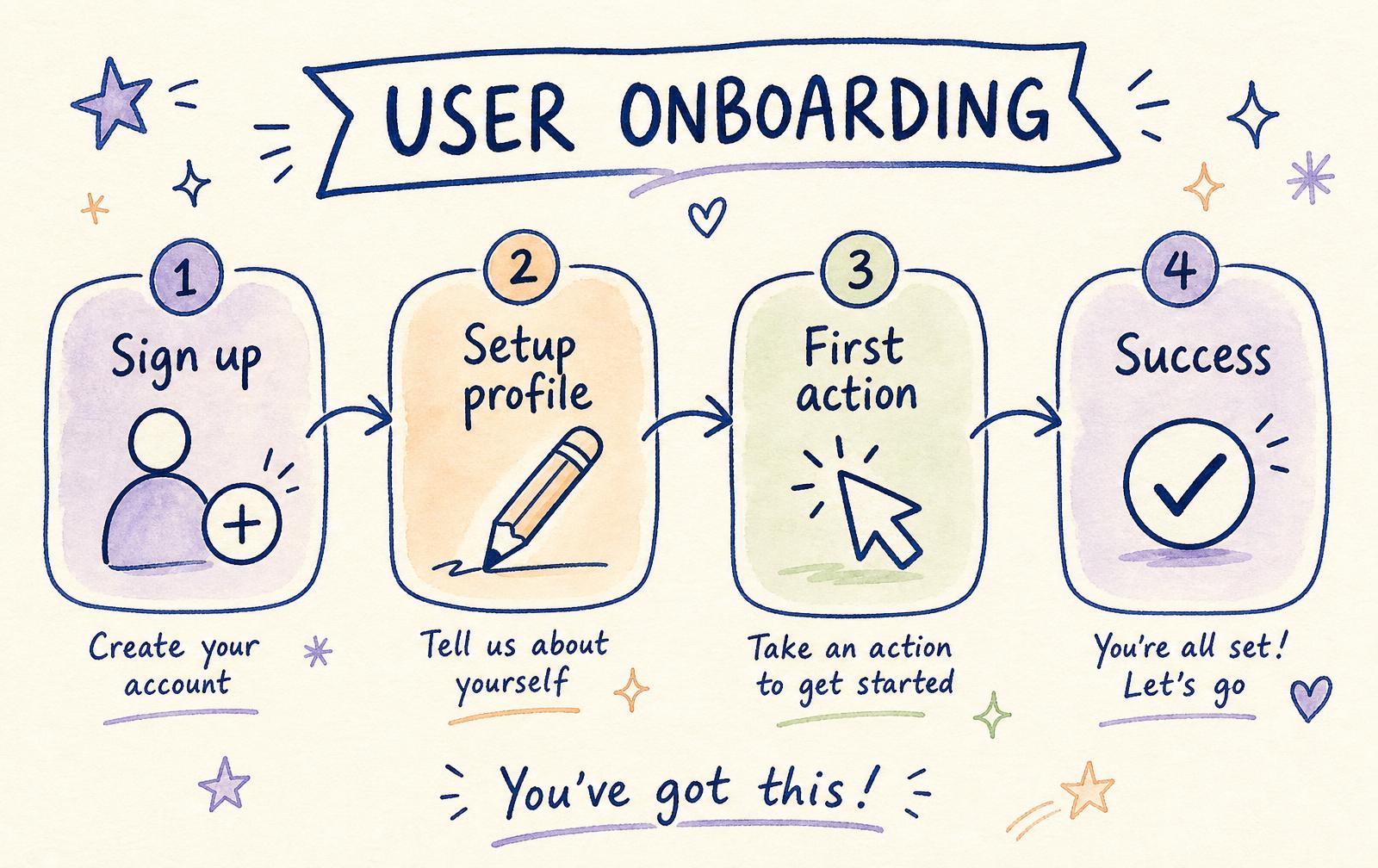
Wireframe sketches exist to get the right feedback early. Sketchboard AI's hand-drawn style keeps every screen deliberately rough, while device presets - phone, tablet, desktop - keep dimensions honest.
Link screens into flows with sticky arrows, annotate with text on washes, and export the set to PDF for review or PNG for the ticket. When the flow changes, drag a screen and its arrows follow.
Why Sketchboard AI as your wireframe sketch
Real device sizes
Phone, tablet and desktop canvas presets - wireframes at the dimensions they'll ship.
Sketchy UI elements
Boxes, shapes, text and symbols compose screens fast; nothing looks 'finished' too early.
Flows between screens
Sticky arrows link screens into user journeys and reroute as screens move.
Review-ready export
PDF for review packets, PNG for tickets, PPTX for stakeholder walkthroughs.
How it works
- 1
Pick the device
Choose a canvas preset that matches the target screen.
- 2
Sketch the screens
One slide per screen; compose from shapes, text and symbols.
- 3
Link the flow
Wire screens with arrows and export the walkthrough.
FAQ
Why not use Figma for wireframes?
Figma invites polish. Wireframe sketches stay deliberately rough, which research and experience show gets better early feedback on structure and flow.
Can I storyboard a user journey?
Yes - slides sequence the screens, arrows show the transitions; see the AI storyboard maker page too.
Can developers use the export?
Yes - PNGs drop into tickets, PDFs into specs, and dimensions match real device presets.
Keep exploring
Sketch your next board in minutes
Free to start. No design skills, no stock photos, no fiddling with vector tools.
Start a board free