Creation
An AI storyboard maker that keeps up with your imagination
Describe the shot - generate the sketch. Sequence hand-drawn frames into a storyboard, annotate the action, and export for the whole crew.
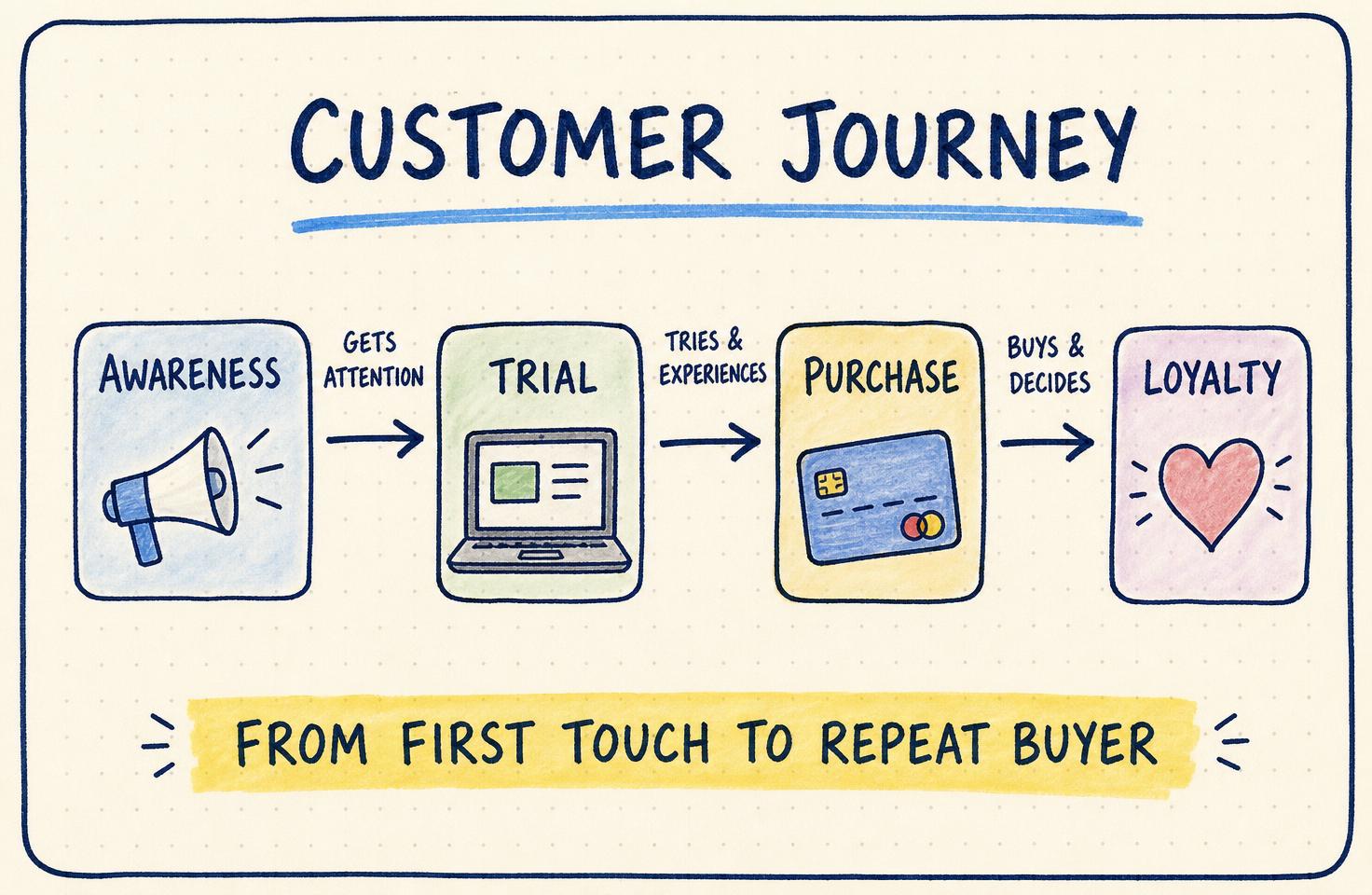
Storyboards die at the drawing bottleneck. This AI storyboard maker removes it: generate any scene as a transparent hand-drawn sketch, pull characters and props from a 3,000+ asset library, and sequence frames as slides.
Annotations are first-class: text boxes with washes for dialogue and camera notes, sticky arrows for movement, and exports the production actually uses - PDF for print, PPTX for review, animated GIF for quick animatics.
Why Sketchboard AI as your AI storyboard maker
Prompt-to-frame
Generate scene sketches in the board's ink style - characters, props, settings - always transparent.
Fast sequencing
Duplicate frames, reorder slides, and keep visual continuity across the sequence.
Shot notes that read
Text on background washes with corner styles - clear dialogue and camera direction.
Production-ready export
PDF for the wall, PPTX for review, animated GIF for a rough animatic, web slideshow for links.
How it works
- 1
List the beats
One slide per shot; pick a frame-size preset.
- 2
Draw each shot
Generate scenes with AI, pull props from the library, add movement arrows.
- 3
Share with the crew
Export PDF or a web slideshow so everyone's literally on the same page.
FAQ
Can the AI keep a character consistent?
Generate a character sketch once and reuse it across every frame - it lives in your library.
Can I make an animatic?
Yes - export the frame sequence as an animated GIF for a quick timing pass.
Does it work for UX flows too?
Yes - the same frame-sequence workflow covers user flows; see the wireframe sketch page.
Keep exploring
Sketch your next board in minutes
Free to start. No design skills, no stock photos, no fiddling with vector tools.
Start a board free