Creation
A visual planning tool for plans that survive the meeting
Timelines, phases, dependencies - drawn as a hand-sketched picture everyone understands. Update the plan by dragging, not rewriting.
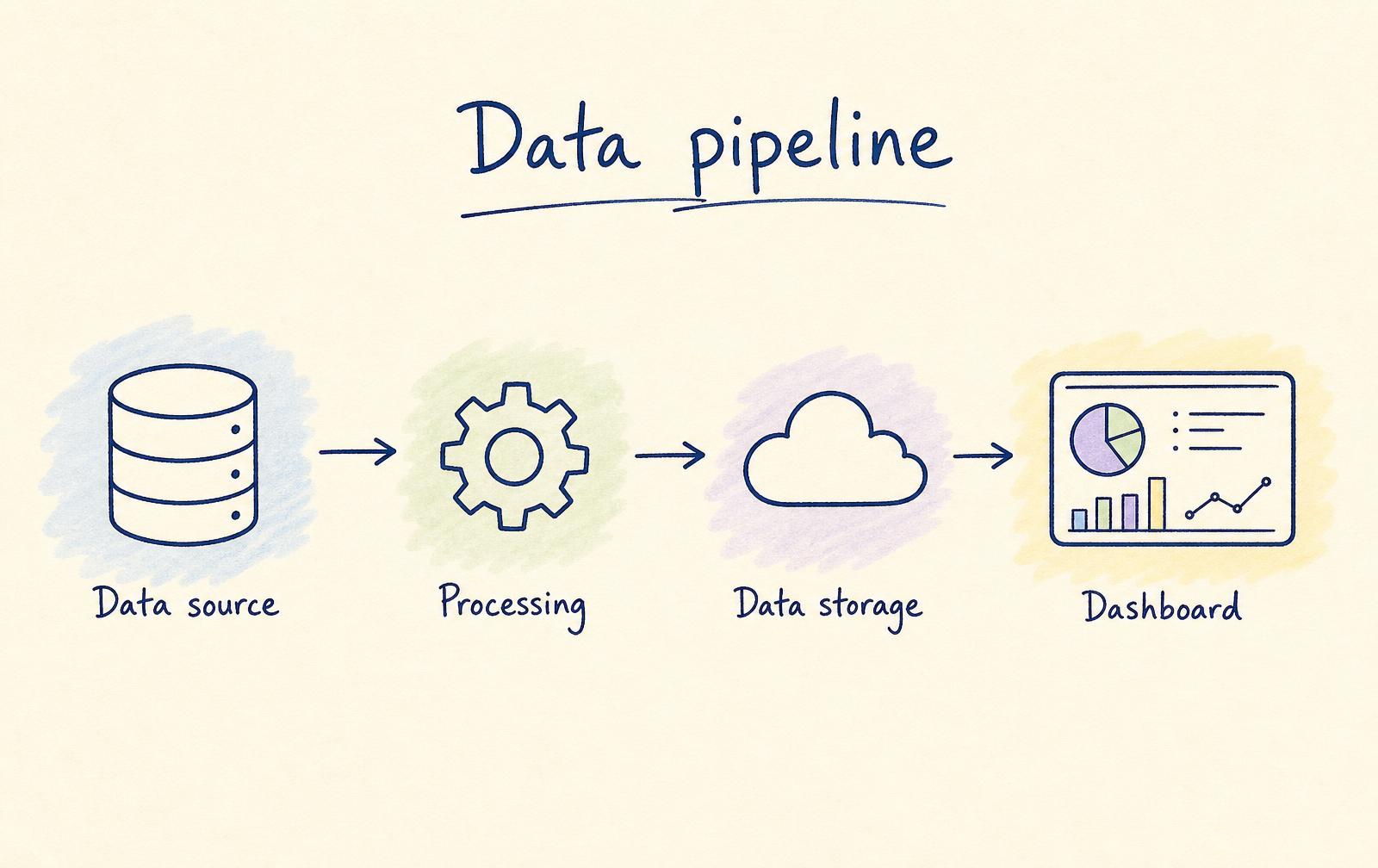
Plans fail when they're walls of text. This visual planning tool turns plans into pictures: phases as washed clusters, milestones as sketches, dependencies as sticky arrows that follow when dates move.
Because plans change, everything stays editable - and because plans get presented, everything exports: PDF for the wiki, PPTX for the steering committee, web slideshow for the team.
Why Sketchboard AI as your visual planning tool
Dependencies that follow
Sticky arrows stay attached to the phases they connect - rearrange the plan and the logic moves with it.
Phases as washes
Cluster workstreams behind shape-fitted washes with tunable opacity.
Overlap without confusion
A live layers list keeps parallel tracks readable.
Share the plan
Collaborate with your team and present or export for stakeholders.
How it works
- 1
Lay out the timeline
Choose a wide canvas and place phase markers.
- 2
Fill the plan
Add milestones as sketches, cluster workstreams with washes, wire dependencies.
- 3
Keep it alive
Update by dragging; re-export whenever the plan moves.
FAQ
Is this a Gantt tool?
No - it's for the picture of the plan that Gantt charts can't communicate: narrative, dependencies and emphasis.
Can the team edit the plan?
Yes - share the board and collaborators edit with the full toolset.
How do I present the plan?
Use present mode in the app, or export to PPTX/PDF for meetings.
Keep exploring
Sketch your next board in minutes
Free to start. No design skills, no stock photos, no fiddling with vector tools.
Start a board free