Creation
A visual presentation maker for people who show, not tell
Replace bullet walls with hand-drawn scenes. Build each slide as a picture - sketches, arrows, washes, minimal words - and hold the room from slide one.
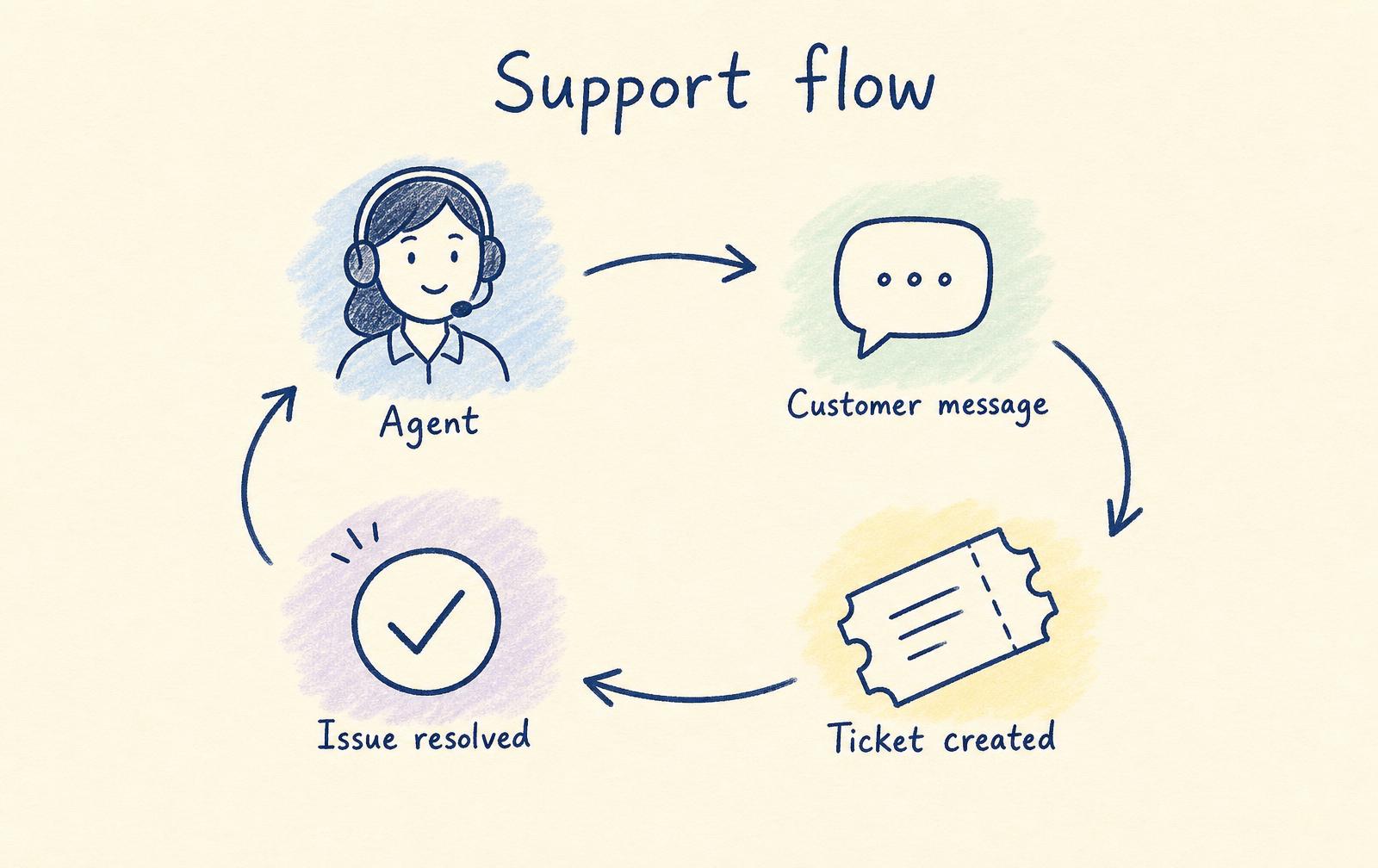
Visual presentations work because audiences remember pictures, not bullets. This visual presentation maker is built scene-first: each slide is a composition of sketches, connectors and short text, assembled from a library of 3,000+ hand-drawn assets and anything you generate with AI.
The editor respects the details that make scenes read well: layering with a visible stack, snapping with amber center guides, background washes behind key elements, and automatic light text on dark slides.
Why Sketchboard AI as your visual presentation maker
Scene-based slides
Compose each slide as a picture - visuals carry the message, text supports it.
3,000+ visual assets
Illustrations, symbols and stickers in one consistent hand, plus AI generation for gaps.
A real present mode
Laser pointer, torch spotlight and keyboard navigation - no export needed to present.
Every handoff format
PPTX, PDF, PNG, JPG, SVG, ZIP, animated GIF and shareable web slideshows.
How it works
- 1
Storyboard the beats
Sketch one slide per idea - wide 16:9 preset recommended.
- 2
Build the scenes
Assemble sketches and arrows; keep text short on washes.
- 3
Deliver
Present from the app, or export for the board pipeline.
FAQ
Is this a PowerPoint replacement?
For visual boards, yes - and it exports to .pptx when you need to hand off into a PowerPoint workflow.
Can I make dark slides?
Yes - per-slide background colors, and text automatically lands light on dark backgrounds.
How many slides can a board have?
Boards are multi-slide with no practical cap; each slide keeps its own size and settings.
Keep exploring
Sketch your next board in minutes
Free to start. No design skills, no stock photos, no fiddling with vector tools.
Start a board free