Creation
A project planning board that shows the whole story
One board, one picture: milestones, phases, owners and dependencies in a hand-drawn style the whole team actually reads.
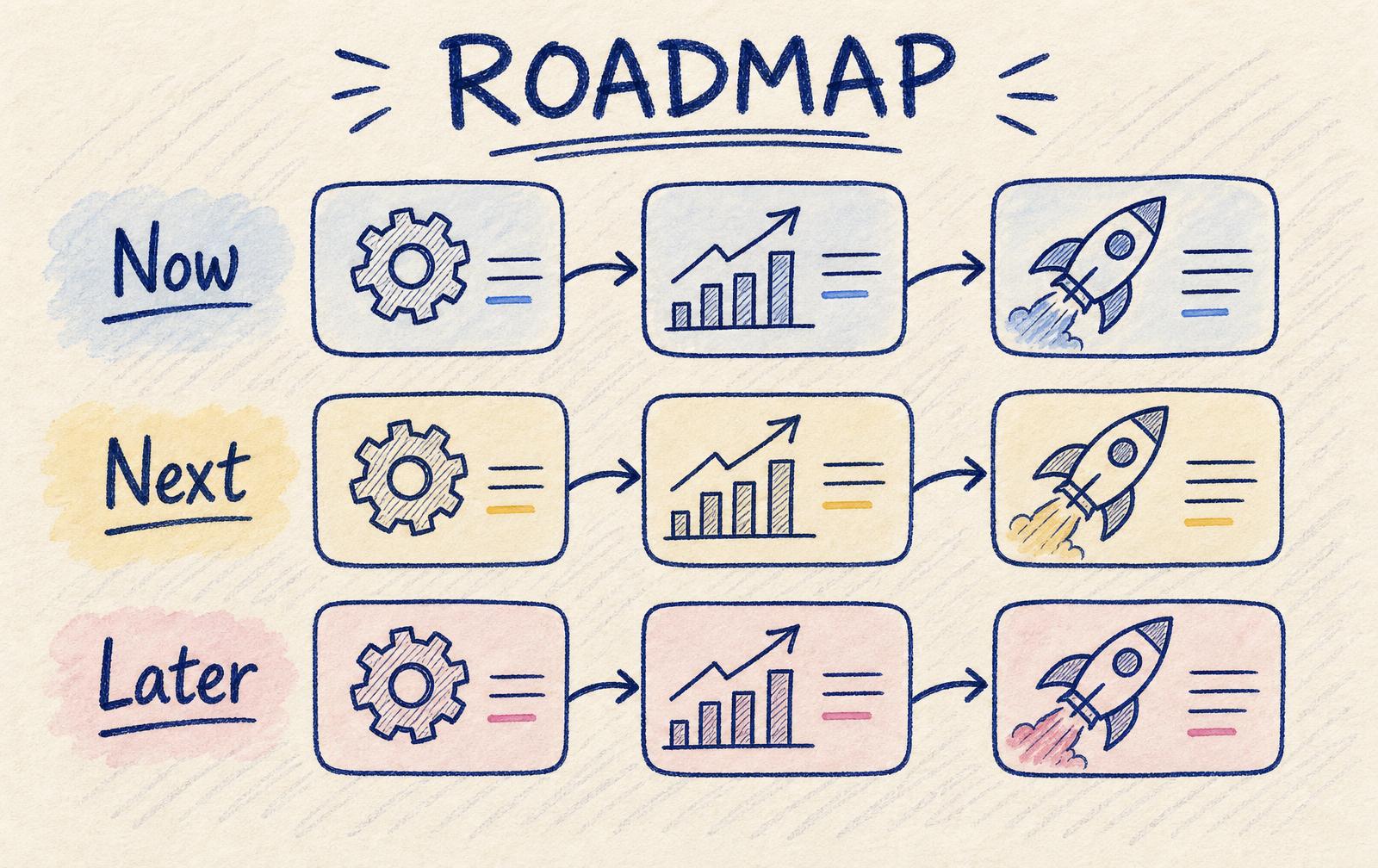
Project tools track tasks; a project planning board communicates the project. Sketchboard AI gives you a single shared picture of the work - phases clustered in washes, milestones as sketches, dependencies as sticky arrows - that stays editable as the project moves.
Share the board with the team, present it to stakeholders from built-in present mode, and export snapshots to PDF or PPTX for the status meeting.
Why Sketchboard AI as your project planning board
The big picture
Phases, milestones and dependencies on one slide-sized board - no scrolling through task lists.
Team-visible
Share the board; board cards show exactly who has access.
Living dependencies
Sticky arrows follow milestones when plans shift - the board never goes stale.
Status-meeting exports
PDF, PPTX or web slideshow snapshots whenever leadership asks.
How it works
- 1
Frame the project
Wide canvas, one slide per phase or one board for the whole arc.
- 2
Mark what matters
Milestones as sketches, owners as text, dependencies as arrows.
- 3
Review and refresh
Present in meetings, update by dragging, re-export snapshots.
FAQ
Does it replace project management software?
No - it complements it. Your PM tool tracks execution; this board communicates the plan and status visually.
Can I link out to task tools?
Text elements can hold links and references; export snapshots into whatever system the team uses.
How do teams collaborate on the board?
Share the board with collaborators - team plans include bundled seats.
Keep exploring
Sketch your next board in minutes
Free to start. No design skills, no stock photos, no fiddling with vector tools.
Start a board free