Ideas
An idea mapping tool that looks like you drew it
Map how ideas connect with sticky arrows, hand-drawn nodes and background washes - then export a map people actually read.
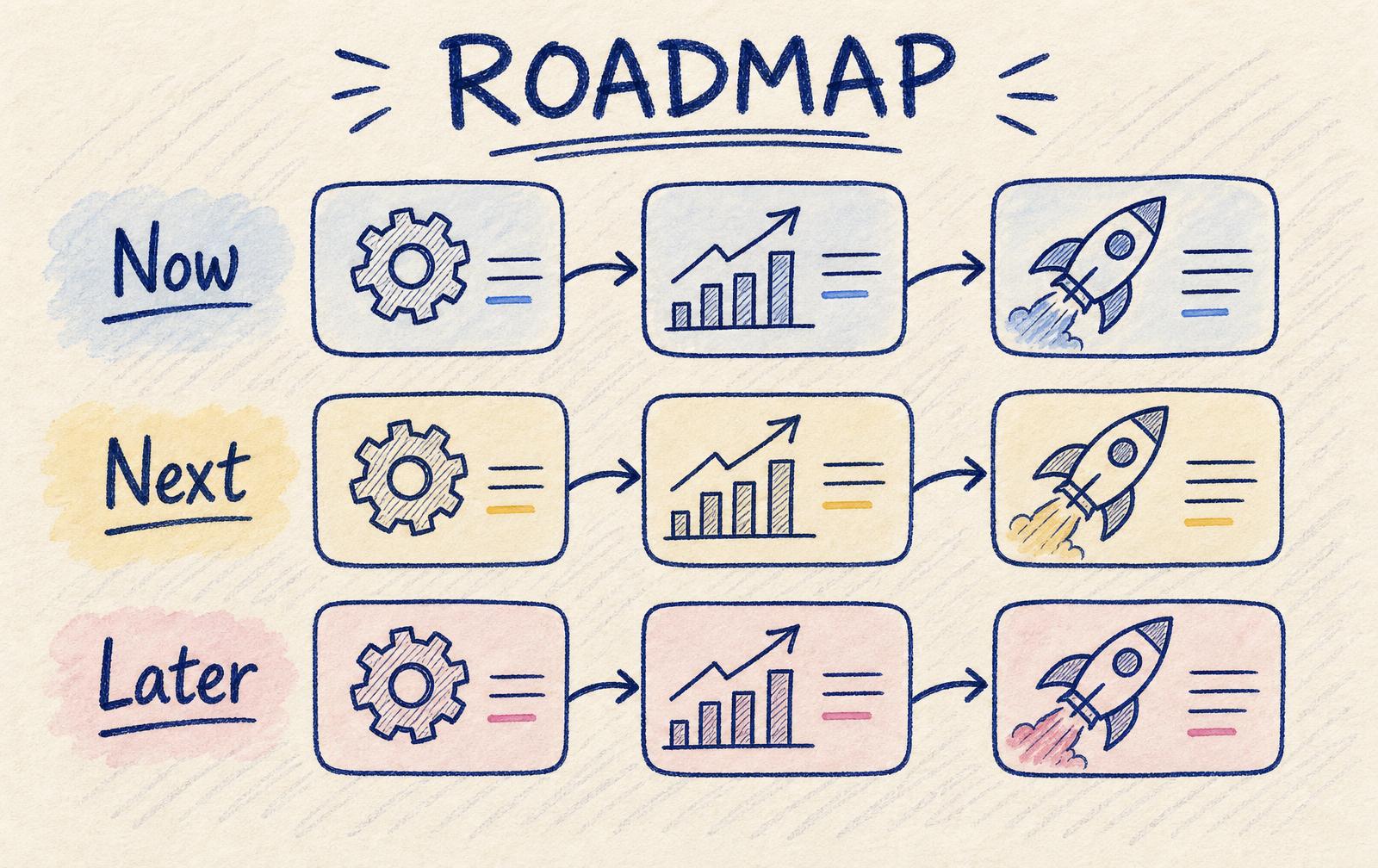
Idea maps fail when they look like org charts. Sketchboard AI's idea mapping keeps the sketchbook feel - hand-drawn nodes from the library, freehand annotations, and arrows that stick to ideas and reroute as the map grows.
Structure stays honest: a layers list shows exactly what overlaps what, snapping guides keep the map tidy, and the finished map exports to PDF, PPTX, PNG or a shareable web slideshow.
Why Sketchboard AI as your idea mapping tool
Arrows that stay attached
Sticky arrows anchor to the ideas they connect - drag a node and the route follows.
Washes for themes
Shape-fitted background washes cluster related ideas without boxing them in.
Honest overlap
Layer any node over any other; the layers list always shows the true front-to-back order.
Maps that travel
Export to PDF for documents, PPTX for boards, PNG for wikis, or a live web slideshow.
How it works
- 1
Place the core idea
Drop a central sketch or text node - center guides highlight amber for perfect placement.
- 2
Branch out
Add related ideas and link them with sticky arrows; bend routes at via-points.
- 3
Cluster and export
Wash the themes, check the layer order, and export the map.
FAQ
Is this a mind map tool?
It does everything a mind mapper does - nodes, connections, hierarchy - with freeform layout and hand-drawn style. See the mind map maker page for that workflow.
Can arrows disconnect from ideas?
Yes - stickiness is a per-arrow choice; toggle 'stick to objects' off for free-floating connectors.
How big can a map get?
As big as your canvas preset - choose a large custom size for sprawling maps.
Keep exploring
Sketch your next board in minutes
Free to start. No design skills, no stock photos, no fiddling with vector tools.
Start a board free