Creation
A concept mapping tool that looks like your best notebook
Map concepts and the relationships between them with hand-drawn nodes, labeled arrows and themed washes - then export a map worth studying.
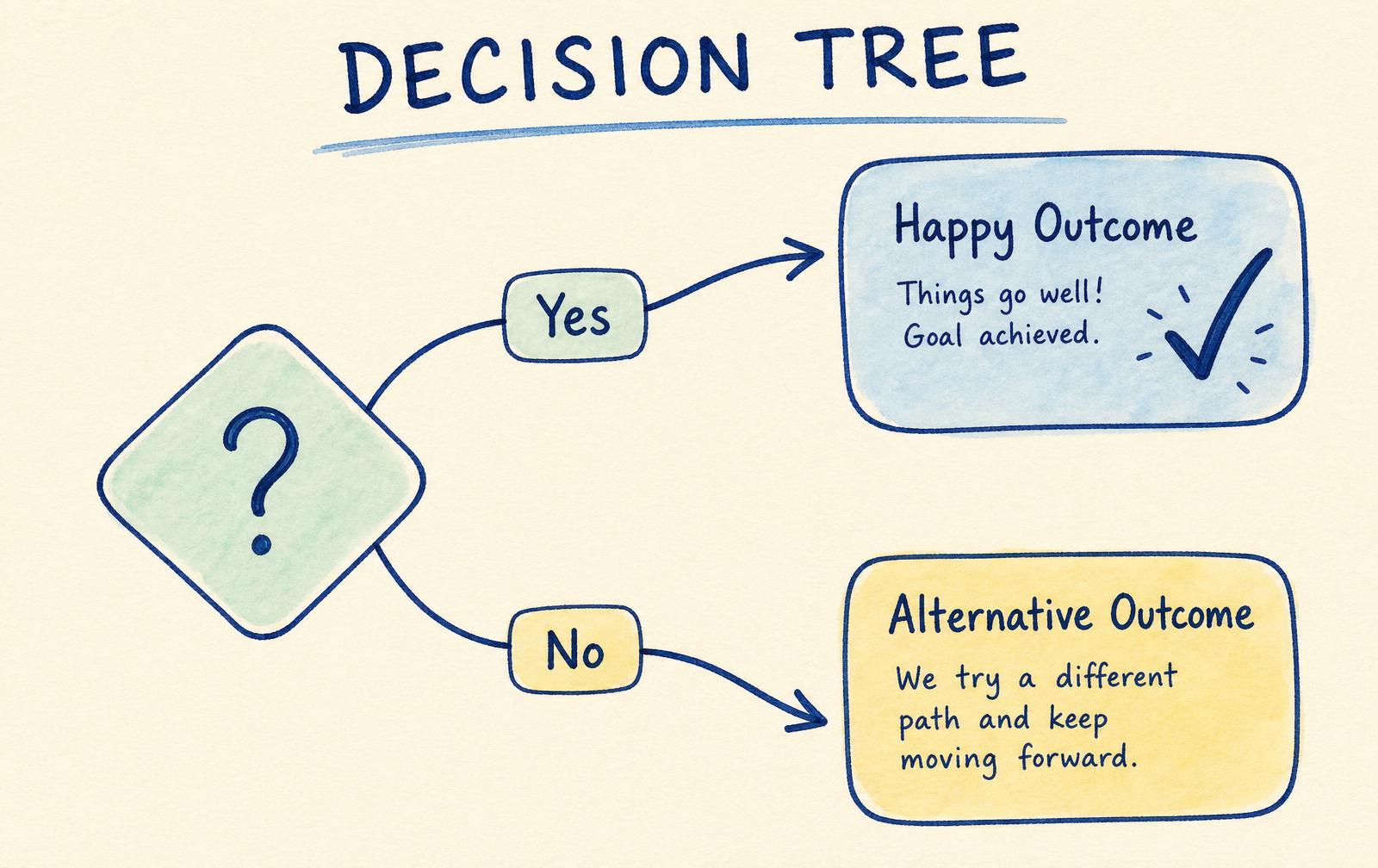
Concept maps show not just what things are but how they relate. This concept mapping tool gives you hand-drawn concept nodes from a 3,000+ asset library, sticky arrows for the linking relationships, and text-on-wash labels for the 'how'.
The result is a map that feels human - and stays editable. Rearrange concepts and the arrows follow; cluster subtopics with background washes; export to PDF for study guides or PNG for course materials.
Why Sketchboard AI as your concept mapping tool
Labeled relationships
Sticky arrows with text labels describe exactly how concepts relate - and reroute as the map evolves.
Concepts as pictures
A sketch per concept makes maps memorable; generate any missing concept with AI.
Subtopic washes
Shape-fitted background washes group related concepts visually.
Study-ready export
PDF, PNG, SVG, PPTX or web slideshow - for print, slides or the LMS.
How it works
- 1
Place the focus concept
Center it - amber guides confirm the middle.
- 2
Branch and label
Add related concepts and label each connecting arrow.
- 3
Refine and export
Cluster subtopics with washes and export the finished map.
FAQ
Concept map vs mind map?
Concept maps label the relationships between ideas (many-to-many); mind maps radiate from one center. This tool does both - see the mind map maker page.
Can students use it free?
Yes - the free tier covers concept mapping; paid plans add teams and more AI generation.
Can I use it for teaching materials?
Yes - export print-quality PDFs and images for handouts and courseware.
Keep exploring
Sketch your next board in minutes
Free to start. No design skills, no stock photos, no fiddling with vector tools.
Start a board free