Sketching
The online sketchboard for people who think in pictures
No downloads, no plugins. Open a browser, pick a canvas size, and start assembling hand-drawn slides and diagrams you can share, present and export.
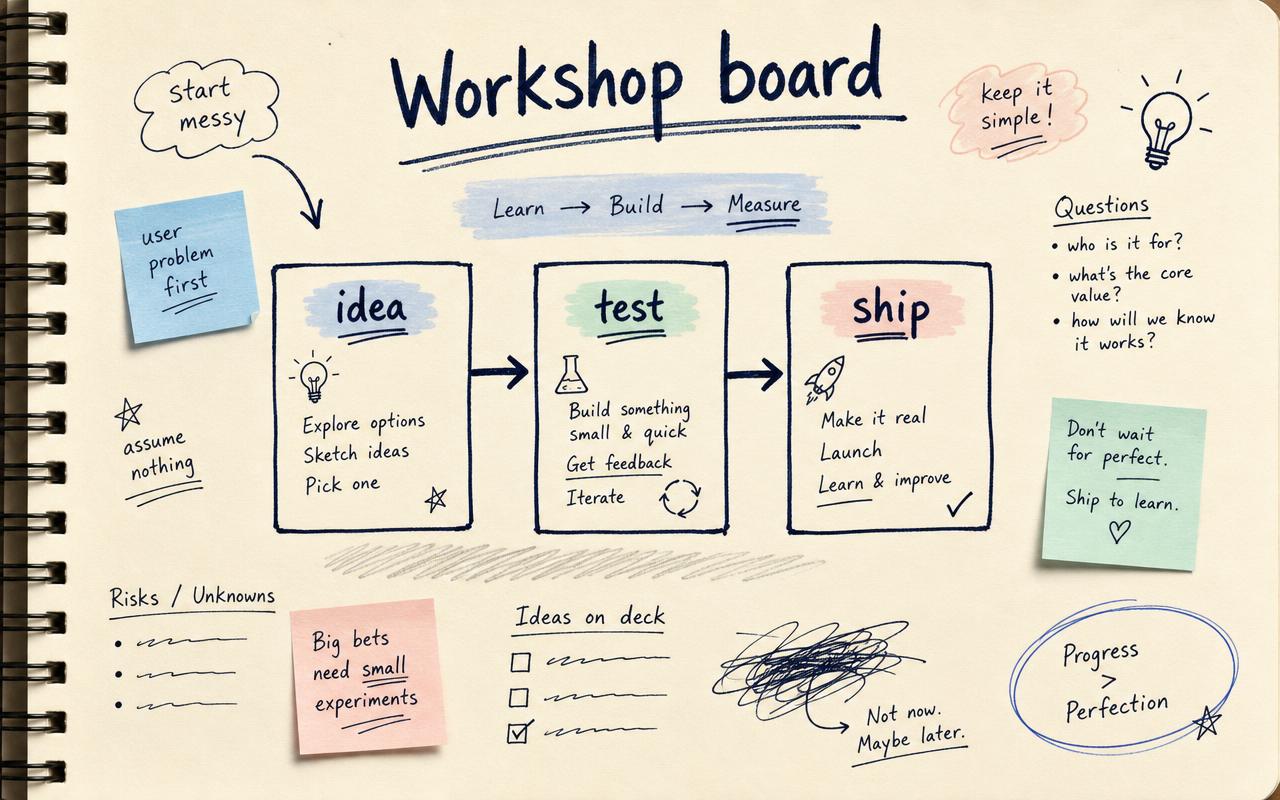
An online sketchboard should be as quick as grabbing a marker. Sketchboard AI runs entirely in your browser: your boards save to the cloud, your canvas settings are remembered per board, and teammates join with a link.
Everything you place stays editable - 5,000+ illustrations, symbols, stickers, line icons and vector shapes, plus full-colour Drawings, sticky arrows that follow the objects they touch, background washes, and freehand strokes with 25 brush families of pens, pencils, inks, paints, charcoals and airbrushes, with a smudge tool and a precision eraser.
Why Sketchboard AI as your online sketchboard
Zero install
Works in any modern browser on desktop, tablet or phone - with touch pan and pinch zoom built in.
Remembers everything
Selection, zoom, grid and panel layout are saved per board, so you pick up exactly where you left off.
Built to share
Invite teammates, see who a board is shared with at a glance, and manage seats from one team page.
Present from the board
Full present mode with laser pointer and torch spotlight - plus direct print and web slideshow links.
How it works
- 1
Open and name a board
Create a board, choose from device and platform canvas presets - slides, mobile, social, print.
- 2
Build the picture
Drag sketches from the library onto the canvas, connect with arrows, add text over washes.
- 3
Ship it
Present live or export to PNG, JPG, SVG, PDF, PPTX, ZIP, animated GIF, JSON and a shareable web slideshow.
FAQ
Is the online sketchboard free?
Yes - create an account and start free. Paid plans add team seats and more AI generation.
Does it work offline?
The sketchboard is cloud-based so boards sync and share; you need a connection to load and save.
What canvas sizes are available?
Presets for slides (16:9, 4:3), phones, tablets, desktop, social posts and print - plus fully custom sizes.
Keep exploring
Sketch your next board in minutes
Free to start. No design skills, no stock photos, no fiddling with vector tools.
Start a board free