Sketching
A collaborative sketchboard your whole team can draw on
Share a board, see exactly who it's shared with, and let teammates sketch, arrange and present together. Team plans bundle seats so collaboration scales with you.
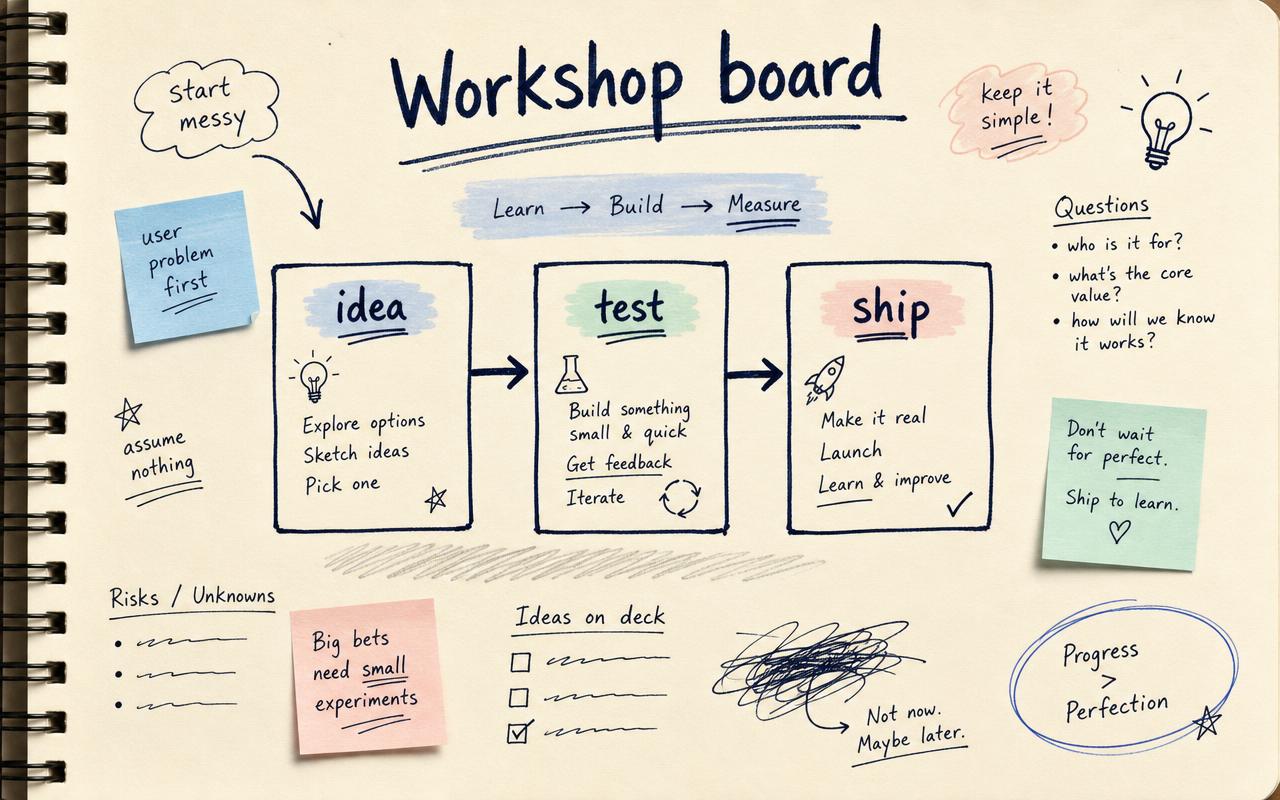
Sketching is how teams align - but only if everyone can get on the board. Sketchboard AI makes boards shareable by default: invite collaborators, and board cards show you at a glance exactly who has access.
Team plans are seat-based and simple - one subscription, a bundle of seats, managed from a single team page. Everyone on the team gets the full editor: library, brushes, AI generation, present mode and every export.
Why Sketchboard AI as your collaborative sketchboard
Visible sharing
Board cards show collaborator avatars - hover to see exactly who you're sharing with before you present.
Seat-based team plans
Add seats as you grow; manage the whole team from one page with Stripe-powered billing.
Share anything
Boards, web slideshows and exported files - pick the format each audience needs.
Present together
Run present mode with laser pointer and spotlight while the room (or call) follows along.
How it works
- 1
Create a team
Start a team plan, add seats, and invite collaborators by email.
- 2
Build boards together
Everyone sketches, arranges and annotates with the same full editor.
- 3
Present and export
Present live, or export boards for the people who weren't in the room.
FAQ
How do I see who a board is shared with?
Board cards show collaborator avatars; click for a popover listing everyone with access.
How does team billing work?
Team plans are seat-based subscriptions - for example 5 seats per plan - with a manage-plan portal for changes.
Can collaborators use AI generation?
Yes - teammates on the plan use the same library, brushes and AI generation as the owner.
Keep exploring
Sketch your next board in minutes
Free to start. No design skills, no stock photos, no fiddling with vector tools.
Start a board free