Sketching
A digital sketchboard that still feels like paper
Digital sketchboards usually trade warmth for editability. Sketchboard AI keeps both: an ink-and-paper aesthetic with fully editable, layered, exportable objects.
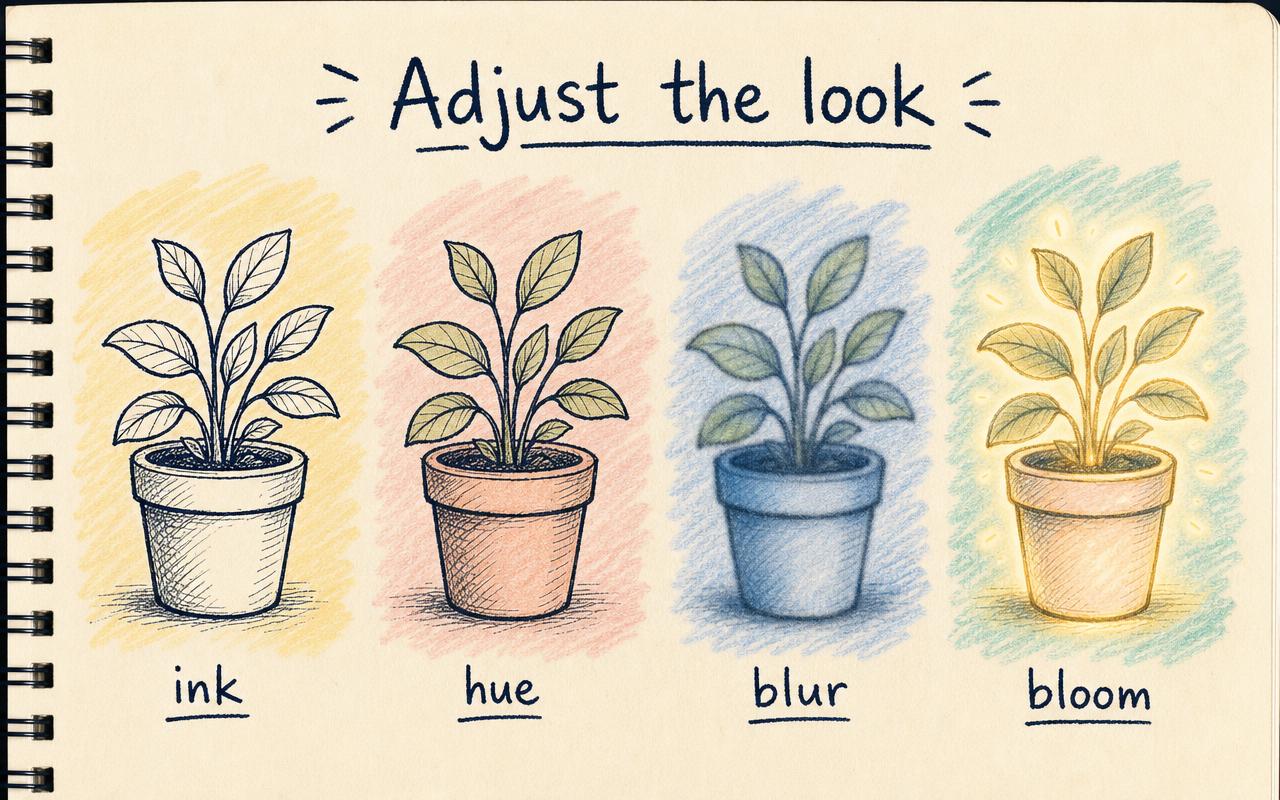
Paper is fast but fragile; design tools are durable but slow and sterile. This digital sketchboard splits the difference - every stroke looks hand-drawn, and every element is a real object you can select, layer, group and restyle at any time.
Under the paper look is a serious editor: snapping guides with distinct center lines, a layers list, sticky arrows, background washes, and exports to PNG, JPG, SVG, PDF, PPTX, ZIP, animated GIF, JSON and a shareable web slideshow.
Why Sketchboard AI as your digital sketchboard
Real ink feel
Twenty-five brush families respond to pressure and speed, from pencils and inks to paints, charcoals and airbrushes.
Smart snapping
Edges snap as you drag; center and middle guides highlight in amber so perfect alignment is effortless.
Honest layering
A visual layers list shows the exact front-to-back stack - bring forward, send back, or jump straight to top.
Washes and backgrounds
Per-slide background colors plus shape-fitted washes behind any sketch, with independent fill and outline opacity.
How it works
- 1
Set the stage
Choose a slide size preset and a background color that suits your story.
- 2
Compose
Combine library sketches, freehand strokes, text and washes into a scene.
- 3
Deliver
Present in-browser, print directly, or export the board in the format your audience needs.
FAQ
How is this different from a drawing app?
It's built for communication, not art: every element is a discrete object, boards are multi-slide, and export targets slides, PDFs and presentations.
Can I change a slide's background color?
Yes - each slide has its own background color, and text automatically lands light on dark backgrounds.
Does it support dark diagrams?
Yes. Dark backgrounds, light ink, and adjustable wash opacity make night-mode boards easy.
Keep exploring
Sketch your next board in minutes
Free to start. No design skills, no stock photos, no fiddling with vector tools.
Start a board free