Sketching
One online visual workspace for every picture you need
Slides, diagrams, storyboards, wireframes, brainstorms - one workspace, one hand-drawn style, one export button. Stop moving work between five tools.
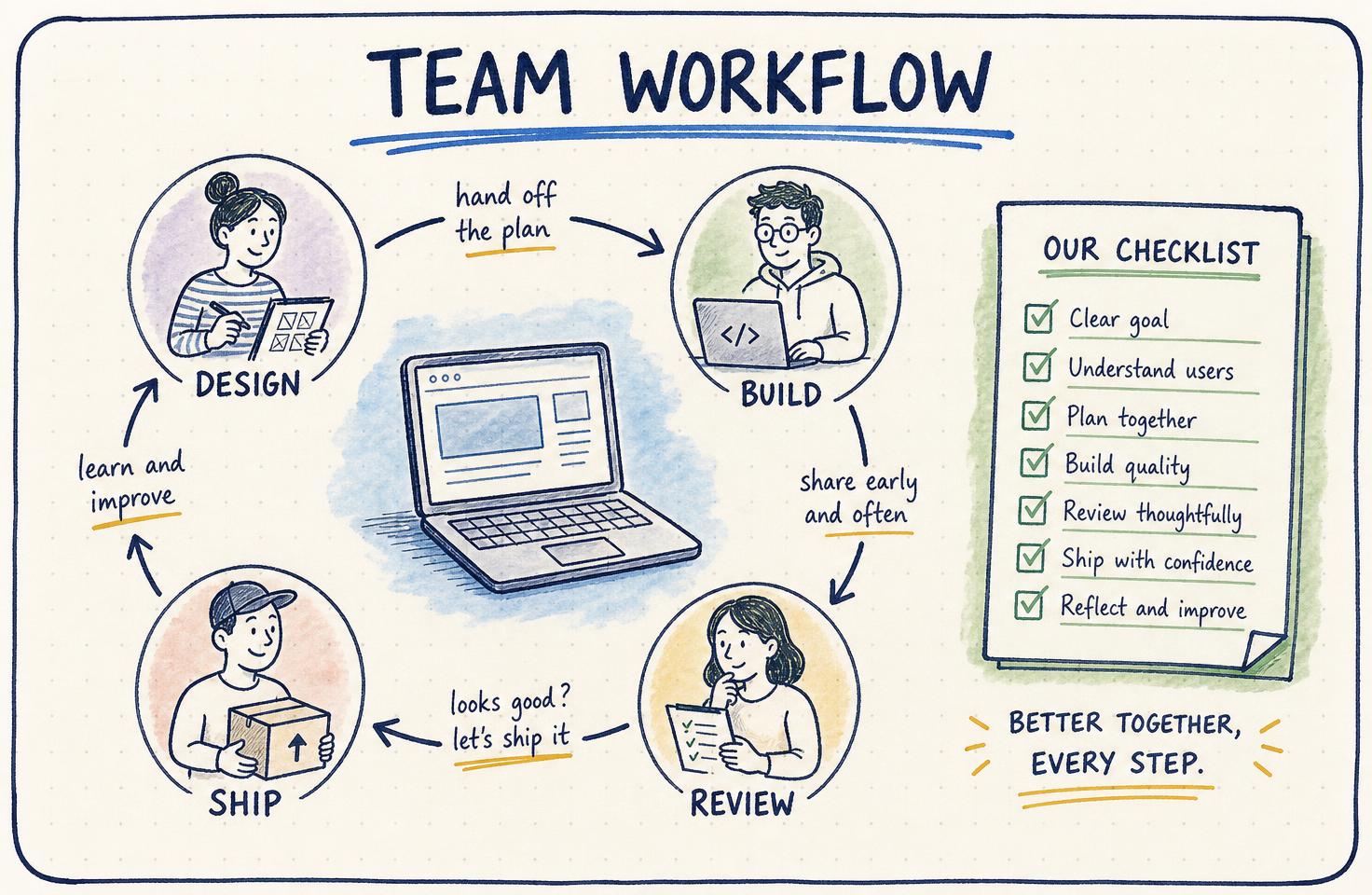
Visual work fragments fast: a diagram in one app, slides in another, a whiteboard photo in chat. Sketchboard AI is a single online visual workspace where all of it shares the same editor, the same library and the same look.
Boards are multi-slide, canvases come in device and platform presets, and everything exports to PNG, JPG, SVG, PDF, PPTX, ZIP, animated GIF, JSON and a shareable web slideshow - so the workspace covers the whole path from rough sketch to delivered artifact.
Why Sketchboard AI as your online visual workspace
Every visual format
Slides, diagrams, storyboards, wireframes and brainstorm boards in one editor with one consistent style.
Canvas presets
Slide, phone, tablet, desktop, social and print sizes - or define your own.
A growing library
5,000+ illustrations, symbols, stickers, line icons and vector shapes, plus full-colour Drawings, plus AI-generated assets that join your library permanently.
Remembers your setup
Per-board selection, zoom, grid and panel layout persist between sessions.
How it works
- 1
Create a board per project
Each board holds multiple slides at the size your deliverable needs.
- 2
Work visually
Sketch, generate, arrange and connect - the editor stays out of your way.
- 3
Deliver in any format
Present, print or export - the workspace covers the last mile too.
FAQ
What kinds of work belong in this workspace?
Anything visual you need to communicate: pitch slides, system diagrams, storyboards, wireframes, lesson visuals, brainstorm captures.
Can I organize multiple projects?
Yes - work is organized into boards, each with its own slides, canvas size and remembered editor settings.
Does it work for teams?
Yes - share boards with collaborators and manage team seats from one plan.
Keep exploring
Sketch your next board in minutes
Free to start. No design skills, no stock photos, no fiddling with vector tools.
Start a board free