Sketching
Sketching, without the blank page
Sketchboard AI turns sketching into finished slides and diagrams. Start from a library of hand-drawn sketches, draw freehand with pressure-aware brushes, and export anywhere.
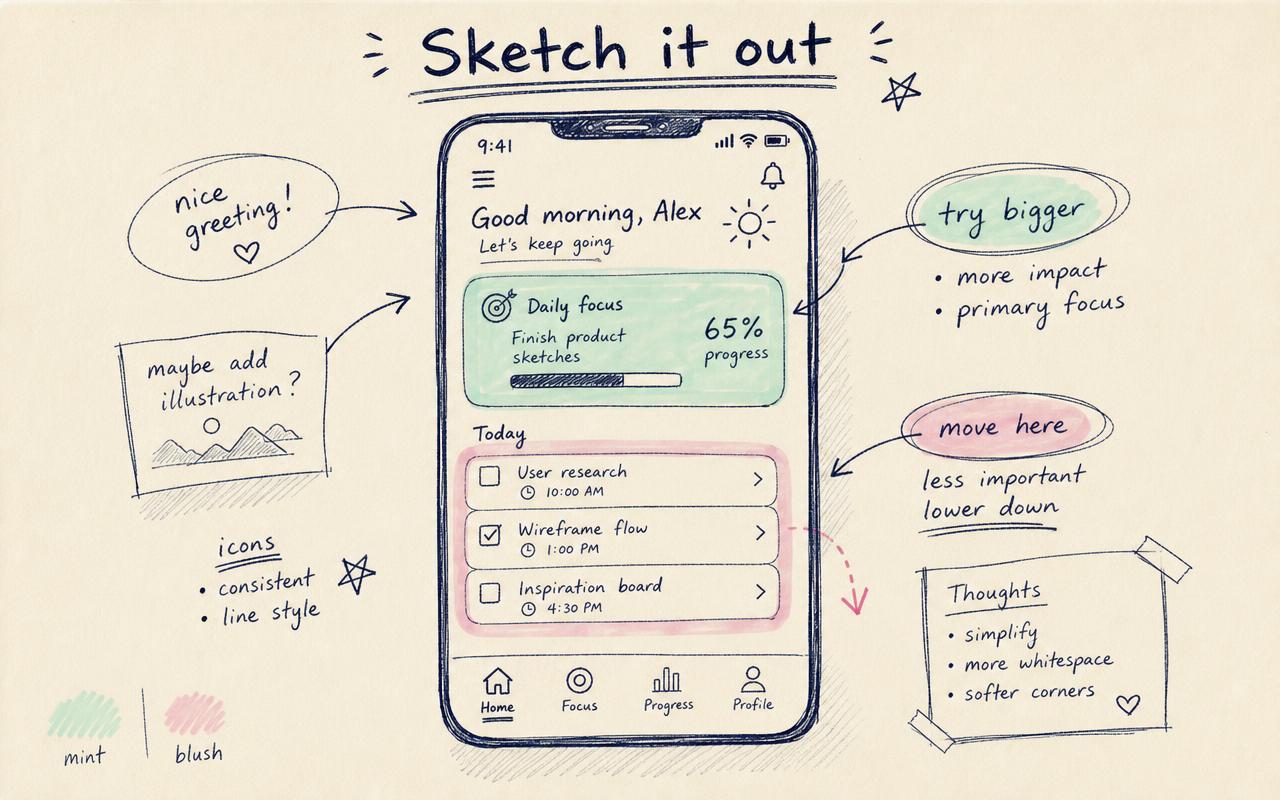
Sketching is the fastest way to think. But paper sketches get lost, whiteboard photos look messy, and design tools demand skills most people don't have. Sketchboard AI closes that gap: a sketching workspace that looks hand-drawn from the first stroke and stays editable forever.
Every element on the canvas is a real object you can move, restyle, layer and connect. Pull from 5,000+ illustrations, symbols, stickers, line icons and vector shapes, plus full-colour Drawings, sketch freehand with 25 brush families of pens, pencils, inks, paints, charcoals and airbrushes, with a smudge tool and a precision eraser, then export to PNG, JPG, SVG, PDF, PPTX, ZIP, animated GIF, JSON and a shareable web slideshow.
Why Sketchboard AI as your sketching
Pressure-aware brushes
Twenty-five brush families respond to pressure and speed, with pencils, inks, paints, charcoals, airbrushes, smudge and a precision eraser.
3,000+ ready sketches
Illustrations, symbols and stickers drawn in one consistent hand, searchable and one click from the canvas.
Full layer control
Reorder, group, lock and flip any element. A live layers list shows exactly what's in front and what's behind.
Export everything
One board becomes PNG, JPG, SVG, PDF, PPTX, ZIP, animated GIF, JSON and a shareable web slideshow - no redrawing, no screenshots.
How it works
- 1
Pick a canvas
Start from a preset - slides, phone, tablet, social or print sizes - or set your own.
- 2
Sketch and assemble
Draw freehand, drop in library sketches, connect them with sticky arrows and add text on background washes.
- 3
Present or export
Present with laser pointer and spotlight, print straight to the dialog, or export in any format.
FAQ
Do I need drawing skills for sketching here?
No. Most boards are assembled from the built-in sketch library - you arrange, connect and annotate. Freehand brushes are there when you want them.
Is Sketchboard AI free for sketching?
Yes, you can start sketching free. Paid plans add team seats, more AI generation and unlimited boards.
Can I sketch on a tablet or phone?
Yes. The canvas supports touch with pinch-to-zoom and two-finger pan, and pressure feel adapts to touch speed.
Keep exploring
Sketch your next board in minutes
Free to start. No design skills, no stock photos, no fiddling with vector tools.
Start a board free