Ideas
A visual brainstorming tool for ideas worth keeping
Brainstorms die in photos of whiteboards. Sketchboard AI keeps every idea editable, connected and exportable - in a hand-drawn style people actually want to look at.
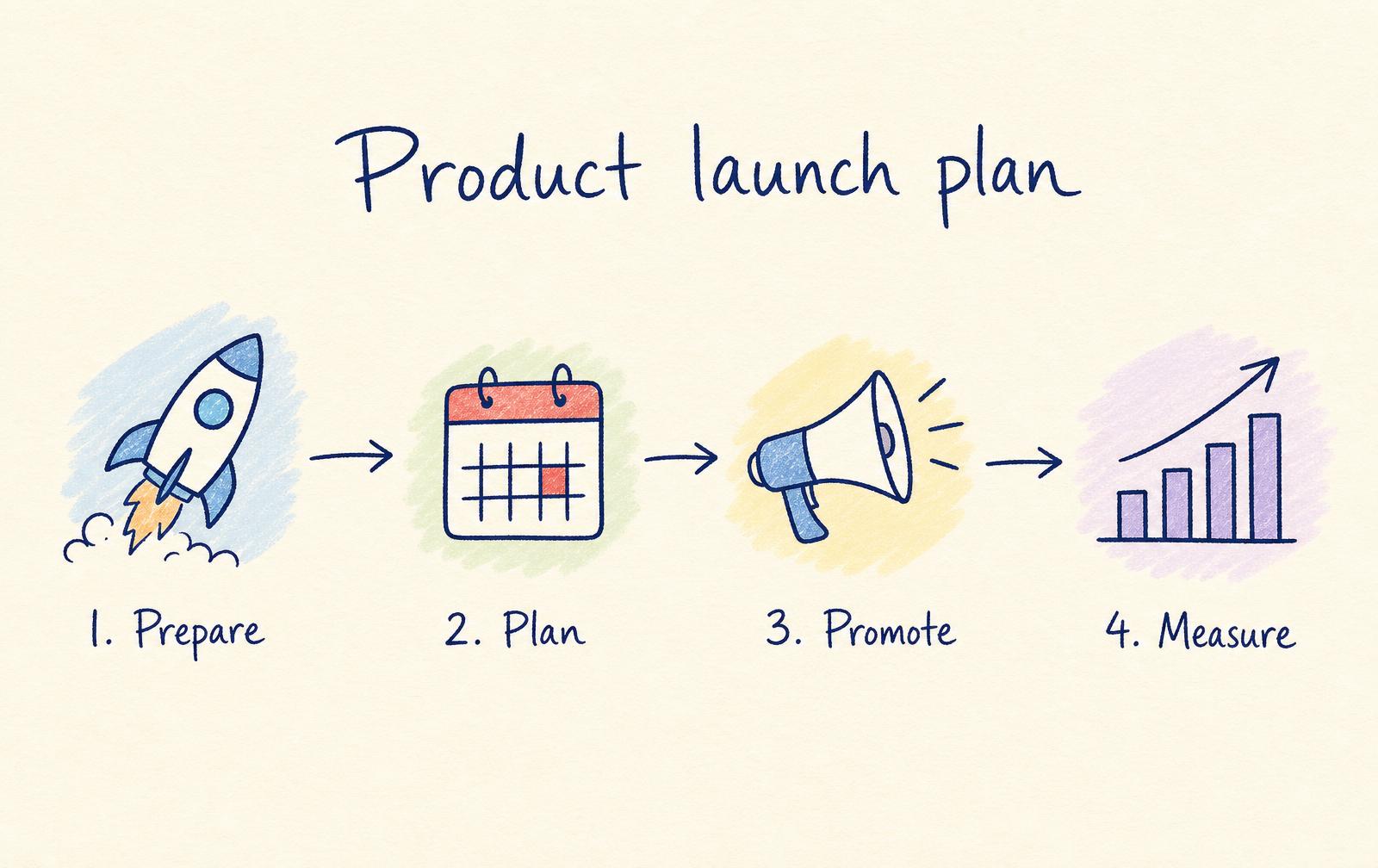
Good brainstorming is fast and visual. This visual brainstorming tool gives you freehand brushes for scribbling, a sketch library for when drawing is too slow, and sticky arrows for showing how ideas relate - all on slides that export when the session ends.
Because brainstorms here are real boards, the follow-up is built in: group related ideas into layers, add washes to cluster themes, then present or export the outcome to PDF, PPTX or a web slideshow.
Why Sketchboard AI as your visual brainstorming tool
Capture at thinking speed
Freehand brushes, quick library drops and fast text - nothing slows the brainstorm down.
Connect the dots
Sticky arrows follow the ideas they link; bend them at via-points to route around the crowd.
Cluster with washes
Drop shape-fitted washes behind groups of ideas to mark themes, with adjustable opacity.
Leave with minutes
Export the board to PDF or a web slideshow and the brainstorm documents itself.
How it works
- 1
Open a board
Pick a wide canvas preset and set a background color for the session.
- 2
Throw ideas down
Sketch, type or drag in library assets; connect related ideas with arrows.
- 3
Shape the outcome
Cluster with washes, order with layers, and export the result for the team.
FAQ
Can a team brainstorm together?
Yes - share the board with collaborators; board cards show exactly who has access.
Can I brainstorm on a tablet?
Yes - touch drawing, pinch zoom and two-finger pan are built in.
What happens to the brainstorm afterwards?
It stays an editable board: refine it, present it, or export to PDF, PPTX, images or a web slideshow.
Keep exploring
Sketch your next board in minutes
Free to start. No design skills, no stock photos, no fiddling with vector tools.
Start a board free