Creation
AI presentation sketches that don't look like everyone else's board
Stock-photo slides are wallpaper. Build presentations from hand-drawn sketches - 3,000+ ready-made, infinite AI-generated - and present or export them anywhere.
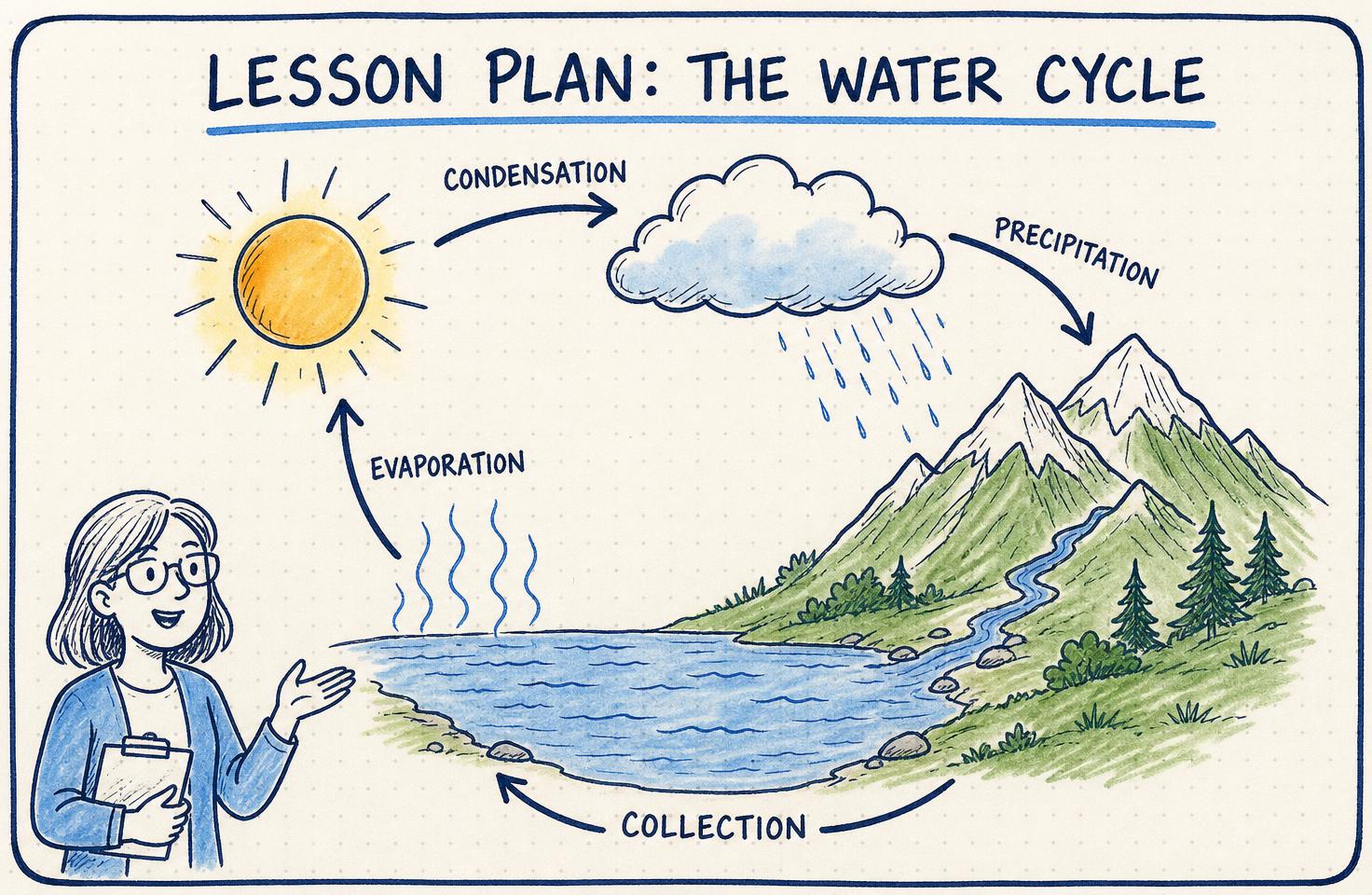
An AI presentation sketch workflow in Sketchboard AI: pick a slide preset, pull sketches from the library, generate the ones that don't exist, and connect the story with sticky arrows and text on washes. Every slide looks drawn by one careful hand - yours, apparently.
Delivery is built in: present mode with laser pointer and spotlight, direct print for handouts, and export to PPTX for the corporate board pipeline, PDF for documents, or a web slideshow for links.
Why Sketchboard AI as your AI presentation sketch
Slide-native
16:9, 4:3 and device presets; per-slide backgrounds; present mode with pointer and spotlight.
AI sketch generation
Generate presentation visuals on demand - always transparent, always on-style.
Typography on washes
Text boxes with background shapes and corner styles - rounded, cut, notched - with full opacity control.
PPTX and beyond
Export real PPTX files plus PDF, PNG, JPG, SVG, ZIP, animated GIF and web slideshow.
How it works
- 1
Frame the story
One slide per beat; choose a preset and background color.
- 2
Sketch each beat
Library assets, AI generation, arrows and text assemble each scene.
- 3
Present or hand off
Present live, print handouts, or export PPTX/PDF for the meeting.
FAQ
Can I export to PowerPoint?
Yes - boards export to real .pptx files, plus PDF, images, SVG and animated GIF.
Will my slides look consistent?
Yes - every asset shares one hand-drawn ink style, including anything the AI generates.
Can I present without exporting?
Yes - built-in present mode includes a laser pointer and torch spotlight.
Keep exploring
Sketch your next board in minutes
Free to start. No design skills, no stock photos, no fiddling with vector tools.
Start a board free