Sketching
The online sketching tool with a real toolbox
Pen, pencil, brush, crayon, marker, eraser - plus a searchable sketch library, sticky arrows and one-click export. Everything a sketching session needs, in one tab.
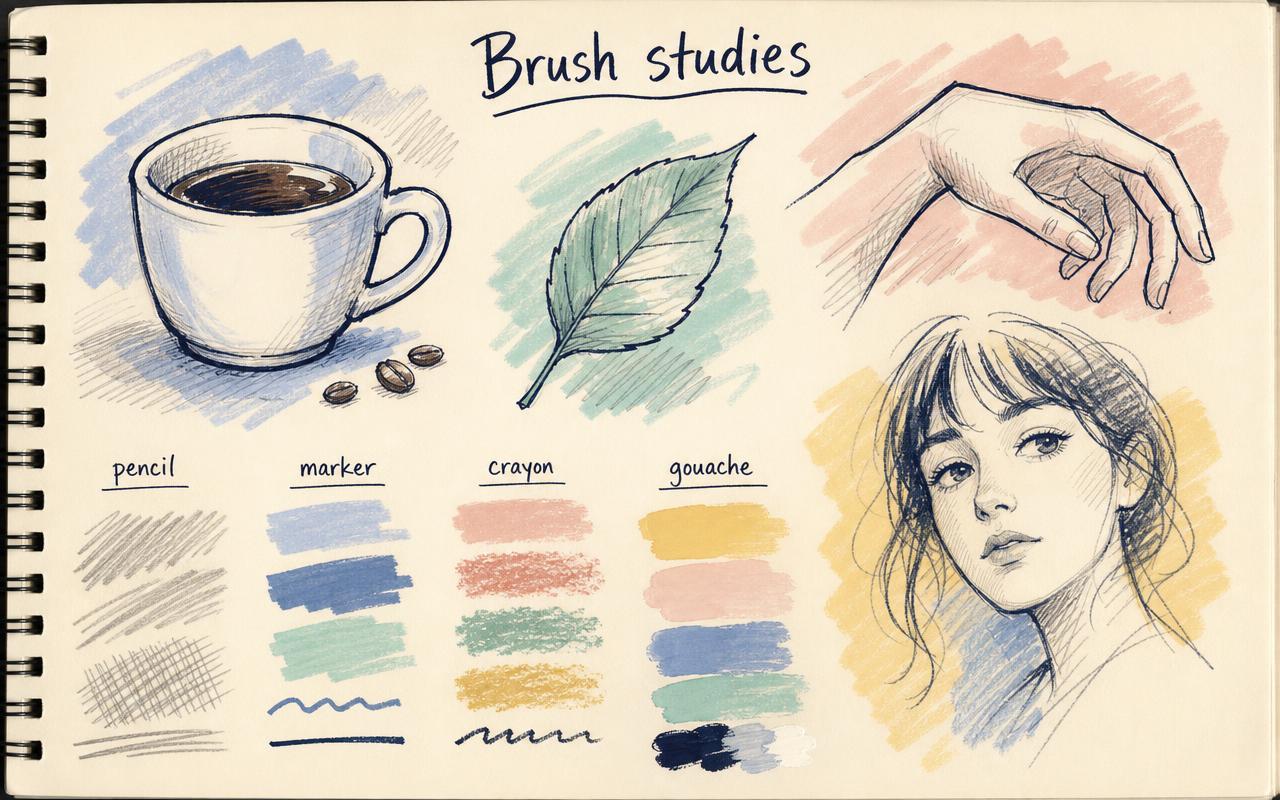
Most online sketching tools give you one marker and an infinite canvas. Sketchboard AI gives you a workshop: 25 brush families with responsive live ink, smudge, a precision eraser, and ${LIBRARY} to pull from when drawing isn't the point.
And because sketches here become slides, you get the finishing tools too - present mode with laser pointer and spotlight, direct print, and every export format you'll be asked for.
Why Sketchboard AI as your online sketching tool
25 brush families
Pencils, inks, paints, charcoals, airbrushes, calligraphy and more, each with its own grain, taper and pressure response.
Searchable sketch library
Illustrations, symbols, stickers and AI images in separate tabs with infinite scroll - drag any onto the canvas.
Sticky arrows
Arrows that stick to the objects they connect (or not - your choice), with bendable via-points and multiple corner styles.
Every export
PNG, JPG, SVG, ZIP, PDF, PPTX, animated GIF and web slideshow - from the same board.
How it works
- 1
Grab a brush
Pick a tool from the Draw section - drawing tools light up for freehand, and adapt when you select an object.
- 2
Mix in the library
Drag sketches, symbols and stickers straight from the library onto the canvas.
- 3
Finish and share
Present live, print, or export in any format - no redrawing anywhere else.
FAQ
Does pressure sensitivity work with a mouse?
Yes - the brushes infer pressure from drawing speed, so mouse, trackpad and touch all get natural weight variation.
Can I upload my own sketches?
Yes - upload images to the canvas, and generate new sketches with AI when the library doesn't have what you need.
Is there an infinite canvas?
Canvases are sized per slide using device and platform presets, which keeps exports pixel-perfect.
Keep exploring
Sketch your next board in minutes
Free to start. No design skills, no stock photos, no fiddling with vector tools.
Start a board free