Creative & sketching · Comparison
Sketchboard AI vs Clip Studio Paint
Clip Studio Paint is built for comics and illustration. Sketchboard AI is built for turning ideas into sketches you can share.
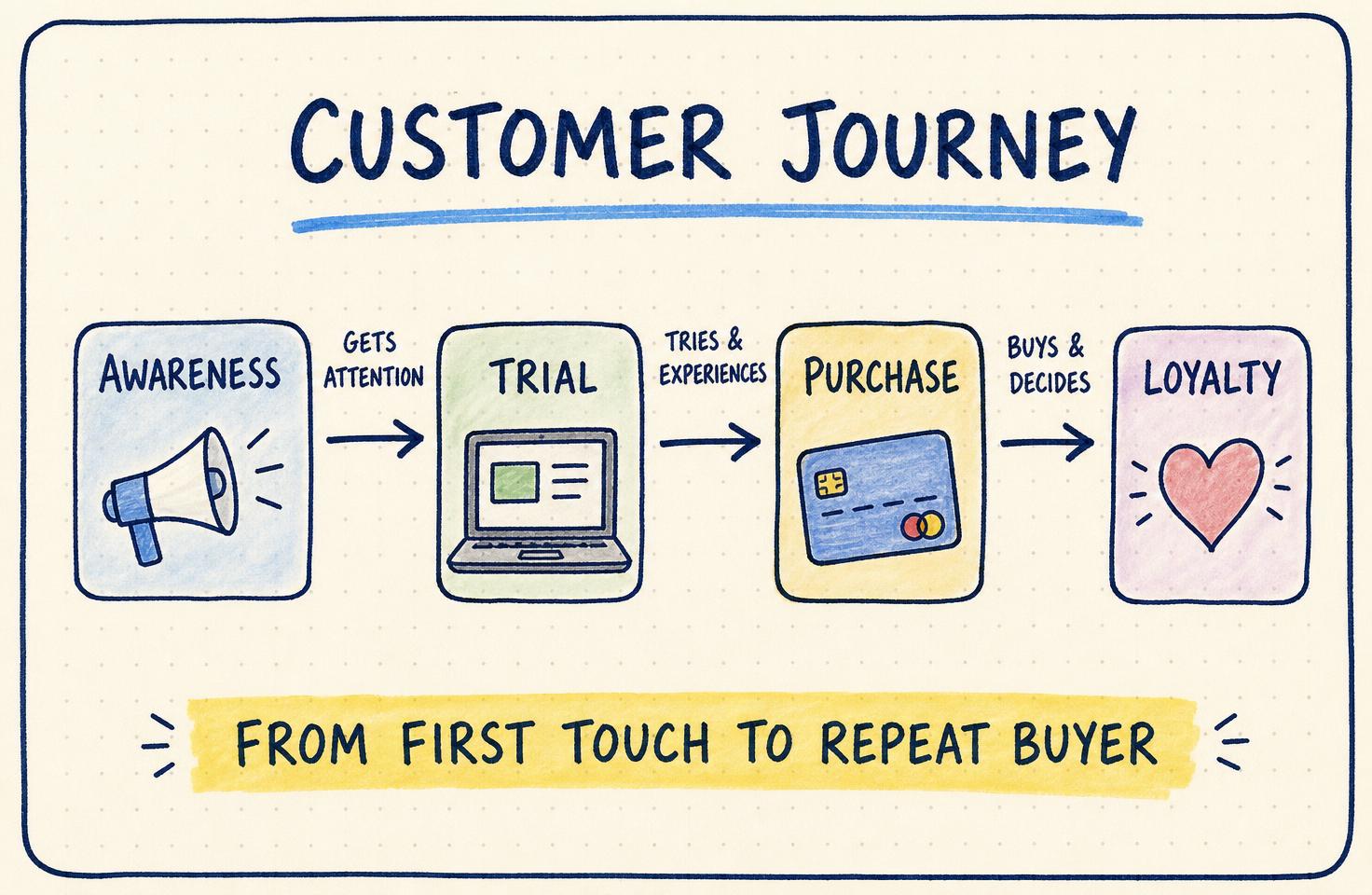
How Sketchboard AI and Clip Studio Paint differ
Clip Studio Paint is a production tool for illustrators and comic artists: inking stabilisers, panel layouts, 3D reference models, screen tones and animation frames.
Sketchboard AI overlaps only at the storyboard edge. Where Clip Studio helps you draw the panel, Sketchboard AI helps you plan the sequence — slides as frames, AI-generated assets, arrows and captions, exported as a deck, PDF or animated GIF.
Sketchboard AI vs Clip Studio Paint: feature by feature
full support · partial · not supported
| Capability | Sketchboard AI | Clip Studio Paint |
|---|---|---|
| AI-assisted creationGenerate transparent hand-drawn assets from a text prompt or reference image. | Yes | No |
| Freeform sketching25 brush families with pressure-aware ink, smudge and precision eraser. | Yes | Yes |
| Storyboard / sequence planning | Yes | Partial |
| Visual brainstorming | Yes | No |
| Diagrams with sticky arrowsArrows pin to the visible edge of any element and follow it as it moves. | Yes | No |
| Templates & community gallery | Yes | Partial |
| Built-in illustration library5,000+ illustrations, symbols, stickers, line icons and vector shapes, plus full-colour Drawings. | Yes | Partial |
| Professional digital paintingWe are a sketchboard, not a painting studio — no blending modes or canvas-resolution painting. | No | Yes |
| Custom / importable brush engine | No | Yes |
| LayersElement layers with reorder, lock, hide and group — not raster paint layers. | Partial | Yes |
| Presentation modeSlide-by-slide presenting with laser pointer and spotlight. | Yes | No |
| Runs in any browserMac, Windows, Linux, Chromebook, iPad and phones — nothing to install. | Yes | No |
| Export to PNG, SVG, PDF, PPTX, GIF | Yes | Partial |
| Share & collaborate on a board | Yes | No |
| Full offline desktop/iPad app | No | Yes |
Clip Studio Paint is a mature product and this table only compares the capabilities that matter when choosing between the two. We list what Sketchboard AI actually ships — nothing more.
What Clip Studio Paint does better
- Industry-grade inking, tones, panels and comic page setup.
- 3D posing references and huge downloadable material library.
- Frame-by-frame animation.
Where Sketchboard AI wins
- AI generation of transparent hand-drawn assets.
- Slides as storyboard frames, with presentation mode and GIF export.
- Sticky arrows and text washes for annotating a sequence.
- Browser-based and shareable with a link.
Which one should you use?
Choose Clip Studio Paint if…
- You are drawing finished comics or animation.
Choose Sketchboard AI if…
- You are planning a story, flow or pitch and want it visual fast.
Looking for a Clip Studio Paint alternative for…
- Clip Studio Paint alternative
- storyboard tool alternative
- Clip Studio alternative online
- AI storyboard alternative
FAQ
Can I make a storyboard?
Yes — each slide is a frame, with AI or library assets, captions and arrows, exported as PDF, PPTX or animated GIF.
Are there comic panel tools?
No dedicated panel or tone system. Shapes and washes cover simple layouts only.
Does it animate?
It exports an animated GIF of your slides; there is no frame-by-frame animation timeline.
More comparisons
Try the Clip Studio Paint alternative built for ideas
Free to start, in any browser. Sketch, draw, brainstorm, design, diagram, create.
Start a board free