Creative & sketching · Comparison
Sketchboard AI vs Adobe Fresco
Fresco is a painting app with live watercolour and oils. Sketchboard AI is an AI sketchboard for ideas, concepts and visual planning.
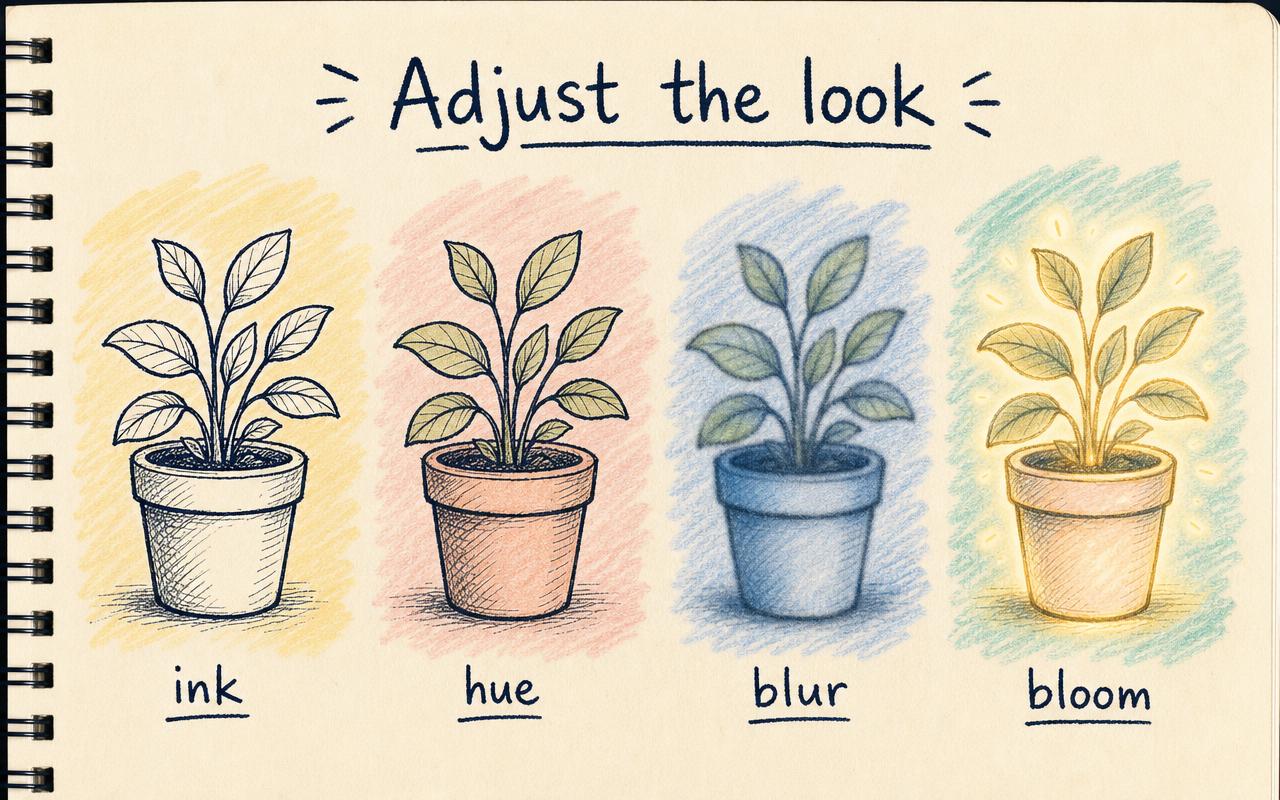
How Sketchboard AI and Adobe Fresco differ
Adobe Fresco combines raster and vector brushes with live media that behaves like real watercolour and oil, tied into Creative Cloud.
Sketchboard AI sits in a different part of the workflow. It generates and assembles hand-drawn sketch elements so you can build an explanatory board — a concept, a flow, a plan — and hand it to someone else as a deck, a PDF or a link.
Sketchboard AI vs Adobe Fresco: feature by feature
full support · partial · not supported
| Capability | Sketchboard AI | Adobe Fresco |
|---|---|---|
| AI-assisted creationGenerate transparent hand-drawn assets from a text prompt or reference image. | Yes | Partial |
| Freeform sketching25 brush families with pressure-aware ink, smudge and precision eraser. | Yes | Yes |
| Visual brainstorming | Yes | No |
| Diagrams with sticky arrowsArrows pin to the visible edge of any element and follow it as it moves. | Yes | No |
| Mind maps | Yes | No |
| Templates & community gallery | Yes | Partial |
| Built-in illustration library5,000+ illustrations, symbols, stickers, line icons and vector shapes, plus full-colour Drawings. | Yes | No |
| Professional digital paintingWe are a sketchboard, not a painting studio — no blending modes or canvas-resolution painting. | No | Yes |
| Custom / importable brush engine | No | Yes |
| LayersElement layers with reorder, lock, hide and group — not raster paint layers. | Partial | Yes |
| Presentation modeSlide-by-slide presenting with laser pointer and spotlight. | Yes | No |
| Runs in any browserMac, Windows, Linux, Chromebook, iPad and phones — nothing to install. | Yes | No |
| Export to PNG, SVG, PDF, PPTX, GIF | Yes | Partial |
| Share & collaborate on a board | Yes | Partial |
| Full offline desktop/iPad app | No | Yes |
Adobe Fresco is a mature product and this table only compares the capabilities that matter when choosing between the two. We list what Sketchboard AI actually ships — nothing more.
What Adobe Fresco does better
- Live watercolour and oil brushes that bleed and blend realistically.
- Raster plus vector brushes in one document.
- Creative Cloud sync with Photoshop and Illustrator.
Where Sketchboard AI wins
- Prompt-to-sketch AI that produces editable, transparent elements.
- 3,000+ ready hand-drawn assets in one consistent style.
- Arrows, washes, shapes, slides and presentation mode.
- No subscription to a creative suite and no install.
Which one should you use?
Choose Adobe Fresco if…
- You want realistic paint media and Creative Cloud round-tripping.
Choose Sketchboard AI if…
- You want ideas visualised fast with AI.
- You need diagrams, decks and exports, not paintings.
Looking for a Adobe Fresco alternative for…
- Adobe Fresco alternative
- Fresco alternative online
- free drawing app alternative to Adobe
- Adobe Fresco alternative with AI
FAQ
Does Sketchboard AI need a Creative Cloud subscription?
No. It's independent, and you can start free in a browser.
Can I bring Fresco artwork in?
Yes — export a PNG with transparency and upload it as an element.
Does it do vector brushes?
Strokes export to SVG, but there is no separate vector brush mode like Fresco's.
More comparisons
Try the Adobe Fresco alternative built for ideas
Free to start, in any browser. Sketch, draw, brainstorm, design, diagram, create.
Start a board free