Design & creation · Comparison
Sketchboard AI vs Lucidchart
Lucidchart makes formal diagrams. Sketchboard AI makes hand-drawn ones people actually stop to read.
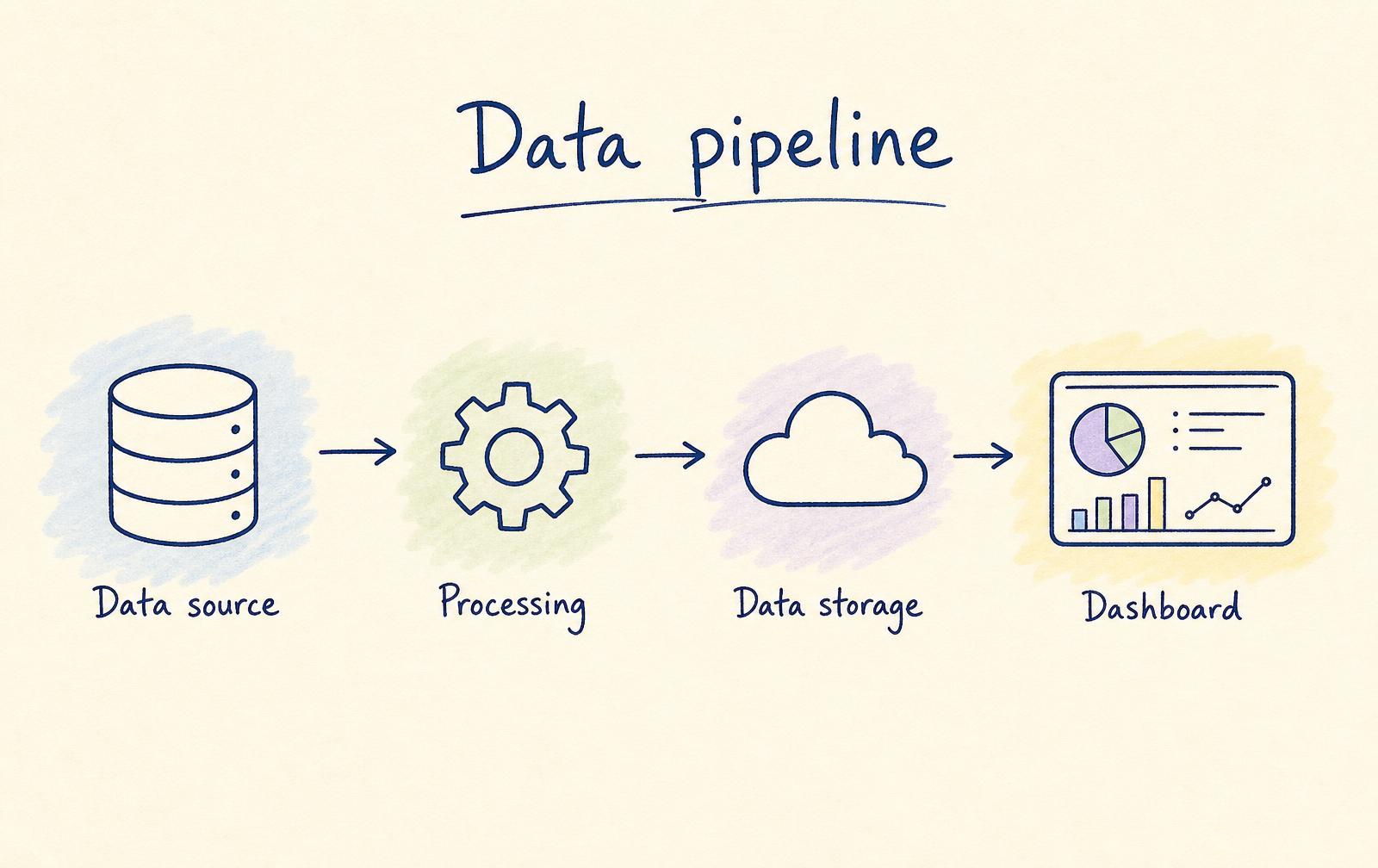
How Sketchboard AI and Lucidchart differ
Lucidchart is built for formal, standards-heavy diagramming: BPMN, UML, ERD, network shapes, data linking and enterprise governance.
Sketchboard AI targets the explanatory diagram — architecture overviews, flows, journeys and system maps drawn in ink and wash, with AI generating any element the library doesn't already have. Sticky arrows pin to the visible edge of artwork and follow it, so structural changes don't mean rewiring.
Sketchboard AI vs Lucidchart: feature by feature
full support · partial · not supported
| Capability | Sketchboard AI | Lucidchart |
|---|---|---|
| AI-assisted creationGenerate transparent hand-drawn assets from a text prompt or reference image. | Yes | Partial |
| Freeform sketching25 brush families with pressure-aware ink, smudge and precision eraser. | Yes | No |
| Visual brainstorming | Yes | Partial |
| Diagrams with sticky arrowsArrows pin to the visible edge of any element and follow it as it moves. | Yes | Yes |
| Mind maps | Yes | Yes |
| Templates & community gallery | Yes | Yes |
| Built-in illustration library5,000+ illustrations, symbols, stickers, line icons and vector shapes, plus full-colour Drawings. | Yes | Partial |
| BPMN / UML / ERD standard shape sets | No | Yes |
| Data-linked & auto-generated diagrams | No | Yes |
| Consistent hand-drawn visual style | Yes | No |
| Presentation modeSlide-by-slide presenting with laser pointer and spotlight. | Yes | Partial |
| Runs in any browserMac, Windows, Linux, Chromebook, iPad and phones — nothing to install. | Yes | Yes |
| Export to PNG, SVG, PDF, PPTX, GIF | Yes | Partial |
| Automatic version historySnapshots with full-screen preview before you restore. | Yes | Yes |
Lucidchart is a mature product and this table only compares the capabilities that matter when choosing between the two. We list what Sketchboard AI actually ships — nothing more.
What Lucidchart does better
- Standards-compliant shape libraries for BPMN, UML, ERD and network diagrams.
- Data linking, automated diagram generation and enterprise admin controls.
Where Sketchboard AI wins
- Hand-drawn architecture and flow diagrams with AI-generated components.
- Ink-aware sticky arrows that stay glued to artwork edges.
- Multi-slide zoom levels — context, container, component — in one board.
- SVG for docs, PDF for reviews, PPTX for stakeholders, plus version history.
Which one should you use?
Choose Lucidchart if…
- You need formal notation, data-linked diagrams or enterprise governance.
Choose Sketchboard AI if…
- You need diagrams that communicate to non-specialists and look drawn by a human.
Looking for a Lucidchart alternative for…
- Lucidchart alternative
- Lucidchart alternative free
- hand-drawn diagram tool
- Lucidchart alternative with AI
- architecture diagram alternative
FAQ
Does it support UML or BPMN notation?
Not as standard shape sets. Diagrams are hand-drawn and explanatory rather than notation-compliant.
Can I import a Lucidchart diagram?
No importer. Export an image and use it as an element, or rebuild it with library assets.
Can diagrams stay up to date?
Yes — everything stays editable and sticky arrows re-route when components move.
More comparisons
Try the Lucidchart alternative built for ideas
Free to start, in any browser. Sketch, draw, brainstorm, design, diagram, create.
Start a board free